How to sell on Allegro: a guide for a new seller
How to sell on Allegro from the first click: which account type to pick, what Allegro checks at registration, how to build an offer, which fees accrue without a sale, and what the sales-quality score measures.
To sell on Allegro you need a registered and fully activated account — regular or business — and then one offer with a title, parameters, photos, a delivery price list and a price.
Activation happens once and costs nothing. It confirms the data you gave at registration. Without it the account can only buy.
Below: the difference between a regular and a business account, what Allegro checks at registration, how to build a first offer, where the fees come from and what the sales-quality score actually measures.
How to sell on Allegro — four steps before the first offer
The order is fixed and cannot be skipped. Registration, bank-account verification, company-data verification, sales terms — and only then the listing form.

Allegro separates two thresholds here. Once the bank account is verified you can already publish your first offers. Full business status arrives only when the company documents are approved.
That second check unlocks unrestricted payouts and selling on foreign markets. Allegro documents the two stages separately, because several days of human review sit between them.
Business account or private account
This is the fork where most people looking for a starting point stop. Allegro has two account types: regular, for private individuals, and business, for companies.
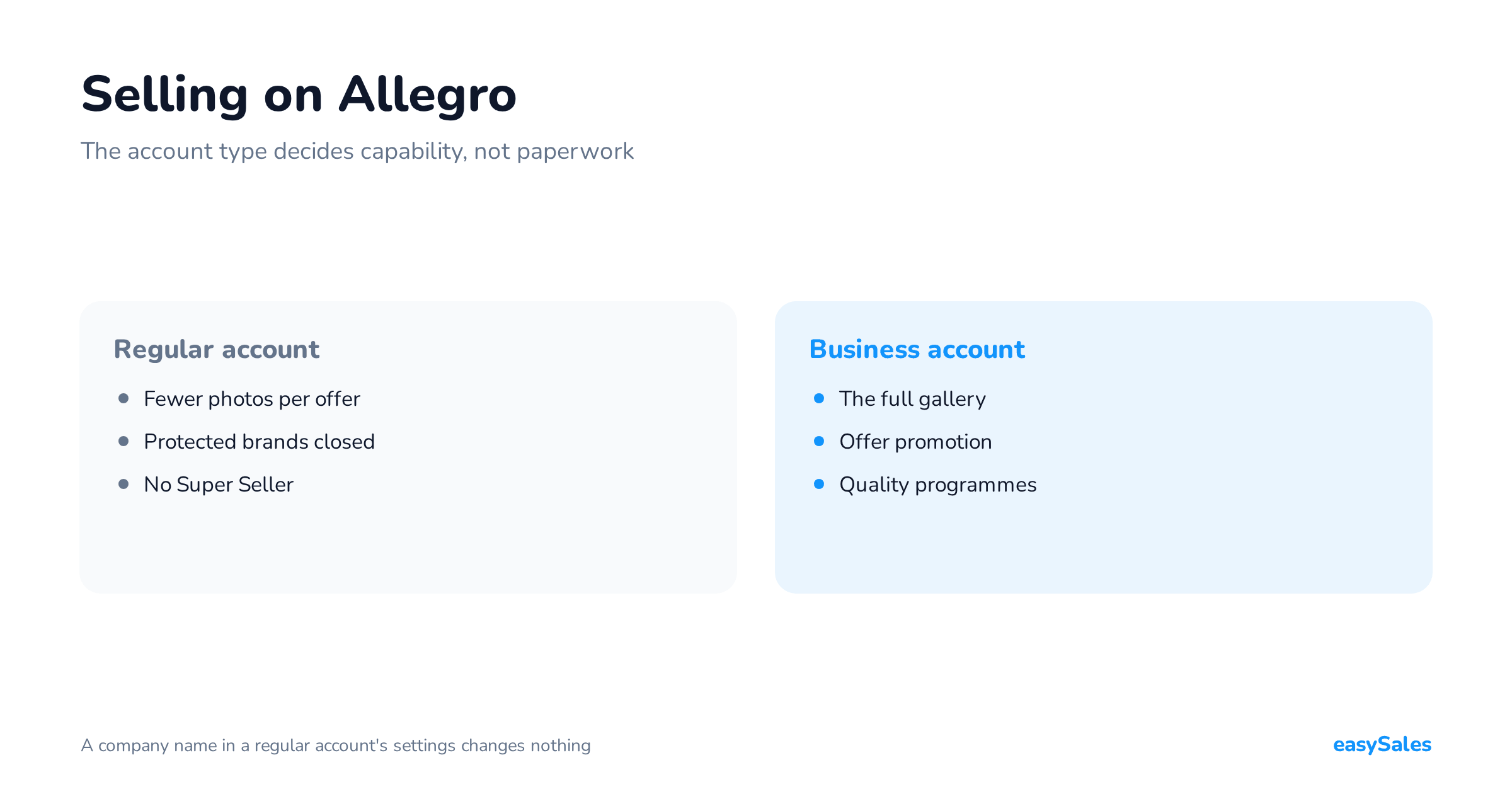
The choice is not a matter of convenience. It changes what you are allowed to do in the service — and you cannot work around it by typing a company name into a regular account's settings.

What a business account gives you that a regular one does not
Allegro lists the differences plainly: a "Company" label next to the username, extra verification at registration, trader details visible in the offer, an invoicing account and access to the Super Seller programme.
On top of that come limits you only see inside the form. A regular account adds 10 photos to an offer, a business account 16, and 40 in the classified-ad categories.
Products of protected brands can be listed from a regular account only on Allegro Lokalnie. They reach Allegro itself only from a business account, after you accept the Brand Protection Terms.
Offer promotion options are closed to regular accounts. Allegro requires a business account and a sales-quality level of at least Neutral.
Selling without a company and without a tax number
With no registered business you sell from a regular account. Allegro activates it with a transfer of 1.01 zloty, which it refunds in full.
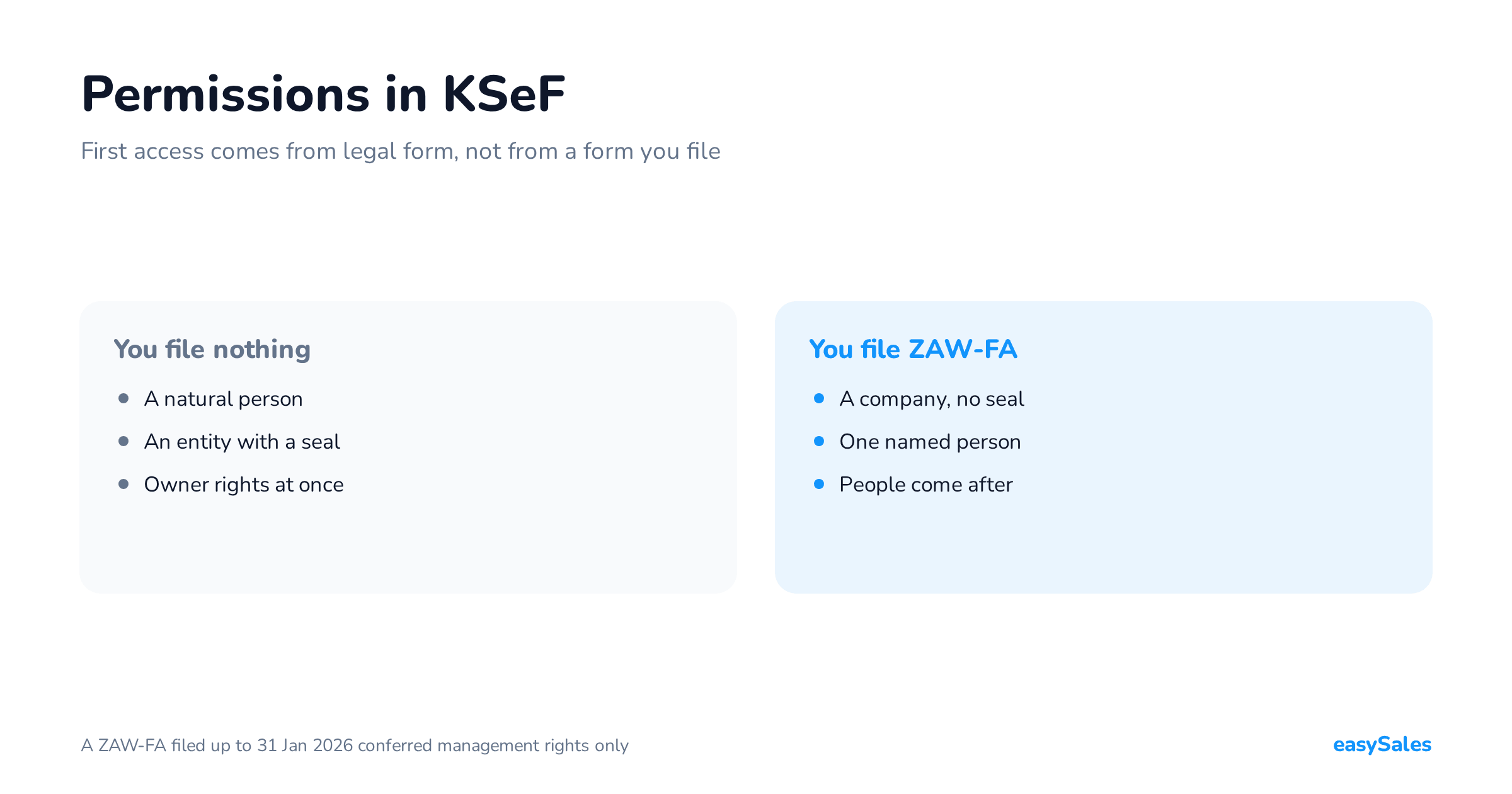
The Polish state portal biznes.gov.pl also describes a separate route: unregistered activity. It needs no CEIDG entry, and from 2026 its revenue limit is set per quarter.
We do not rule here on which route is yours. That portal publishes the current amounts and conditions, and your accountant judges your own position.
A regular account can be converted into a business account later. Allegro allows the status change for sole traders and for activity run inside a business incubator.
Registration and activation — what Allegro checks
Business registration starts with the tax number. Allegro pulls the company data from GUS, CEIDG or VIES; where that fails, you fill it in yourself.
Two conditions are hard. The company has to be active — suspended activity does not pass verification. And the tax number has to match the registered address.
The verification transfer and the identity check
You confirm the bank account in one of three ways: a fast online payment, a traditional transfer of 1.00 zloty, or AIS — a one-off consent to read data from your bank.
The amount goes back to the account it came from. Sole traders may send the transfer from a private bank account.
Identity is confirmed separately, because the payment operator has to do it. For a sole trader that is the owner; for other legal forms it is every representative listed in the company register.
When the account counts as fully active
Without full activation you cannot list anything for sale. Buying works — including bidding and the basket.
Business accounts often sit in an intermediate state. The account already works, but the document scans are still waiting for a staff review. The "Company" status arrives with a confirmation e-mail.
The first offer: title, parameters, photos, description
The listing form does not start with the title. It starts with the GTIN (EAN code). Allegro searches the Catalogue with it and fills in the title, the category and some parameters for you.
If you have no code, you pick "My product has no GTIN (EAN code)" and search by name instead. The form itself is available only in Polish and English.
The title has a floor and a ceiling
A title needs at least 12 characters including spaces and at least three words. The ceiling is 75 characters, and the keywords belong right at the start.

Allegro also lists what a title must not carry: price-cut claims, words like "bargain", "new", "promotion" or "hit", your login, the pickup town and your internal stock numbers.
Another brand's name is allowed only with a "designed for" phrasing. For a universal product that fits many models, you do not list brands at all.
Photos: sizes and limits
The longer side is at least 500 pixels and at most 2560 by 2560. The formats are jpg, jpeg and png, plus webp when you list from a file or through the API.
The background can be anything, but the photo carries no text and no logo of yours. You may show the product, its packaging, brand and technology logos, certification marks, numbers and graphic elements.
A photo generated or materially altered by artificial intelligence has to be flagged. Allegro cites the EU AI Act and offers the marker in the Catalogue, in the form, in file uploads and in the API.
What a description may not say
The description covers only the product in that one offer. Allegro forbids inviting contact before purchase: price negotiation, phone orders, questions about availability or about a discount.
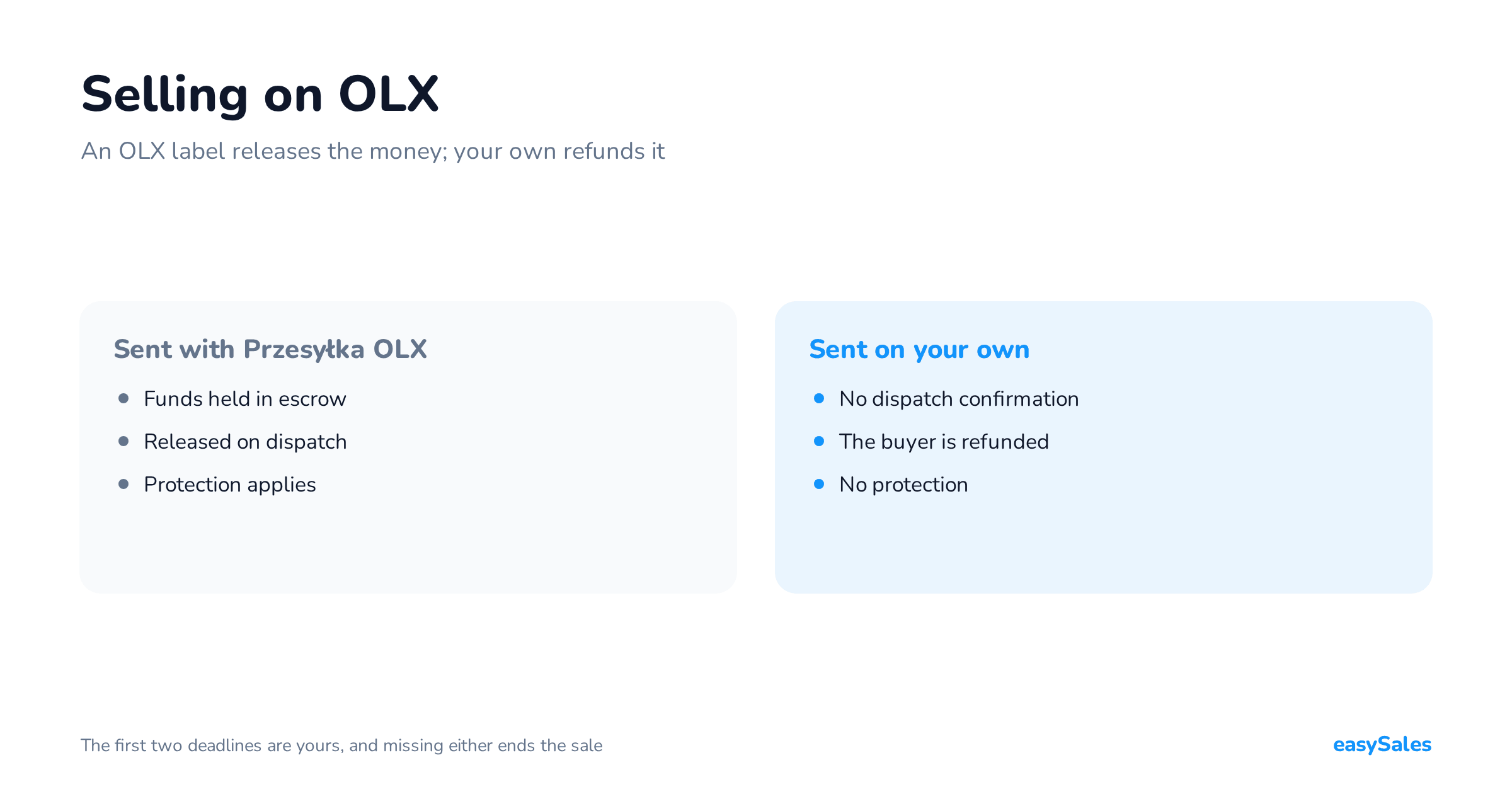
Sentences like that pull the transaction outside the service. The consequence is concrete: you lose the platform's protection and the buyer cannot leave you a rating.
Do not replace copy with an image either. Text baked into a picture is invisible to Allegro's own search and to Google.
Category and the Allegro product Catalogue
The category decides which parameters you fill in and which filters lead a buyer to your offer. For a product taken from the Catalogue, Allegro assigns it automatically.
After publication the category can be changed only inside a narrow window: up to 12 hours, and only while the offer has had no purchase. After that, relisting is the only route.
![Publishing an offer is not instant. A review sits between clicking [list item] and going live. Allegro checks whether the title matches the product name, whether the basic parameters and the GTIN agree, whether your photo resembles the Catalogue photo, and how many offers you already have linked to that product.](https://easysales1.fra1.digitaloceanspaces.com/blog/featured/241/ja-oferta-en-m-jpG9iT.png "Click to enlarge")
Linking to a product card, and the limit of five offers
An offer linked to a Catalogue product publishes in minutes and inherits ready photos and a description. Without the link Allegro may end it automatically.
In selected categories you can link at most five offers with the condition "New" to the same product. The limit ignores offers with a different condition and product bundles.
Without the link you cannot publish on allegro.cz, allegro.sk or allegro.hu. The number itself is covered in our piece on the EAN code.
A missing GTIN does not block selling. Allegro allows temporary products in categories with unique stock, such as Handicraft or Collections and art, and classified ads in motoring, real estate and services.
How long the offer review takes
Allegro reviews an offer before publication, automatically and by hand. It usually takes a few minutes; creating a new Catalogue product takes over half an hour.
After two hours the offer is published even if the review has not finished. The rest of the checking then happens on a live offer. Listing from a file takes up to three hours.
A rejected offer stays a draft. The reason and the fix appear in the form, under [correct errors] in My stock, and in the e-mail notification.
Delivery and delivery price lists
A buyer does not choose from a list typed into one offer. They choose from a delivery price list — a separate object you attach to many offers and edit in one place.
You can keep up to 250 of them. One goes into each offer, and when several offers are bought together, the cost-combining rule you set decides what the buyer pays.

Ready-made price list or custom one
Allegro maintains a ready-made price list: it sets the maximum rates, updates them and adds new delivery methods. That is why it always meets the Smart! conditions on every market.
A custom price list is yours to run. You pick it when you want your own prices, free delivery outside Smart!, settlement directly with the carrier, or shipping of heavy and oversized goods.
There is one catch. In a ready-made price list, cash on delivery can be switched off only on allegro.pl. On the foreign markets it is one of the Smart! conditions.
Dispatch time is a promise Allegro then measures
The estimated delivery date in your offer is not your declaration. Allegro computes it from dispatch time and transit time, adding real data to both.
It reads your dispatch history from up to the last 90 days. It also weighs seasonality, public holidays, your same-day cut-off hour and any selling break you have set.
So a promise you do not keep breaks two things at once: the commitment to the buyer and your own point score. Labels and tracking are covered in our piece on Allegro and InPost.
What selling on Allegro costs
There are several kinds of charge and each runs on a different clock. That matters more than the rates, because the clocks are what new sellers misjudge.

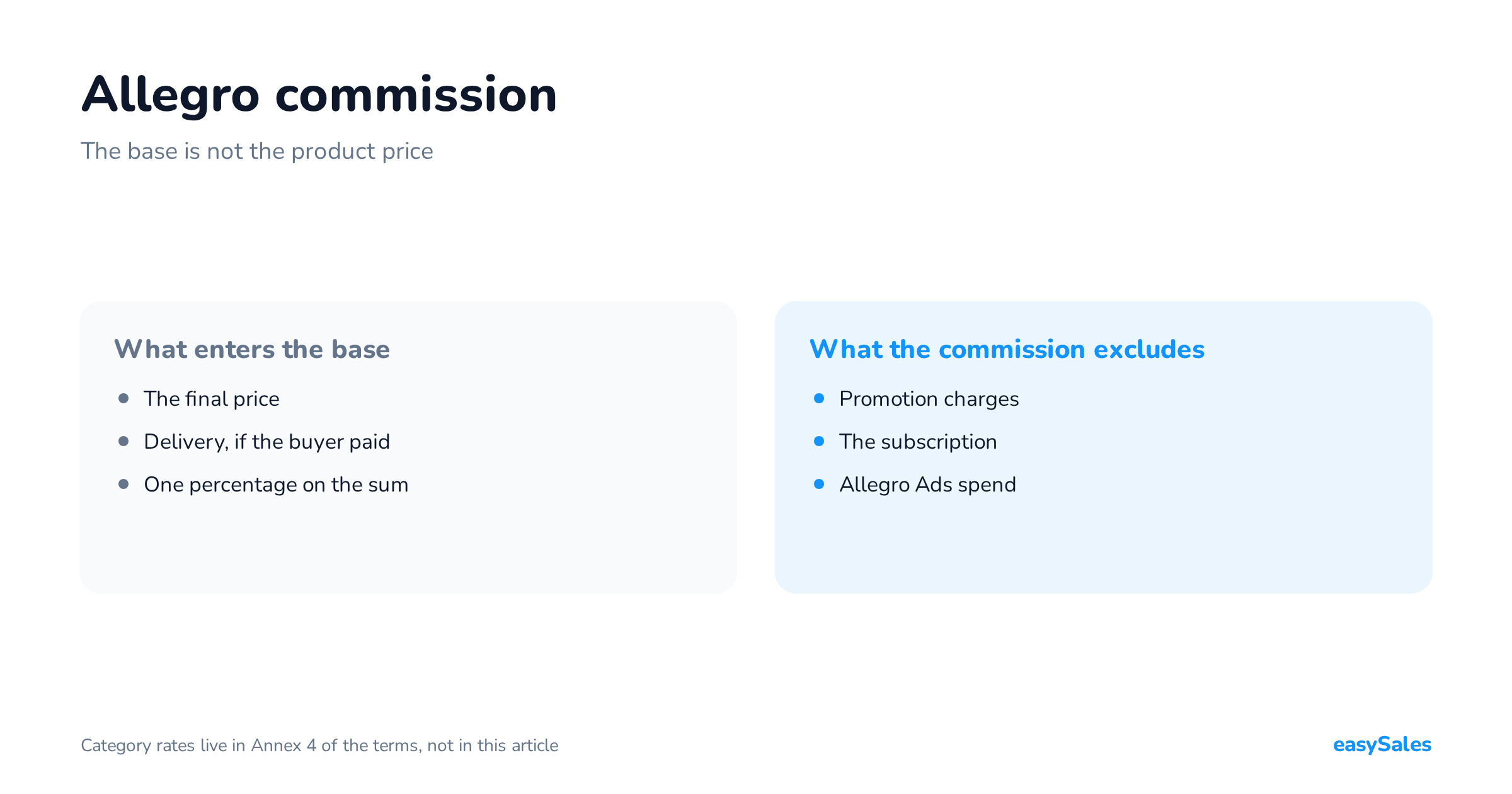
Allegro charges commission at the moment of purchase and calculates it on the final price plus the delivery the buyer paid. Delivery at zero or inside Smart! is excluded.
The listing fee runs in ten-day cycles
Allegro charges the listing fee every 10 days an offer runs. An offer listed for 20 days is charged twice: on day one and on day eleven.
The invoice for using the service is issued by the 15th of the following month. The figure in the e-mail is last month's; the balance in the panel is this month's. Two different numbers.
Promotion is a separate, recurring charge
Highlight settles in ten-day cycles, Flexible Highlight every 24 hours. On top of that comes an extra sales commission on a highlighted offer.
Current rates for a specific category come out of Allegro's fee and commission calculator, which also works without logging in. You give the category, the product price and the delivery cost.
The fee summary appears in the form before you click [list item]. Read it there, not after your first invoice — listing and promotion fees accrue whether or not anything sells.
Allegro Smart! from the seller's side
Smart! is a buyer's subscription, but the seller meets the conditions. The icon on an offer comes out of your delivery price list and your sales-quality level, not out of an application.
Allegro states that the Smart! badge quadruples the chance of a sale against offers without it. That is the platform's data, not ours.
The conditions differ by account type. A regular account needs the InPost parcel locker method in the offer. A business account needs the full package of Allegro Delivery methods.
Who pays for a Smart! parcel
The buyer does not. Allegro takes the charge from you, in five bands tied to the order value. The return shipment is covered by the platform — for the buyer and for you.
Both routes require a sales-quality level above Neutral, or at least Neutral across all your accounts, no outstanding balance, and return terms with an address in Poland.
Free delivery is a different badge. You earn it by setting the cost to zero on one of the listed methods, and the badge itself is free.
Ratings, sales quality and Super Seller
These are three different things and they are easy to confuse. The rating comes from buyers. Sales quality is Allegro's own point score. Super Seller is a title granted automatically on that score.
The rating is a recommendation percentage
A buyer gives a thumb up or down and may add a comment. With a negative rating they have to state a reason.
The recommendation percentage is computed from unique ratings over the last 12 months. Several ratings from the same buyer count only if at least three days separated the purchases.
A rating that points solely at a carrier delay is excluded automatically. The conditions: you dispatched within your declaration, and the buyer added no comment longer than four characters.
Seven sales-quality measures
Since 26 August 2026 the maximum is 400 points, not 500. The Super level starts at 230 points, Good at 101, Neutral at 0.
A new seller starts at Neutral with one hundred points. Points are only calculated for accounts that had at least one active offer within 30 days.

The upside is distributed unevenly, and that is the most useful fact in the whole panel. The biggest gain comes from same-day dispatch; the biggest loss from late dispatch.
New and returning business accounts are enrolled automatically in the First Steps programme. For six months a drop below Neutral is held back for 14 days.
The Super Seller conditions
The title is granted automatically, with no application. There are four conditions and they have to hold at the same time.
- A business account.
- Sales quality at the Super level on at least 14 of the last 30 days — not necessarily consecutive.
- Sales quality no lower than Good across the whole of the last 30 days.
- At least 50 orders in the last 30 days, excluding cancellations and commission refunds.
Fifty orders a month is the threshold where the nature of the work changes. Up to that point you handle every parcel and every message by hand, and that genuinely works.
Scaling: when one offer becomes a hundred
First offers go through the form, and that is the right route. The problem shows up later, always in the same places.
- Listing — the same product across several categories and markets, one offer at a time.
- Stock — one item in many offers and in the shop, every counter separate.
- Orders — several queues, several carrier panels, several places holding labels.
- Documents — an invoice or receipt per order, plus sending that document to the buyer.
- Messages — timely replies are a scored measure, and the threshold is 95 percent answered within 24 hours.
Allegro offers three listing routes: the form, a file of up to 10,000 offers at once, and the API. The last two assume your product data is already tidy on your side.
Here the condition from the Catalogue section returns. Bulk listing runs by itself only when the mapping to products is done properly. As soon as detailed edits are needed, work drops back to single offers.
Automated sales documents are covered in our piece on automatic Allegro invoices, and the requirements on the system itself in the piece on Allegro integration.
In easySales those five places sit in one panel: the catalogue, offers across several channels, one order queue, carrier labels and sales documents. Before you cost that out, publish your first ten offers by hand.
A checklist before the first offer
The list below closes off everything Allegro checks or measures before your offer meets its first buyer.
Check this before you click [list item]
- Account fully active — verification transfer settled, company documents approved.
- Return and complaint terms set, with a return address in Poland.
- GTIN checked, offer linked to a Catalogue product.
- Title: 12 to 75 characters, at least three words, keywords at the start.
- Photos free of text and logos, longer side at least 500 pixels.
- Delivery price list attached, dispatch time set to what you actually deliver.
- Fee summary read inside the form, before publishing.
The tax scope of your selling — the legal form, VAT, a cash register — stays outside this article. That is a question for your accountant, not for a marketplace.