Allegro integration: what a system actually has to do
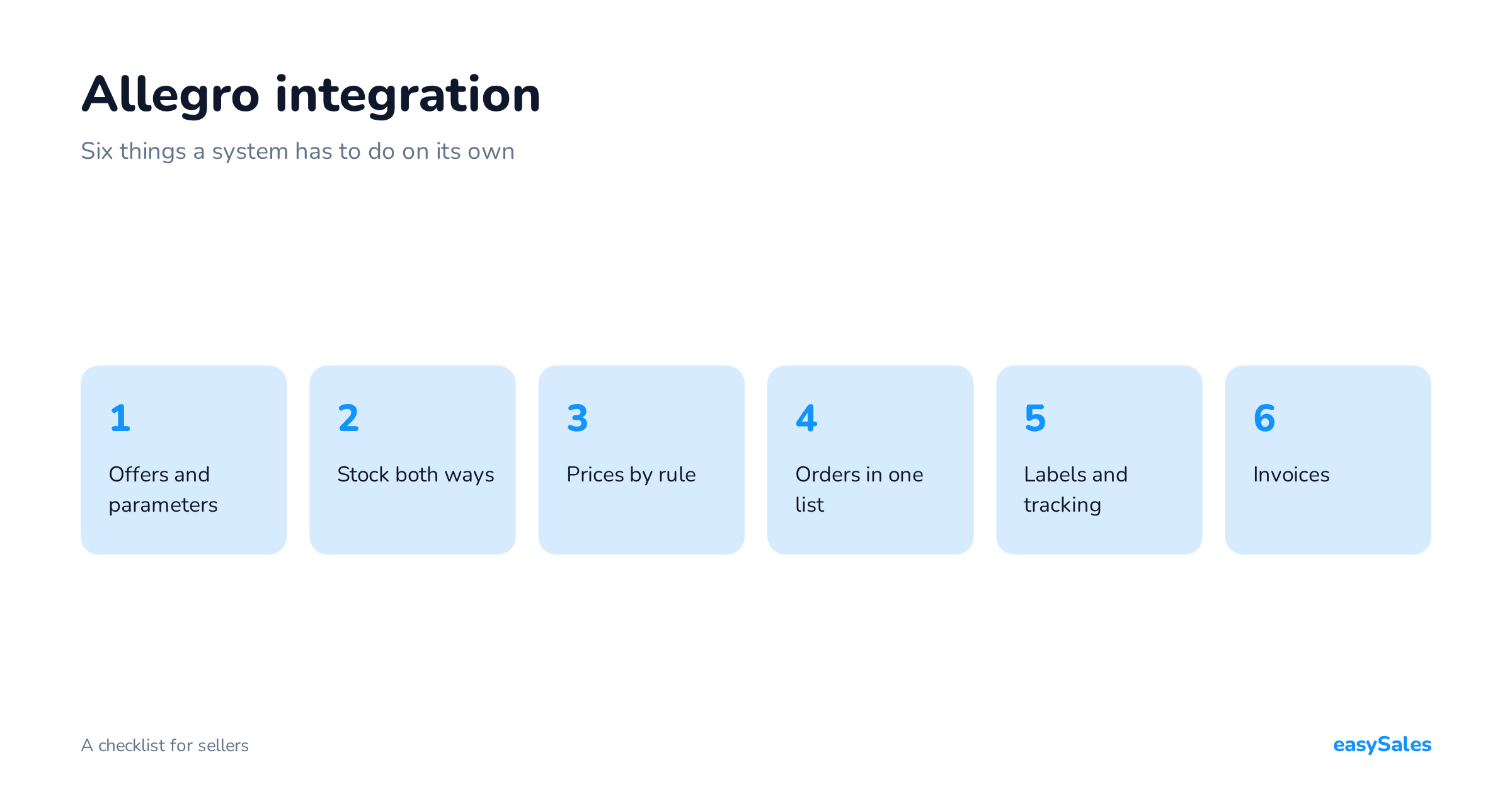
Offers, stock, prices, orders, shipping and invoices — the six things an Allegro integration has to handle on its own. A checklist for sellers choosing a system.
"Allegro integration" means everything and nothing. One plugin lists offers and stops there. Another pulls orders but never touches stock. The difference only shows up once you are doing a few hundred orders a month and discover you are still doing half the work by hand.
Here are six things an integration has to do on its own to deserve the name. Treat it as a checklist when choosing a system — whichever one you end up with.

1. Listing and updating offers
Creating an offer is the easy part, which is why almost every tool manages it. The real question is what happens afterwards: when you change a description, an image or an attribute in your own catalogue, does the Allegro offer change by itself?
The second question is whether the system understands category parameters. Allegro requires different parameters for footwear than for electronics, and gaps block the listing.
A tool that makes you fill them in by hand on every offer has moved the work, not removed it.
There is one thing to settle before connecting anything: what happens to the offers you already have listed.
The right answer is "they get attached". The system finds the existing offer by its id or its SKU and links it to a product in your catalogue.
The answer "we will relist them" means something else entirely. A new offer means a new id, and with it go the sales history and the standing built up over years.
Ask this one first. Rebuilding an offer's history takes months, and the decision cannot be undone. It is the only question on this list you cannot fix later.

2. Stock, in both directions
This is where an "integration" most often turns out to be one-way.
A sale on Allegro has to reduce stock in your warehouse, and a sale in your shop or on another marketplace has to reduce availability on Allegro.
If only one direction works, that is not synchronisation — it is an export.
Check how often, too. At a few dozen orders a day, the difference between hourly and immediate updates is the difference between calm and cancelling orders you cannot fulfil.
A question worth asking outright: how many minutes pass between stock updates.
"Real time" means nothing on its own.
What you want is the actual interval — and what happens when Allegro does not answer: does the system retry, or leave the level from an hour ago?
It is also worth remembering that an interval is a schedule, not a guarantee of processing time. That difference surfaces exactly when sales are moving fastest.
3. Prices — by rule, not by hand
The Allegro price is rarely the same number as your shop price: commission, delivery cost and sometimes a different discount policy all land on top.
The system should be able to derive it from a rule — margin, markup, rounding — rather than requiring you to maintain a second price list manually.
If you run several accounts or sell outside Poland, the same rule has to apply to many offers at once. Otherwise every change in your costs is a few hours of clicking.
4. Orders in one place
Allegro orders should land in the same list as your shop and other platforms — with the customer, address, payment method and status.
Switching between panels is not an aesthetic problem: it adds repetitive manual work and creates opportunities for mistakes, because every panel looks different and emphasises something different.
Check that status changes travel back — that marking an order shipped in your system also updates it on Allegro. That is the same "both directions" test as for stock.
5. Shipping: labels and tracking numbers
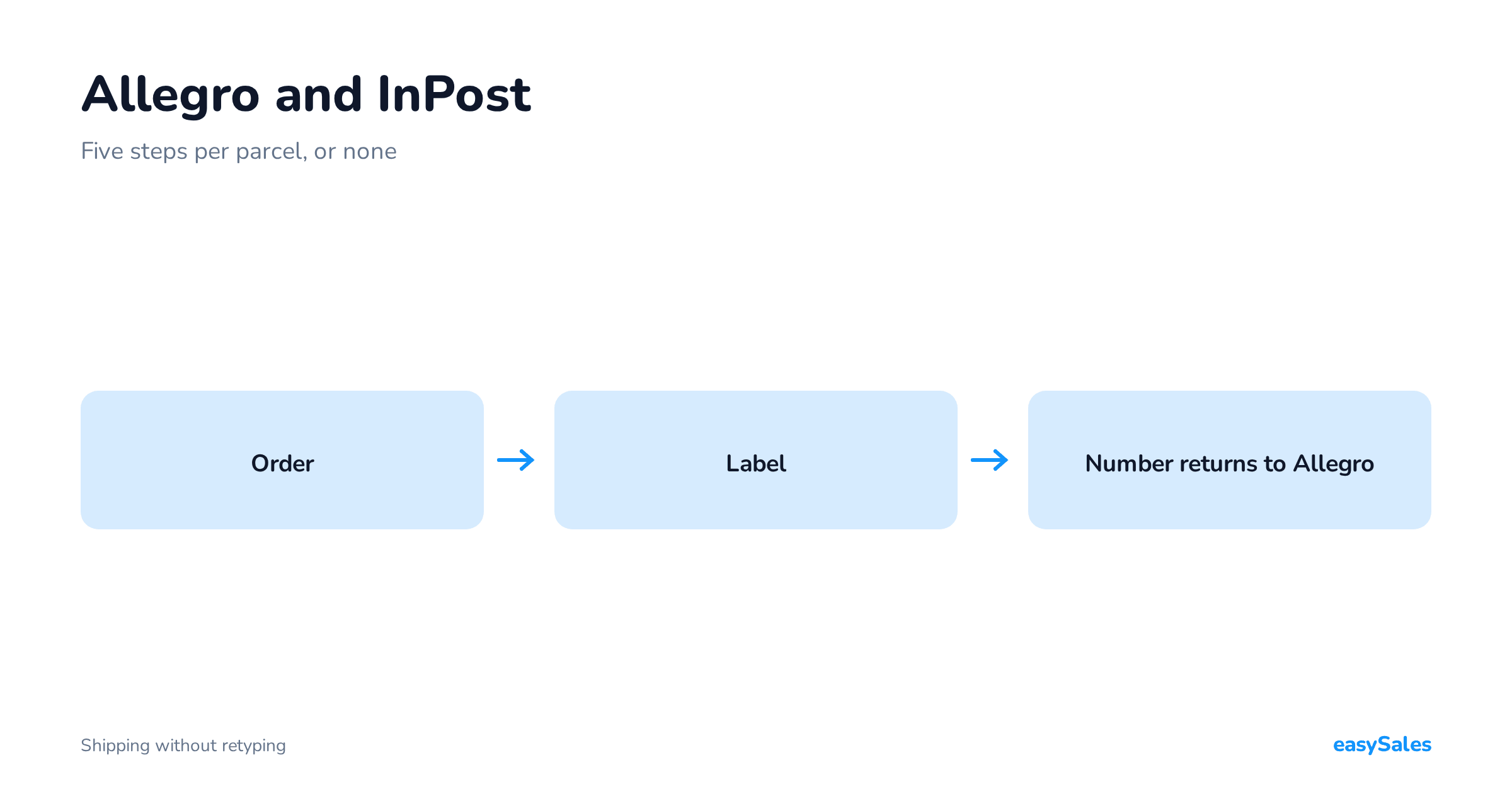
Courier, waybill, tracking number returning to Allegro — that should be one click on the order, and with standing rules, no clicks at all.
Copying tracking numbers between a courier panel and Allegro is exactly the work an integration exists to remove.
Ask about batch printing. Thirty labels in one PDF is a different working day from thirty separate print jobs.
6. Invoices and your accounting software
The invoice should be generated automatically from the order, in the accounting software you actually use, and reach the buyer without your involvement.
If you issue structured invoices, the same path has to continue — to KSeF — with no manual step in the middle.
There is a distinction here that a demo hides: a system that "can issue invoices" and a system that is connected to the program you actually keep your books in are two different things.
It is not the number of channels that decides whether you need a system — it is the number of windows. A seller with one channel who handles orders at the courier, in the accounting program and in a stock spreadsheet is working in three places.
A seller with three channels in one panel is working in one.

Allegro software vs. an Allegro integration — the difference
These two terms get used interchangeably and mean different things. Worth separating them before you start comparing offers.
An integration is a connection
An integration is a connection: the way data moves between Allegro and something else.
On its own it is not a place to work. A shop plugin that pulls orders in is an integration — and that is where its role ends.
Allegro management software is where you actually work: you see orders, print labels, issue documents, set rules. The integration is part of it, not the other way round.
The distinction matters because it answers the question "what happens when I add a second channel". With an integration, adding a channel means a second integration and a second place to work.
With an order management system where Allegro is one channel among several, adding another is a setting.
So when comparing solutions, one question does a lot of work: does what I am looking at handle an order end to end, or only move it? A tool that pulls orders from Allegro and leaves you with them in a spreadsheet solves one of the six steps above — and usually not the one that takes the most time.
Connecting Allegro to your online shop
A separate case with rules of its own: you have your own shop and want to sell on Allegro too.
The question then is not "how do I connect them" but "what is the source of truth".
Three sources of truth
Three options and what each implies:
- The shop is the source. Catalogue, base prices and stock live in the shop, and Allegro receives what it needs from them. The most common arrangement and usually the healthiest if the shop is your main channel.
- The order management system is the source. The catalogue lives in the middle, and the shop and Allegro are peer channels. This makes sense with more than two channels, because then none of them should be privileged.
- Two independent catalogues. The option that looks simplest and is the most expensive to maintain — every price or description change has to be made twice, and stock diverges on the first busy weekend.

Whichever you choose, one rule holds: stock has a single source. The shop and Allegro can carry different prices, different descriptions and a different range — but they cannot carry different stock, because physically there is one lot of goods.
This is the decision you cannot defer, because its consequences only surface as an oversell.
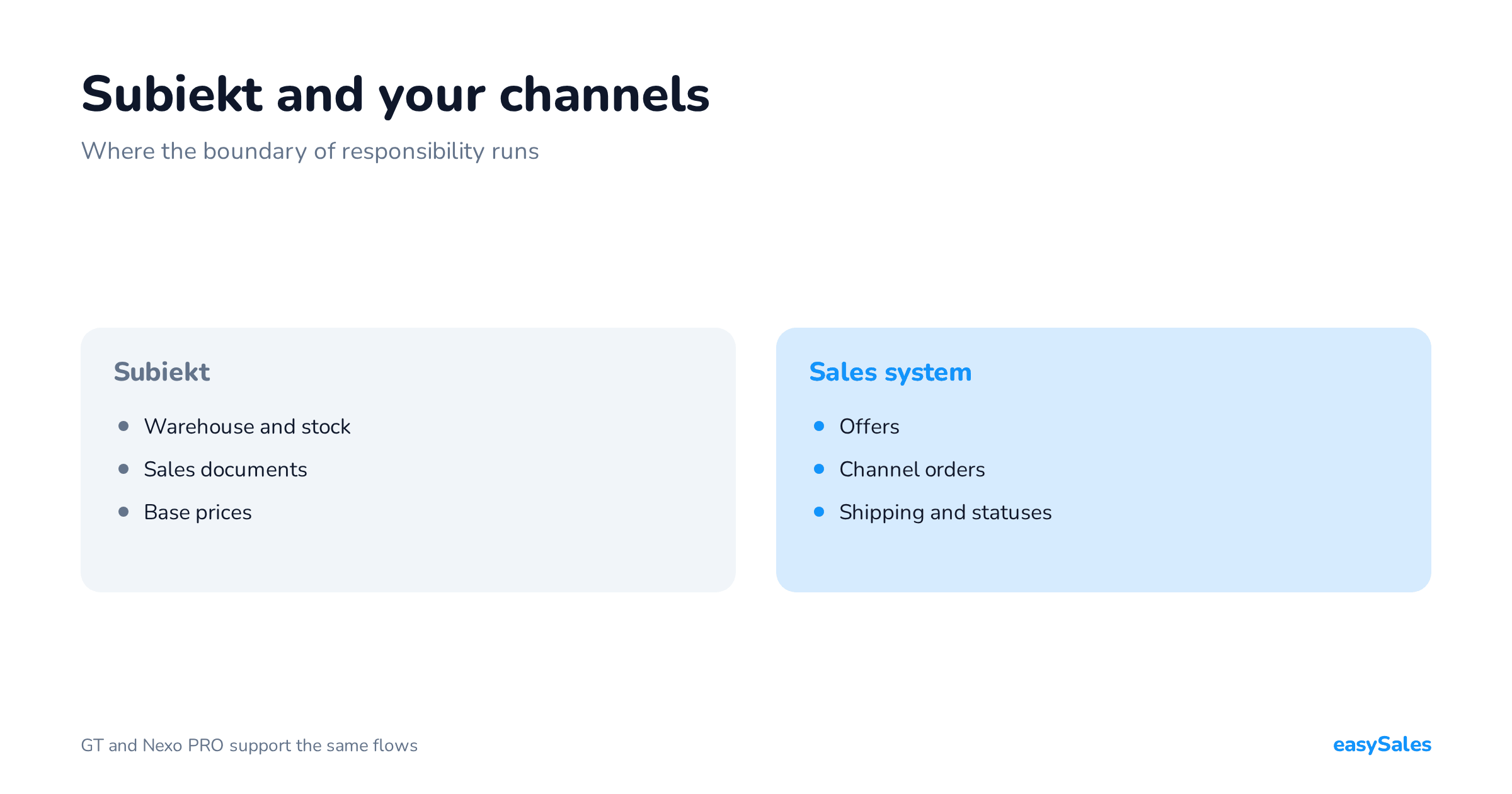
Two variants of this arrangement deserve naming separately, because they come up more often than the conversation suggests. First: stock kept in a separate program — a warehouse or trading system.
Then that program is the source of truth for stock, and the order management system sits between it and the channels.
The principle is unchanged; only the place where stock originates moves — and the one-way rule still holds: from the warehouse to the channels, never back.
Second: selling abroad on Allegro. Orders from outside Poland arrive by the same route as domestic ones, so collection works unchanged.
The differences come later — currency, documents and shipping. If you plan to sell abroad, check those three areas separately; the fact that orders are being collected tells you nothing about them.
Automating Allegro sales: where to start
The six areas above are capabilities. Automating Allegro sales starts the moment you stop performing them by hand — and that does not happen simply by connecting the account.
The order that works for most sellers:
- Stock first. It is the only one whose failure costs you money immediately — a cancelled order means a lower rating and a lost buyer. Automating stock gives the largest return and is the simplest to set up.
- Shipping second. A rule creating the shipment and label for your most common case removes the largest number of repetitive actions. Start with one scenario — a paid order with locker delivery, say — rather than with a full set of exceptions.
- Documents third. An invoice issued by rule in your accounting program. Less time than shipping, but also fewer mistakes, and mistakes here are expensive to trace.
- Prices last. Automated repricing is the most impressive and the riskiest, because a badly set rule eats margin faster than you will notice. Switch it on once everything else works and you are confident about your unit costs.

The principle that saves the most disappointment: automate the most common case, not the hardest one. A rule covering 70% of orders, set up in fifteen minutes, is worth more than a complete rule set for every situation that you never finish.
Add exceptions later — and it usually turns out half of them never occur.
It is worth setting expectations about time. Connecting the account takes minutes — and that is the part a demo shows.
The real launch date is set by the catalogue: attaching existing offers and completing product data you did not previously need.
With a tidy catalogue that means days.
With a catalogue that has never been tidied, a week of work — which was due anyway, and which pays off again on every channel after this one.
Seven questions worth asking before deciding
Demos look alike, because everyone shows the same thing: an order list and a label. The differences surface in questions that are hard to answer with a slide:
Take this list into the call
- What exactly happens to an offer I already have listed? "We will relist it" means losing the offer's history. This is the first question, because the effect is irreversible.
- What is the stock update interval, and what happens when Allegro does not respond? You care not only about frequency but about behaviour on error — does it retry, or leave the level from an hour ago.
- Can the channel price be derived by rule from a base price? If the answer is "you can set a price per channel", that is not the same thing — setting prices per channel by hand is work, not automation.
- Is the margin floor calculated from purchase cost? The key question for automated pricing. A floor based on selling price does not protect margin in a high-commission category.
- Does the tracking number return to Allegro by itself, and at what moment? On waybill creation or on the status changing to shipped — a difference of several hours for the buyer.
- Does a return generate a correction, and does it handle a partial return? The area most often skipped in demos and most often returning as manual work in January.
- What happens if I want to leave? In what format can you export the catalogue, orders and offer links. Not because you plan to leave, but because the answer says a lot about the vendor.
The best test, though, is simpler than all those questions combined: ask them to take one real order from collection to dispatch, on your account and your product. A demo shows something is possible.
One of your own orders shows how long it takes and how many times you change window — and that is the number which then repeats every day.
How to test an Allegro integration before you choose
A demo on one of your own orders
Ask for a demo on your own data and take one real order: count how many times you click or retype something before the parcel leaves and the invoice reaches the customer.
Then count the same for ten orders. Picking and packing will take ten times longer — that does not change.
But the administrative actions, the retyping and re-clicking, should not grow in proportion if the integration handles them in batches.
A first walkthrough does not replace a test in production, but it does show you where the manual work comes back.

In easySales all six work in one panel — see the Allegro integration, or browse the other integrations if you sell in more than one place.