The offline24 mode in KSeF: what the “24” means and how to issue an invoice
Under offline24 you issue the invoice electronically and transmit it later. What the “24” means, why the P_1 date governs, and how many QR codes an offline invoice needs.
The offline24 mode lets you issue an invoice electronically to the FA(3) structure and transmit it to KSeF later — at the latest on the next business day after the day of issue.
It needs no announced failure. Any taxpayer may use it, including while KSeF is working normally.
This guide answers the questions that decide whether a document in this mode is correct: what the "24" really means, which date is the issue date, how many QR codes the invoice needs, and who may be handed it outside the system.
What the "24" in the mode's name means
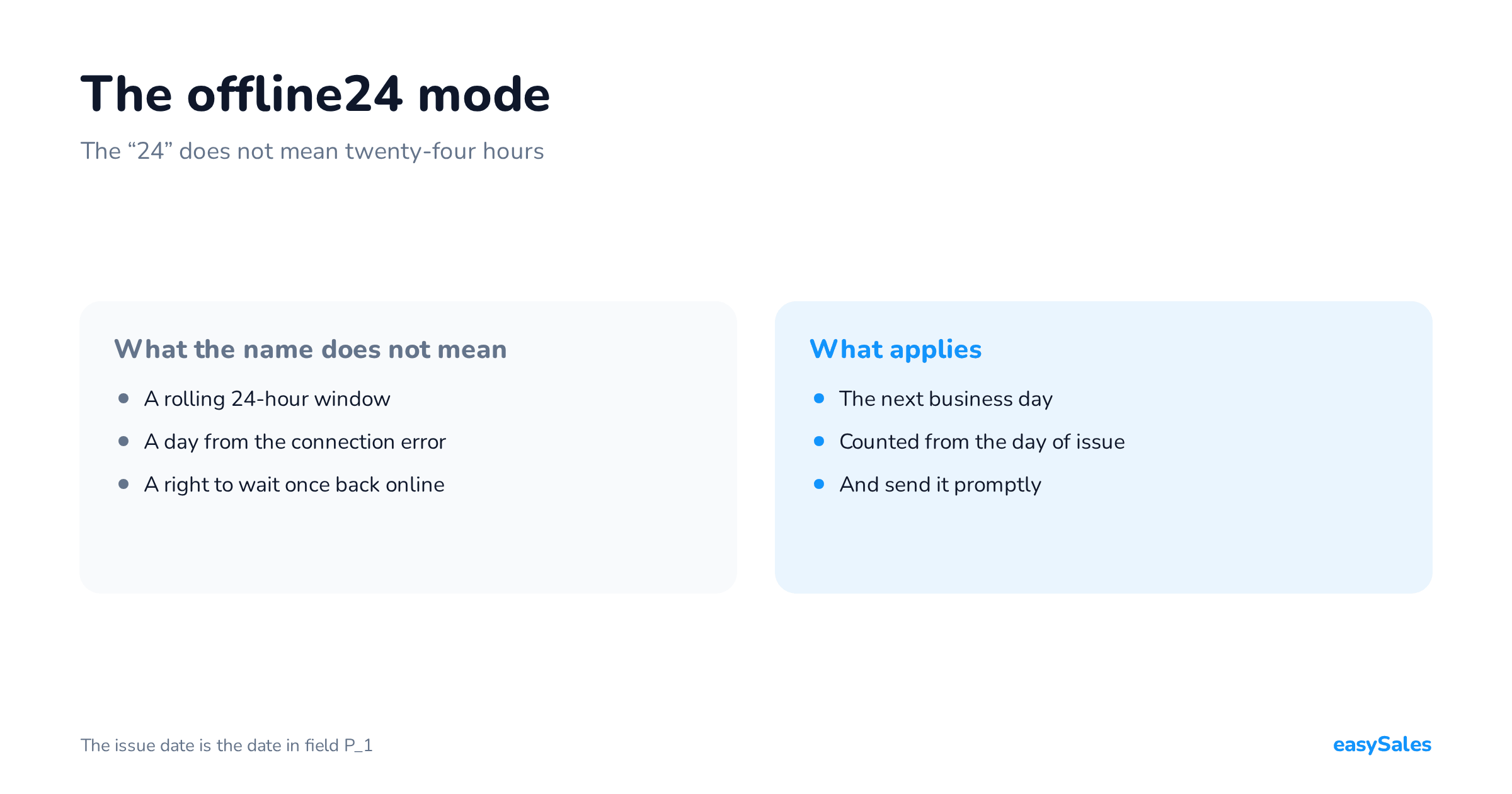
The name does not describe a rolling twenty-four hour window. That is the commonest misreading of the whole mode and the easiest route to a late document.
What applies is the next business day after the day of issue. And the invoice must be sent promptly — that is part of the rule, not decoration.

An invoice issued on a Friday therefore normally has a Monday deadline. If the connection returns on the Friday, send it on the Friday.
The deadline runs from the day of issue, not from the hour. A document issued at 23:50 has the same deadline as one issued that morning.
Who can use offline24
Any taxpayer. The Ministry sets no restriction here, because the point is flexibility — the offline24 page sets it out.
The mode was created for difficulties with network quality or a missing connection. It also answers concerns about how long invoices take to process in the system.
It is not, however, a failure mode. An announced failure is a separate state with its own deadline — we cover it in the piece on a KSeF failure.
The issue date is the date in field P_1
Under offline24 the issue date is the date the taxpayer put in field P_1 of the structure. Not the transmission date, and not the date the KSeF number was assigned.

The distinction has a direct accounting consequence. An offline invoice can already be issued while it still waits for transmission and for a number.
An "online" invoice that arrived too late
The same rule catches a document issued in the online mode whose transmission date turned out to be later than the date in P_1.
The regulations then classify that invoice as offline24 — even if nobody deliberately chose the mode.
In practice that means a delayed submission is not merely a technical problem. It changes the mode the document was issued in, and with it the deadline.
Which is why, for a document with no KSeF number, the first question is not "why did it fail" but "which mode was it issued in". The answer changes everything you do next.
What an offline invoice is
An offline invoice is an electronic invoice issued to the applicable FA(3) structure that reaches KSeF later than it was issued.
It is not a paper invoice and it is not a document "outside the system". The only thing separating it from an ordinary e-invoice is when it is transmitted.
So the content requirements are identical. The same schema, the same fields, the same validation on acceptance.
There are three offline modes: offline24, offline for unavailability, and the failure mode. They differ in cause and deadline, not in the form of the document.
How many QR codes an offline invoice needs
It turns on one factor: whether you hand the document to the buyer before transmitting it to KSeF, or afterwards.

An offline24 invoice handed over outside the system before transmission needs two codes. The first, marked OFFLINE, gives access to the invoice in KSeF and verifies its data.
The second, marked CERTYFIKAT, allows the issuer's identity to be confirmed. Once transmitted and numbered, the visualisation carries one code, with the KSeF number beneath it.
The second code requires a type 2 certificate
A KSeF certificate of type 1 authenticates you to the system and will not substitute for type 2. They are generated separately, and one certificate cannot cover both uses.
Prepare the right certificate in advance and check that it is valid. We cover the detail in the piece on the KSeF certificate, and the marking rules sit in the Ministry's material on QR codes.
The same rule applies in the offline mode for unavailability and in the failure mode. It is not specific to offline24.
Who to hand an offline invoice to, and how
How it is delivered depends on the buyer, not on your convenience. That matters when automation attaches a PDF to an email or to a marketplace order.

For a buyer who is a domestic taxpayer, an invoice from this mode reaches them through KSeF. The date of receipt is the date the number was assigned.
Buyers covered by the exceptions, a consumer or a particular foreign entity for instance, are given the invoice in an agreed way. Then the date they actually receive it is what counts.
A transaction confirmation while there is no number yet
When an offline24 invoice has no KSeF number yet and the buyer is a domestic taxpayer with a NIP, you may issue them a transaction confirmation.
It is a separate document with its own data layout. It is not an invoice and does not replace one — the Ministry's transaction confirmation page gives the rules.
In automation, separate three stages: building the XML, transmitting to KSeF, and handing the document to the customer. Each needs its own completion condition.
Correcting an invoice issued under offline24
A correction can be issued in this mode too, and its transmission is then subject to the same deadline. The order, however, is forced.

If the correction concerns an original invoice issued under offline24, transmit that original first and wait for its KSeF number to be assigned.
Only then issue the correction, declaring the corrected invoice's number in it. A near deadline does not remove the dependency.
In the queue that means a status of its own: waiting for the original invoice. More on the correcting document itself in the piece on corrections in KSeF.
What to do when an offline invoice is rejected
A rejection on transmission does not void an offline invoice. The document was issued on the date in P_1, so the obligation to transmit persists and the clock keeps running.
Read the specific message first. If the error is technical, the API documentation provides a separate path for that invoice.

The corrected file is sent as a technical correction, quoting the SHA-256 of the original invoice in the hashOfCorrectedInvoice field.
KSeF then links the two documents. A customer who scans the QR code on the printout they already hold learns the invoice was technically corrected, and can download the new version.
What a technical correction does not cover
It is not for changing the invoice content — not the price, not the transaction data. It covers only the technical problems that prevented the document being accepted.
Nor does it cover missing permissions for the parties on the invoice. It is not available for an offline invoice that has already had another valid correction accepted.
Keep the original file and its hash even after preparing the corrected version. Without the original hash there is nothing to point at as the thing being corrected. The KSeF API documentation describes the mechanism.
Where the integration's role ends
Worth knowing before you design a document flow around the offline modes. The boundary runs somewhere other than most people assume.

Our integration transmits invoices to KSeF in the online mode. It records the status on the order, the KSeF number and the UPO, and shows rejection messages against the document.
It also builds the verification link, from the seller's NIP, the issue date and the invoice hash — the same link that goes into the QR code on the PDF.
What it does not do is issue invoices in the offline modes or generate the CERTYFIKAT code. Those modes are handled by the software the invoice is created in.
We authenticate with a KSeF token rather than a certificate. Worth adding that the Ministry decided to keep tokens indefinitely, contrary to the original plan — the certificates page says so.
One question worth settling at the start
In a multichannel shop the thing that matters most is deciding which single system sends a given document. Two integrations starting the same process is the commonest cause of duplicates.
Block two processes handling one invoice at the same time as well. A manual click on resend should pass the same checks as the automatic path.
The integration page covers the scope of our KSeF handling, and numbers and receipts sit in the piece on the KSeF number and the UPO.
A checklist for an offline24 invoice
Check this against every document issued in this mode
- The date in
P_1is the issue date and does not change on a retry. - The transmission deadline counted from the day of issue, against the Polish business-day calendar.
- The document sent promptly once the connection returned — not at the end of the window.
- The right number of QR codes for the moment of handover and the buyer type.
- A valid type 2 certificate ready, if you hand invoices over before transmitting them.
- Corrections marked as waiting for the original invoice's number.
- One system accountable for sending a given document.
Start with one invoice and walk its path from P_1 to its KSeF number. You will see which of those seven points you are not recording anywhere.
Whether a given mode and deadline apply to your sales is a question for your accountant. What we describe is what validation does and what the system records.