How to connect DHL Express with easySales: a complete setup guide
Connect DHL Express to easySales: MyDHL API credentials, the account numbers, the sender details, the default product, creating labels and the refusals DHL sends back.
What connecting DHL Express gives you
With DHL Express connected, easySales creates DHL Express shipments for your orders: it sends the sender and the receiver to DHL, receives the label as a PDF, puts the AWB on the order and follows the parcel's delivery status.
Three things to know before you begin:
- You need MyDHL API access, not only a MyDHL+ login. The Username and Password in easySales are the API credentials DHL Express issues for your account. The username and password you use to log in to MyDHL+ do not work here.
- The account numbers are checked only when you create the first label. Get Details checks the username and password. The two account fields are checked by DHL when the first label is created, so create a test label right after connecting.
- Pick the right DHL card. This guide is for the card named DHL — DHL Express. DHL24 is DHL Parcel in Poland, which has its own guide, and the German DHL parcel service has a separate card of its own.
Before you start
A DHL Express business account
With its nine-digit account number.
MyDHL API credentials
An API username and password from DHL Express.
Your pickup address
With the county, a phone number and an e-mail address.
Step 1 — Get your MyDHL API credentials
DHL Express gives API access to its business customers. Request it on the DHL Developer Portal (developer.dhl.com) for the MyDHL API, or ask your DHL Express account manager. You receive an API username and password. You also need your DHL Express account number — nine digits, printed on your DHL invoices and contract.
Step 2 — Open the DHL card in easySales
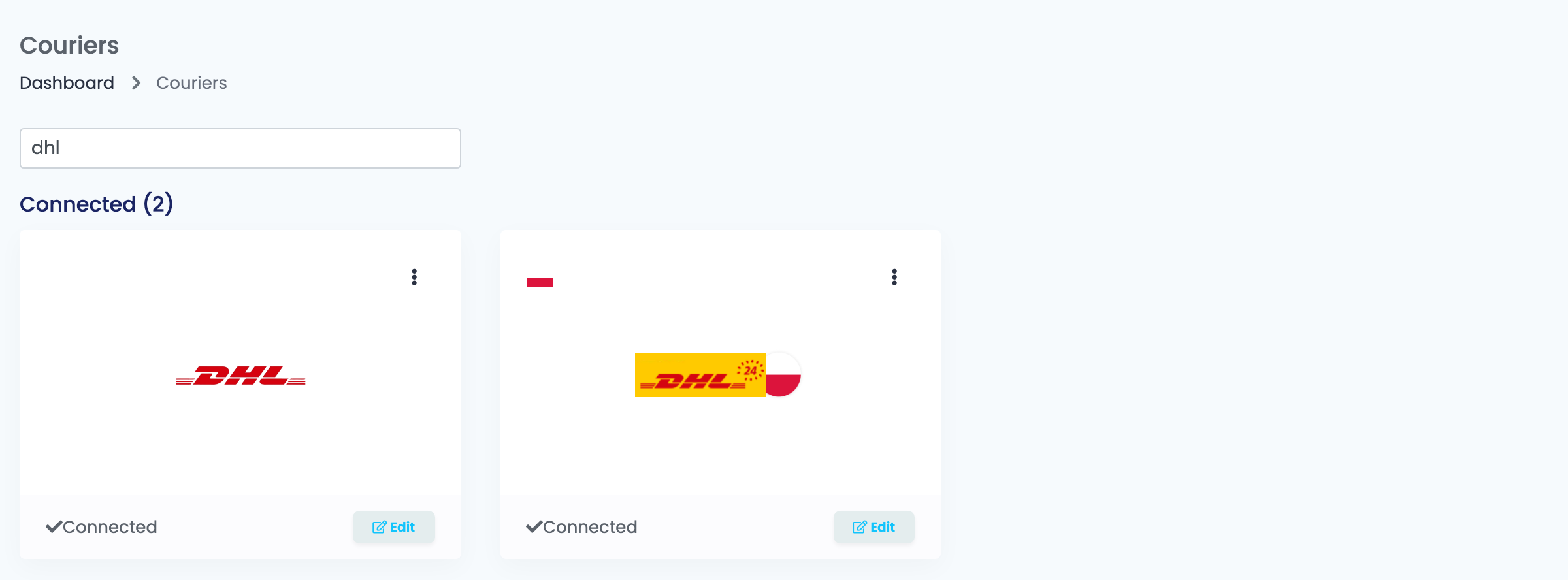
Go to Integrations → Couriers, search for dhl and press Connect on the DHL card — or Edit, if you have connected it before.
Step 3 — Credentials and account numbers
Fill in Connection Name, Username and Password, then press Get Details. When DHL accepts the credentials, the rest of the form opens.
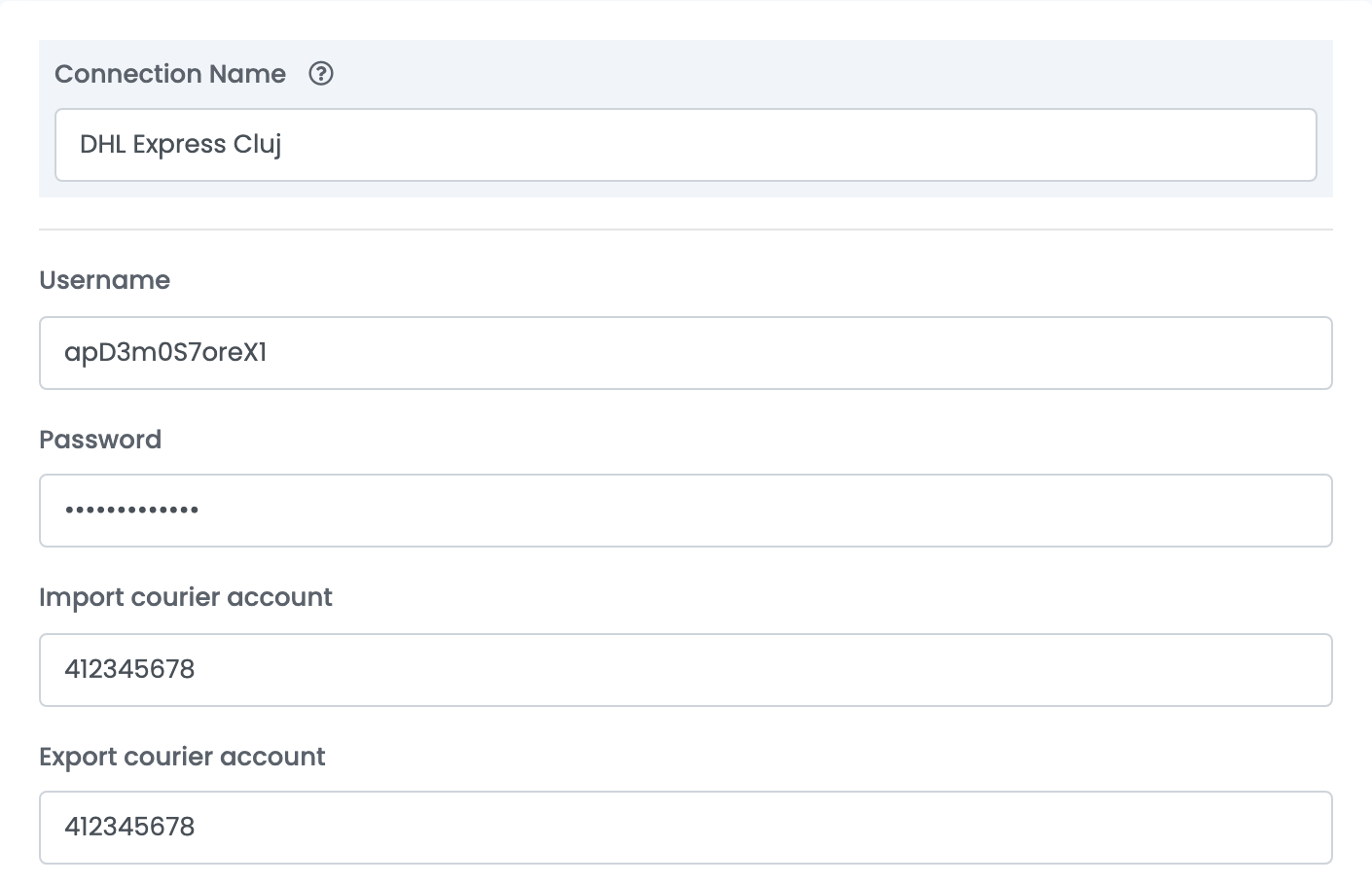
| Field | What goes in it |
|---|---|
| Connection Name | A name for this connection, used only inside easySales. |
| Username | Your MyDHL API username. |
| Password | Your MyDHL API password. |
| Import courier account | Your DHL Express account number, nine digits. |
| Export courier account | Your DHL Express account number. If DHL gave you a single account number, put the same one in both fields. |
When you open a saved connection again, press Get Details once more to show all the fields.
Step 4 — Sender details
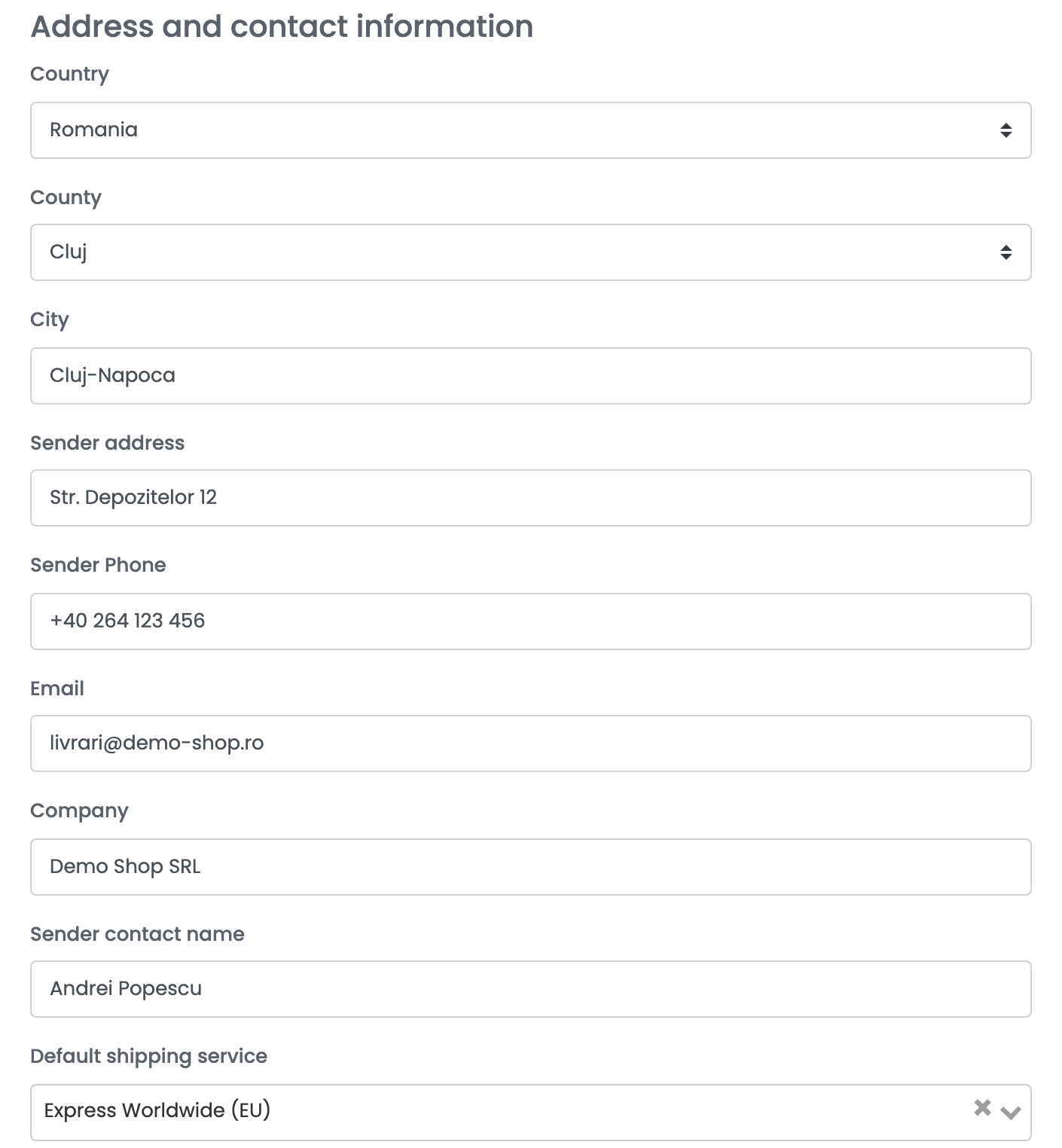
| Field | What goes in it |
|---|---|
| Country, County, City | Where the parcels are collected from. |
| Sender address | Street and number of the pickup address. |
| Sender Phone, Email | How DHL reaches you about a shipment. |
| Company, Sender contact name | Your company and the person DHL asks for. |
| Default shipping service | The DHL product quick create uses — for example Express Worldwide or Domestic Express. |
Fill in every sender field, County included: DHL refuses a shipment whose sender county is empty.
Step 5 — Printing and advanced options
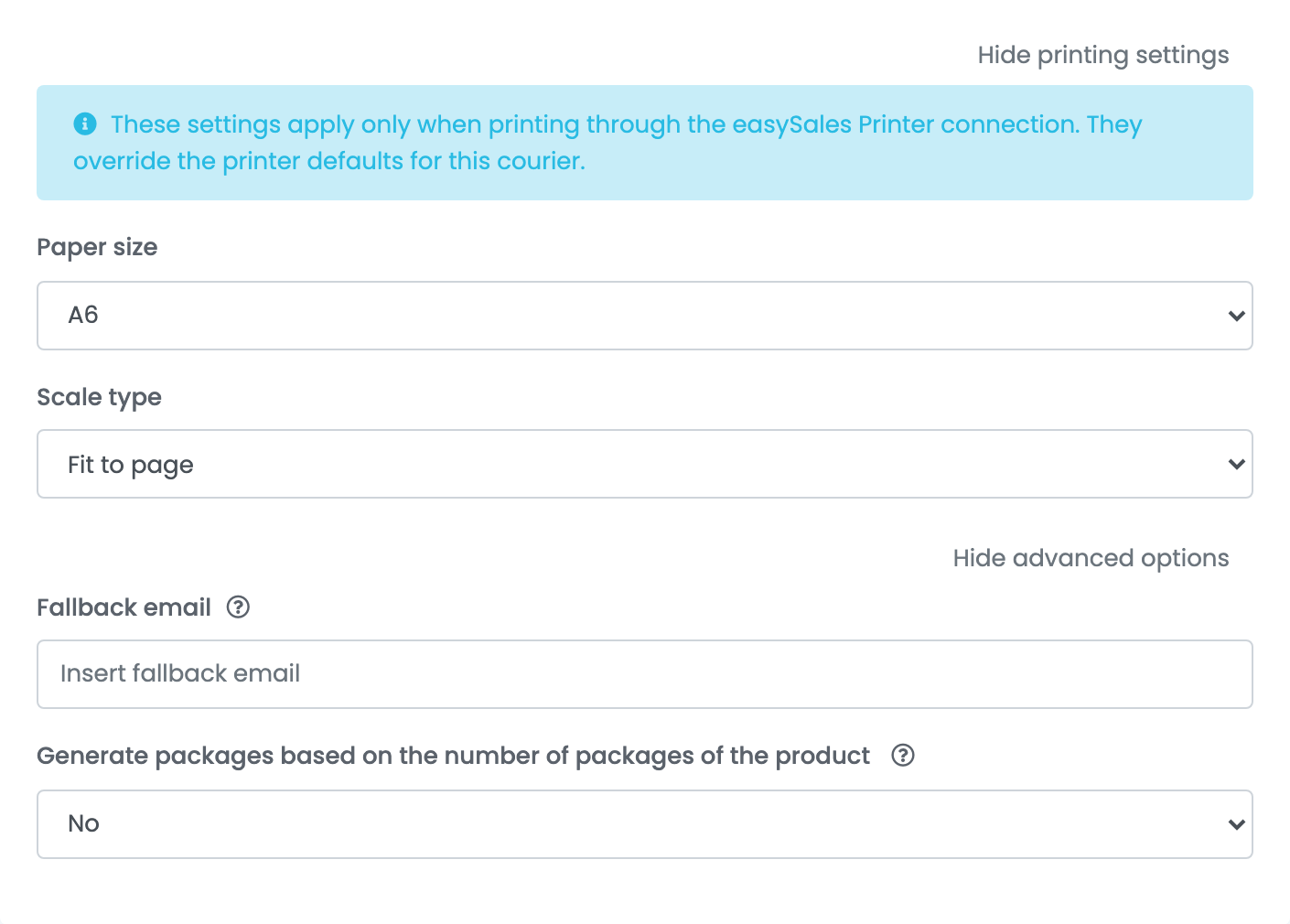
- Show printing settings: the paper size and scale of the label, when you print through the easySales Printer connection.
- Fallback email: the e-mail address sent to DHL for orders that have no customer e-mail. DHL needs one for every shipment.
- Generate packages based on the number of packages of the product: one parcel per package of each product, for products packed in several boxes.
Press Save.
For a second DHL Express account or pickup address, choose Connect another courier account in the card's ⋮ menu, or open the connection and press Clone.
Creating labels
- Quick create: in the orders list, choose Quick Create → DHL in the AWB column. The label is created with your Default shipping service and the order's weight.
- From the order: in the order's Awbs section, press Create AWB and choose DHL. You can change the receiver's address, set several parcels or envelopes, and pick the DHL product for this shipment from the list DHL offers for the route.
The label arrives as a PDF on the order, and easySales updates the order's delivery status from DHL's tracking.
When DHL refuses a label
The reason is shown on the order, in DHL's own words:
| Message | What to do |
|---|---|
| 803: Account not allowed for this service. Please contact your DHL Express representative | The account number is wrong, or the product is not enabled on it. Check both with DHL. |
| Credentials provided where invalid! | The username or password is wrong — or it is your MyDHL+ login. Use the MyDHL API credentials. |
| #/customerDetails/receiverDetails/postalAddress/addressLine1: expected maxLength: 45 | DHL accepts at most 45 characters for the receiver's street. Shorten the address on the order. |
| #/customerDetails/receiverDetails/contactInformation/mobilePhone: expected type: String, found: Null | The order has no phone number for the receiver. Add one on the order. |
| #/customerDetails/shipperDetails/postalAddress/countyName: expected type: String, found: Null | The connection has no sender County. Fill it in and save. |
| Adresa de email este invalidă | The order has no valid customer e-mail. Add one on the order, or fill in Fallback email on the connection. |