Duplicate invoice in Poland: when to issue one and how KSeF works
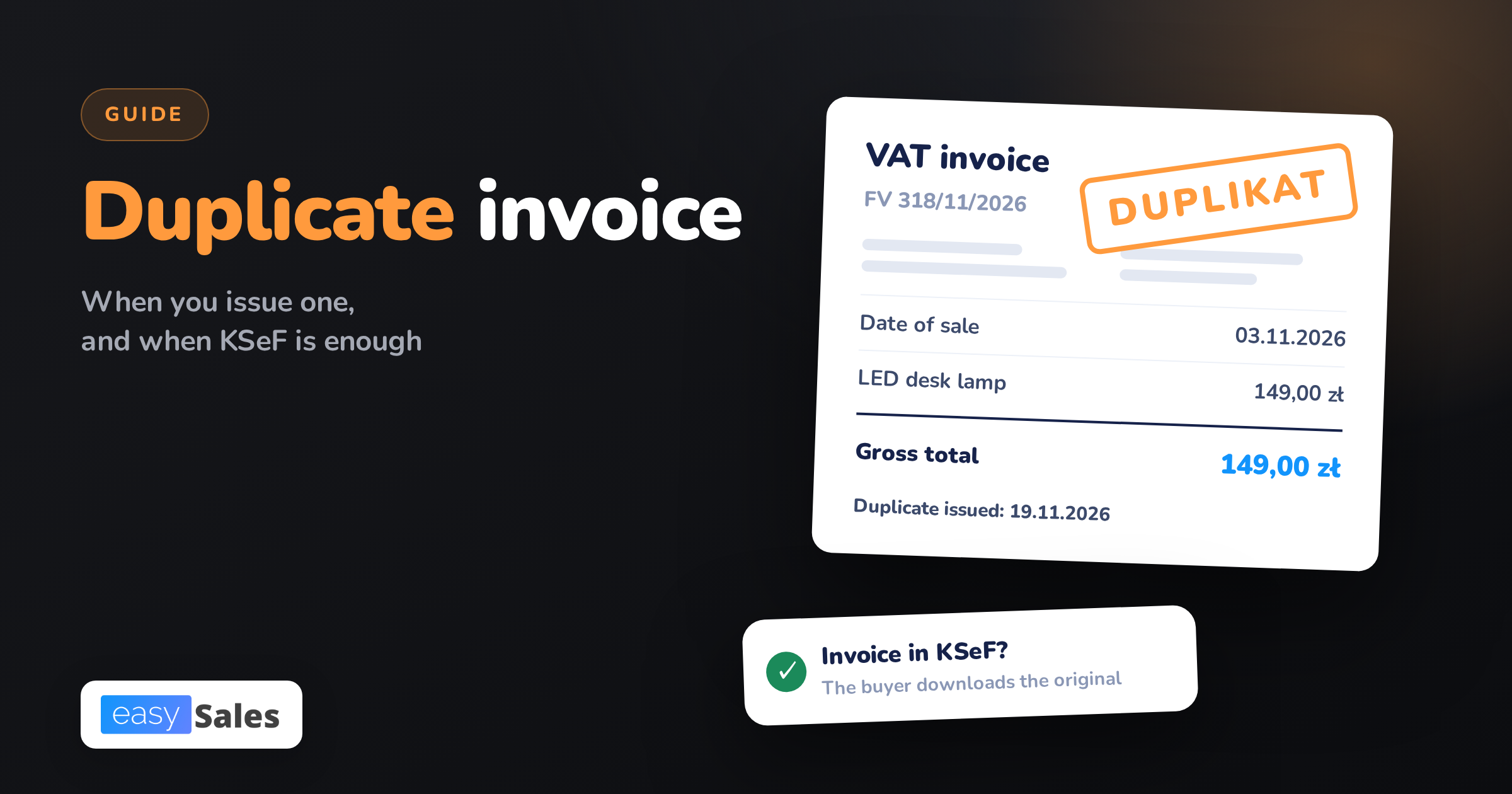
A duplicate invoice after the original is destroyed or lost: the provision as it reads today, the procedure, the rules for KSeF and offline modes, and Allegro invoices.
A duplicate invoice is an invoice issued again when the original was destroyed or lost. It carries the same data as the first document plus the date it was issued. The legal basis is Article 106l of the Polish VAT Act.
In KSeF it works differently. A structured invoice with a KSeF number is not issued a second time: you make the same document available again, or the buyer downloads it from the system.
Below you will find the provision as it reads today, the procedure step by step, the rules for KSeF and the offline modes, the difference between a duplicate and a correction, and how to get an Allegro invoice again.
Key points
- A duplicate replaces a lost original: the same data, number and amounts, plus the date the duplicate was issued.
- The word "DUPLIKAT" is optional: Article 106l(5) says an invoice issued again may carry it.
- An invoice in KSeF does not get lost: the system keeps it for 10 years, and the buyer can download it many times.
- A KSeF PDF is made available again: a buyer without a NIP gets the same invoice with its QR code, not a new document.
- A duplicate does not fix mistakes: a wrong amount, rate or buyer detail needs a corrective invoice.
What a duplicate invoice is
A duplicate is the same invoice issued again, not a new sale. It documents the same transaction, so it carries over the number, dates, parties, lines and amounts from the original.
The law calls it an "invoice issued again". The current text of the VAT Act is in the consolidated text, Journal of Laws 2026 item 1263.
Article 106l splits the cases there by the form of the invoice: paper, electronic and structured.
For you this means one question to start with: what form was the lost invoice in. The answer decides whether you issue it again or simply pass it on once more.

When can a duplicate invoice be issued
The provision names two situations: the invoice was destroyed or it was lost. That can be a burnt binder, a water-damaged printout, a letter that never arrived or a deleted file.
A duplicate is not a way to change the content. If a buyer asks for a "corrected duplicate" with a different address or amount, that is a sign a correction is needed, not a reissue.
Who issues the duplicate
The duplicate is issued by whoever issued the original.
Article 106l(4) applies the same rules to a person authorised by the taxpayer, to a bailiff and enforcement body under Article 106c, to a buyer under self-billing and to the debtor.
How the buyer asks for a duplicate
For a paper invoice the Act gives two routes. You issue it again at the buyer's request, using the data on your copy, or using the data on the copy the buyer holds.
No form of request is prescribed. The government portal biznes.gov.pl notes that the buyer may even ask orally.
For tidy records it is easier to have the request in writing or by e-mail.
What a duplicate invoice must contain
A duplicate repeats the data of the original. Under Article 106l(5) an invoice issued again contains the date of issue and may contain the word "DUPLIKAT".
Many guides say the word "DUPLIKAT" is mandatory. In the current wording of the provision it is an option.
In practice the marking helps tell the document apart from the original in a binder or an inbox.
| Invoice element | Original | Duplicate |
|---|---|---|
| Invoice number | assigned at issue | the same |
| Date of sale and party details | from the transaction | unchanged |
| Lines, rates and amounts | from the transaction | unchanged |
| Date the duplicate was issued | not present | required |
| The word "DUPLIKAT" | not present | allowed, not required |
How to issue a duplicate invoice step by step
This procedure covers paper invoices and electronic invoices issued outside KSeF. The structured invoice is covered in the next section, because the steps differ there.
- Take the buyer's request and note which invoice it concerns: number, date, amount.
- Check the form of the original. Paper, a PDF sent by e-mail and an invoice with a KSeF number follow different routes.
- Find a copy of the invoice: yours or the one the buyer holds.
- Carry the data over unchanged: number, dates, parties, lines, rates and amounts.
- Add the date the duplicate is issued and, if you wish, the word "DUPLIKAT".
- Pass the duplicate to the buyer and file a copy with the original sales records.
Electronic invoice outside KSeF
For an electronic invoice, such as a PDF e-mailed before KSeF, paragraph 2 gives two routes.
At the buyer's request you make the same invoice available again, or you issue it again using the data on the buyer's copy.
Sending the same file again is usually the simplest. The buyer gets a document identical to the one they already received once.
Duplicate invoice in KSeF
A structured invoice is not issued as a duplicate.
The Ministry of Finance writes in its KSeF questions and answers that an e-invoice is archived in the system for 10 years and "will never be destroyed or lost".
The storage period comes from Article 112aa of the Act: 10 years from the end of the year of issue. biznes.gov.pl sums it up directly: within KSeF you do not issue duplicate invoices, you simply download the original.
A buyer with a NIP downloads it themselves
A buyer with a Polish NIP has the invoice in KSeF from the moment the number is assigned.
They download it through their accounting software or through the KSeF Taxpayer Application, after logging in.
According to the KSeF 2.0 Manual, part II (chapter 6.5), the buyer may download one invoice many times.
As the seller you get no information on whether or how often they did.
A buyer without a NIP and a foreign buyer
A consumer or a foreign company usually gets the invoice from you outside the system, for example as a PDF with a QR code.
If they lose it, Article 106l(1) says that at the buyer's request you make that invoice available again, marked with the QR code.
The QR code leads to the invoice in KSeF. After scanning it and entering the access data, anyone can download the invoice without logging in.
We cover the code in the article on KSeF invoice visualisation.

Why you cannot send the invoice to KSeF twice
KSeF blocks duplicates. A file with the same seller NIP, invoice number and invoice type as a document already in the system is rejected with error code 440 "Duplikat faktury" (KSeF 2.0 Manual, part II, chapter 3.4).
The Ministry explains why: two accepted files with two KSeF numbers would mean two invoices in circulation.
What the KSeF number and the UPO are, we explain in a separate article on the KSeF number.

A lost invoice in offline mode and during a KSeF failure
Invoices from the offline24, unavailability and failure modes are issued outside the system and sent later. For them the dividing line is the moment of sending to KSeF.
If such an invoice, passed to the buyer outside the system, is lost before it is sent, you issue it again from its data.
It may then carry the date of issue and the word "DUPLIKAT" (Article 106nda(14), for a failure Article 106nf(13)).
Once sent, the invoice has a KSeF number and behaves like any structured invoice.
Article 106l(1) then applies: you make it available again with the QR code. We describe the modes themselves in the article on offline24 mode.

Paper invoices from before KSeF are a separate case. A transitional provision (Article 16 of the amending act, quoted in the notice with the consolidated text) says they are not reissued as structured invoices.
Duplicate, correction or corrective note
These three documents are often confused, because each comes after the invoice was issued. Their purpose differs: a duplicate recreates the document, a correction changes its content.
| Document | When | Who issues it | In KSeF |
|---|---|---|---|
| Duplicate | original destroyed or lost, data unchanged | the seller, at the buyer's request or from the buyer's copy | a structured invoice is not duplicated: the buyer downloads it or gets it again with the QR code |
| Corrective invoice | an error in data or amounts, a discount, a return | the seller | a correction of a structured invoice is issued in KSeF or in offline mode |
| Corrective note | a minor slip in the data, raised by the buyer | the buyer | biznes.gov.pl: a note cannot be issued in KSeF |
An example from the KSeF 2.0 Manual (chapter 6.3): an invoice issued to the wrong NIP needs a correction to zero and a new invoice for the right buyer.
A duplicate fixes nothing here. How corrections work in the system is covered in the article on corrections in KSeF.
Duplicate invoices from Allegro and other marketplaces
Selling on a marketplace, you receive invoices for commissions and fees. Allegro answers this question directly in its FAQ on KSeF invoices: you will not get a duplicate, because none is needed.
Since 1 February 2026 Allegro issues its invoices in KSeF and shows their PDF visualisation in the Invoices tab.
You can download the original XML file or the visualisation again at any time.
- In KSeF an Allegro invoice is kept for 10 years.
- In the Invoices tab on Allegro: 7 years.
- Allegro fixes an error in your company name or address with a corrective invoice. Corrective notes, Allegro says, are no longer used.
The invoice for your own buyer is issued by you, not by the marketplace. If the buyer loses it, you follow the rules above, depending on the form of the invoice.
How easySales helps when a customer asks for the invoice again
A request for a "duplicate" from a marketplace customer usually means one thing: find the invoice for a specific order and send it again.
In easySales the invoice is attached to the order, so you do not search folders for it.

The invoice always sits with the order
You download an invoice from your connected billing software again from the order page.
From there you can also send it to a printer, or once more to the marketplace order where the channel supports it.
KSeF number and UPO in one place
When you send invoices to KSeF through easySales, the order shows the KSeF number, the processing date and the UPO to view.
You do not need the Taxpayer Application to look up the number.
For invoices issued in easySales you can switch on an option that adds the KSeF verification QR code to the downloaded PDF.
A buyer without a NIP then gets an invoice they can verify and download from the system.
Sending again does not create a second invoice
If the same invoice reaches KSeF a second time, easySales compares it with the document already registered.
When it is the same document, the order gets the original KSeF number and UPO. When it is a different invoice with the same number, the submission is marked as failed.
Details are on the KSeF integration and easySales invoicing pages. easySales is free for 14 days, no card needed: create an account and connect your invoicing software.
What to settle with your accountant
The provision tells you how to issue an invoice again or make it available again.
It does not decide for you how to record a duplicate in your books, in costs and in the JPK.
biznes.gov.pl also discusses what a duplicate means for the buyer's VAT deduction. How these rules apply to your business, and whether your invoices go to KSeF, settle with your accountant.