How to connect eMAG Fulfilled by eMAG (FBE) with easySales
Bring your Fulfilled by eMAG orders into easySales: a second FBE connection per country with your eMAG login, linking FBE offers, invoicing FBE orders and what eMAG handles for you.
What connecting eMAG FBE gives you
With Fulfilled by eMAG (FBE), eMAG stores your products in its own warehouse, and packs and ships the orders for you. Connected to easySales, FBE brings those orders in next to your other orders, so you invoice them, see them in your reports and send the invoice to eMAG — the same as for the orders you ship yourself.
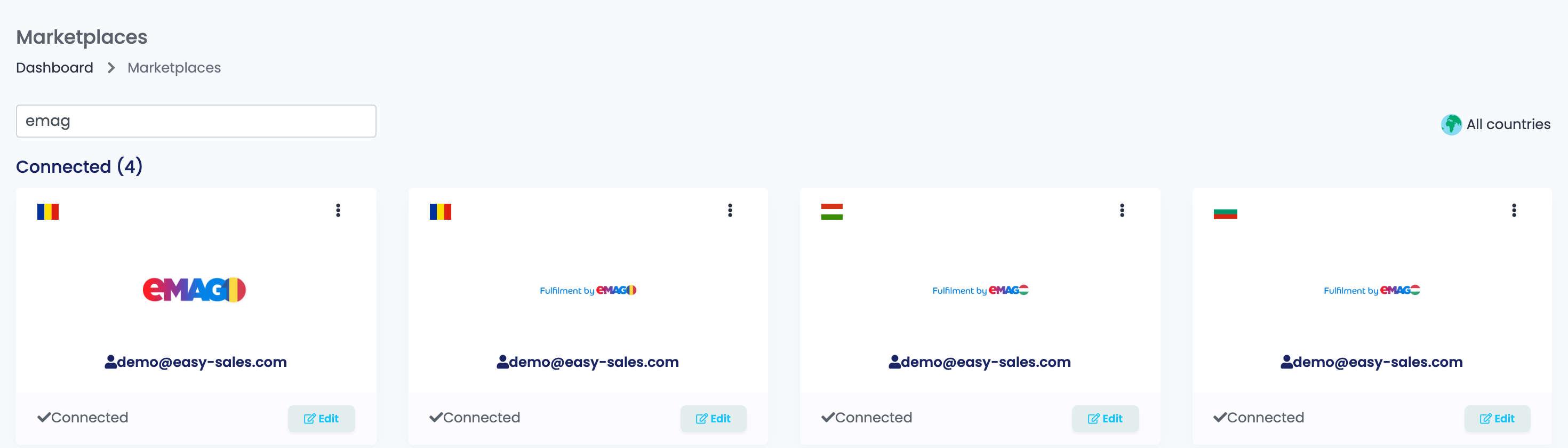
There are three FBE cards, one per eMAG site: EmagROFBE, EmagHUFBE and EmagBGFBE. Their logo reads Fulfilment by eMAG.
Two things to know before you begin:
- FBE is a second connection, next to your eMAG one. Your eMAG connection brings in only the orders you ship yourself; the orders eMAG fulfils arrive only through the FBE connection of that country. If you connect only eMAG, your FBE orders never reach easySales — and nothing shows an error.
- It uses your eMAG login. If eMAG has merged your seller accounts into one, enter the same username and password as on your eMAG connection. If you still have a separate FBE account, use that account's login.
Before you start
Fulfilled by eMAG active on your account
With goods in eMAG's warehouse.
Your eMAG login
The same as on your eMAG connection, or your separate FBE account's.
Your products in easySales
To link the FBE offers to.
Step 1 — Connect the FBE card
Go to Integrations → Marketplaces, search for emag or fbe and press Connect on the FBE card of your eMAG site — or Edit, if you have connected it before.
The form is the one you know from your eMAG connection:
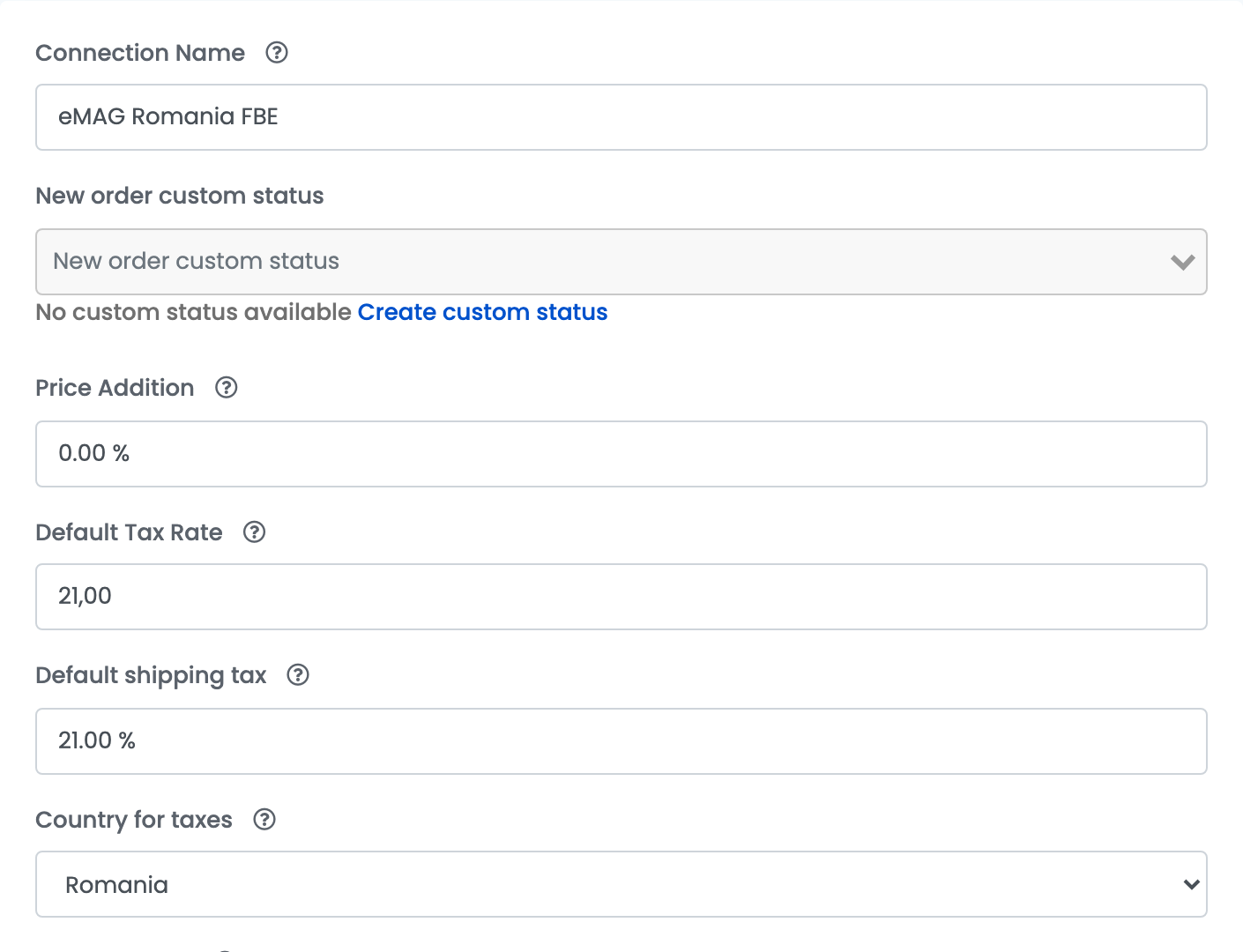
| Field | What goes in it |
|---|---|
| Connection Name |
A name you will recognise, for example eMAG Romania FBE.
|
| Price Addition | A percentage added to your product price on eMAG, as on your eMAG connection. |
| Default Tax Rate | The VAT rate of the site's country: 21 on eMAG Romania, 27 on Hungary, 20 on Bulgaria. |
| Invoice Series | The series for invoices of FBE orders. It can be the one of your eMAG connection or a separate one. |
| Username, API Code - optional, Password | Your eMAG seller login — the same as on your eMAG connection when eMAG has merged your accounts. |
Then enter your eMAG login and press Save:
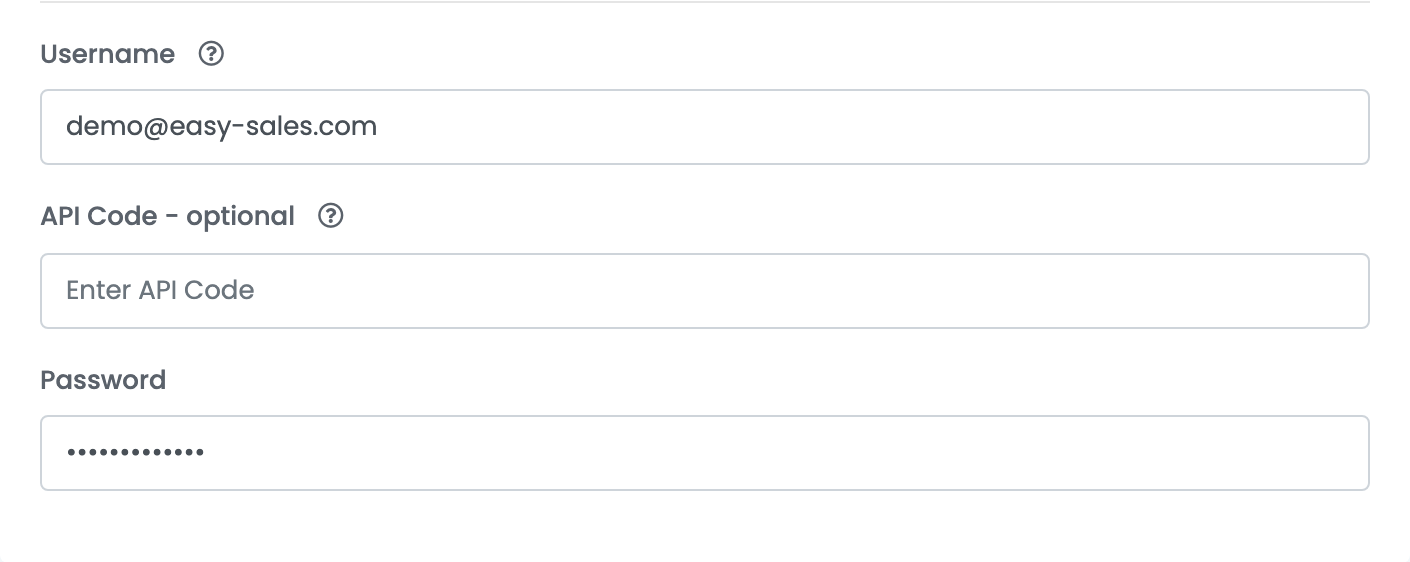
The same rules apply as for your eMAG connection: the IP addresses shown next to the form must be whitelisted in your eMAG account, under My account → Technical details.
Step 2 — Link your FBE offers
The FBE connection imports your eMAG offer list. Open the offers of the FBE connection and link the products eMAG stores for you to your products in easySales — with Link on each offer, or several at once with Autolink.
An FBE order line is matched to your product only through a linked FBE offer. An order with an unlinked product cannot be invoiced or packed, and shows Fail to pack order. Reason: Product '…' is not linked. Linking the offer later does not change orders already imported: open such an order and synchronize it.
Step 3 — Invoice FBE orders
You invoice FBE orders yourself, as for any eMAG order, and easySales sends the invoice to eMAG when Send invoice to marketplace after generating is on — it is on by default.
- Most FBE orders arrive already finished, because eMAG has shipped them. If you issue invoices with an automation flow, make sure its trigger and filters also catch finished orders, and that the FBE channel is included.
- If your billing software keeps the goods at eMAG in a separate stock location, clone your billing connection, choose that location in the copy, and invoice FBE orders through it. Otherwise the billing software can refuse the invoice for lack of stock.
- If eMAG issues the invoices for you, turn on Marketplace order invoice fetching in Additional settings instead: easySales then brings in the invoices eMAG issued.
What eMAG handles, and what easySales does
| eMAG | easySales |
|---|---|
| Stores the goods, packs and ships the order | Imports the order, with its products, customer and payment |
| Issues the shipping label and tracks the delivery | Issues your invoice and sends it to eMAG |
| Holds the stock of your FBE offers | Sends your prices and product details to the offers |
| Cancels an FBE order — do it in eMAG | Brings in returns of FBE orders |
When something goes wrong
| Message | What to do |
|---|---|
| Fail to pack order. Reason: Product '…' is not linked. | The FBE offer of that product is not linked. Link it on the FBE connection's offers, then synchronize the order. |
| Cannot update price / The VAT value must be in accordance with the delivery country VAT rates. | Set Default Tax Rate to the VAT of the delivery country: 27 for Hungary, 20 for Bulgaria. |
| Unable ack order: ERROR: Vendor id does not match order vendor id. | An FBE order cannot be changed or cancelled from easySales. Handle it in eMAG. |