How to sell on Amazon from Poland: account, fees and FBA
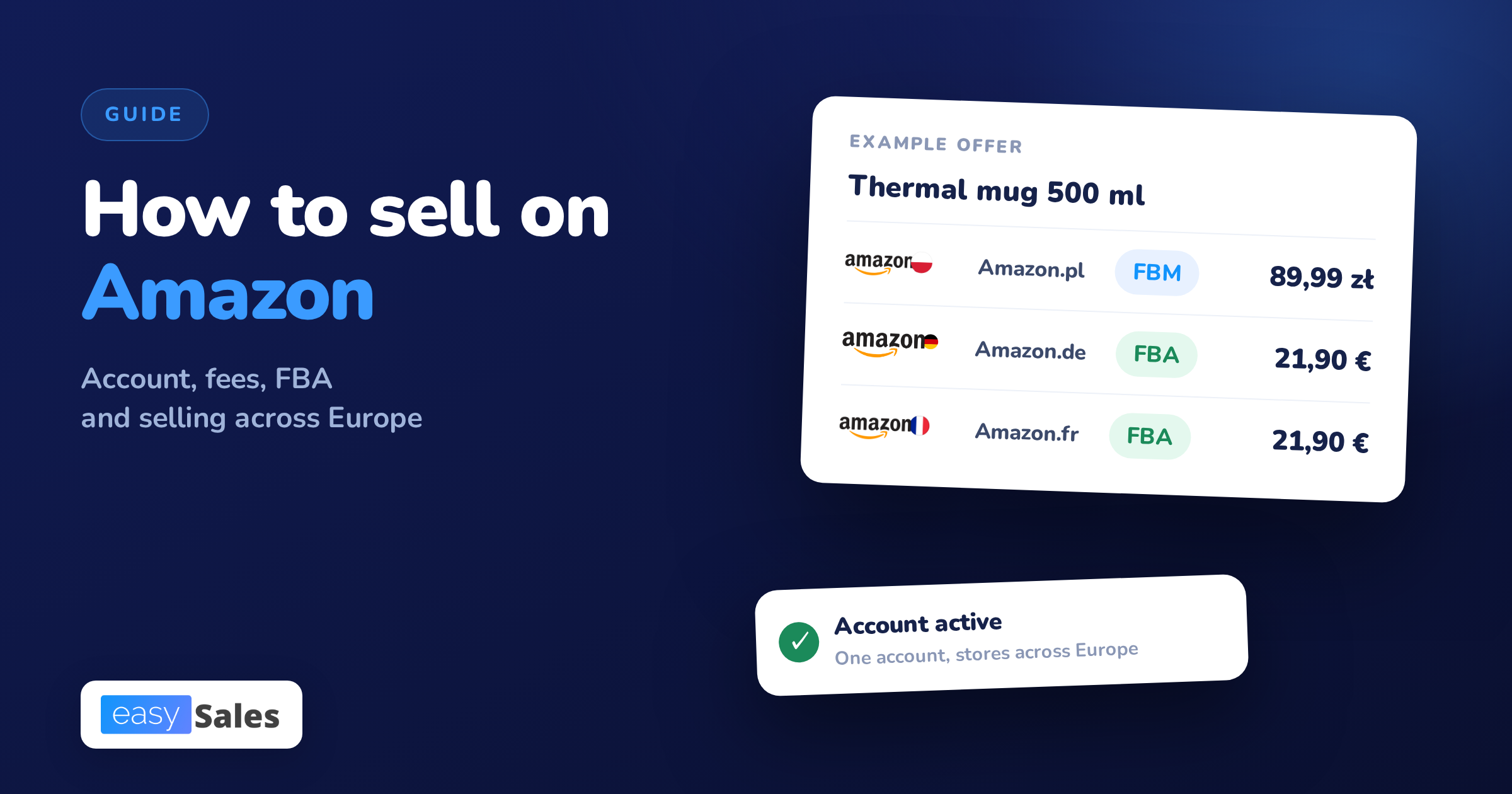
How to sell on Amazon from Poland step by step: registration and documents, plans and fees, FBA or own shipping, selling across Europe and listing products by EAN.
To sell on Amazon, you open a seller account in Seller Central, choose the Individual or Professional plan and pass verification. Then you add products to the catalogue and ship orders yourself or through Amazon (FBA).
From Poland you start with Amazon.pl, but the same account opens nine European Amazon stores. You register once and decide later where to list your products (Amazon, selling across Europe).
Below we walk through registration, fees, shipping options, selling in other countries and listing products. Amounts follow Amazon's pages as of 3 November 2026.
Key points
- One account, nine stores: you register once and switch on Amazon.pl, Amazon.de and the other European stores in Seller Central.
- Two plans: 4 zł per unit sold or 165.91 zł net a month. The subscription is cheaper from 42 units a month.
- The referral fee depends on the category: mostly 8% to 15%, calculated on the price including delivery.
- You choose shipping per product: FBA, Easy Ship or shipping from your own warehouse.
- You need an EAN to list: a product with an existing ASIN joins its page, and some categories need Amazon's approval.
How to start selling on Amazon from Poland
You run your Amazon sales in Seller Central. It is the seller panel where you add products, update inventory, handle orders and check payments.
Amazon describes the start in three steps: you register as a seller, list your products and fulfil orders. We cover each of them below.
Amazon.pl and the other stores in Europe
At registration Amazon creates one global seller account. In Europe it covers, among others, the United Kingdom, Germany, France, Italy, the Netherlands, Poland, Sweden and Spain (registration guide).
The account does not mean selling in every country at once. With your own shipping, you add international shipping in the shipping templates of the store you want to reach foreign buyers from.
FBA works differently. When you join FBA, Amazon enrols you in FBA Export automatically, so your offer is made available for export.
Do you need a company to sell on Amazon
Not always. Amazon also accepts individuals without a registered business. It asks for a business licence only from business sellers.
A business seller adds more documents: an extract from the company register and a document that links the contact person to the business. How Amazon.pl compares with Allegro, Empik and Temu is in our overview of marketplaces in Poland.
Individual or Professional plan: which to choose
Amazon has two selling plans. The Individual plan costs 4 zł per unit sold, and the Professional plan 165.91 zł net a month, whatever the number of units (Amazon fees).
On both plans you also pay the referral fee. You can change or cancel your plan at any time.
What the Professional plan gives you
Amazon points the Professional plan at sellers who:
- sell more than 40 items a month,
- want to advertise their products,
- need APIs and reports,
- want to sell in restricted categories.
On the Professional plan you list products in bulk and set your own shipping rates. On the Individual plan you add products one by one, and shipping uses Amazon's fixed rates.
From how many units the subscription pays off
Amazon gives a rough threshold of 40 items a month. The price list gives a more exact figure: 165.91 zł / 4 zł = 41.5, so from 42 units a month the subscription is cheaper.

The subscription is charged for every month in which you have active offers. When you sell in several stores, you pay the equivalent of 39.99 USD a month, split proportionally across the countries with active offers.
On its fees page Amazon.pl also announces a promotion for new Professional accounts: six months without subscription and referral fees. Read its terms before you build your plan on it.
Registering an Amazon seller account step by step
Registration usually takes a few hours. Then Amazon verifies the identity of the contact person, which usually takes up to three business days.
You start with an account using your name, e-mail address and password, confirmed with a one-time code sent to your phone. Then you go through six steps:
- Business information: country, business type, name, registration number and address. Someone without a business chooses the individual option.
- Seller information: the contact person's details from an identity document.
- Billing information: a credit or debit card with the CVV code, and a billing address.
- Store and product information: the store name buyers see, product codes, manufacturer or brand status.
- The bank account Amazon pays your sales proceeds into.
- Identity verification: a photo of your face and document, a video call with an Amazon employee or a document upload.
Which documents to prepare
| Verification | What Amazon asks for |
|---|---|
| Identity | a government-issued identity document |
| Business (business sellers) | a business licence, e.g. a company register extract |
| Address | a bank statement or a utility bill |
| Link to the business | e.g. an employment contract, authorisation or articles of association |
| Card | card details with the CVV/CVC code |
| Bank account | account details, if needed a statement from the last 180 days |
Amazon does not accept prepaid cards or online payment systems. Scans must be in colour and legible, with all four corners of the document visible, and no screenshots.
When Amazon takes the first fee
Amazon charges the first subscription to your card once registration and verification are complete. In later months it deducts it from your seller account balance, and charges the card when the balance is negative.
How much selling on Amazon costs
The cost of selling is made up of four types of fees. Their size depends on your plan, the product category and how you fulfil orders.
| Fee | For what | How much |
|---|---|---|
| Selling plan | access to selling | 4 zł/unit or 165.91 zł net/month |
| Referral fee | every product sold | by category, usually 8–15% |
| FBA fees | fulfilment and storage in FBA | by size, weight and month |
| Other costs | e.g. advertising, refunds, long-term storage | per the service's price list |
The referral fee
Amazon calculates the referral fee on the total sales price: the item price, shipping and gift wrapping. When the result is below the category's minimum fee, it charges the minimum.
Rates vary a lot between categories. Computers pay 3% on the part of the price up to 2,000 zł, consumer electronics 5%, toys and games 10%, and all other categories 15%.

Media products also carry a closing fee, for example 4 zł per book. Check your category in the referral fee table before you set a price.
For 2026 Amazon lowered some rates in its European stores. Clothing and accessories up to 65 zł pay 5% instead of 8%, and home products up to 85 zł pay 8% instead of 15%.
FBA fees
In FBA you pay a fulfilment fee per unit, based on the product type, size and weight, and a monthly storage fee per cubic metre.
Storage costs more in peak season. For standard-size products outside clothing, Amazon charges 27.54 EUR per cubic metre a month from January to September and 52.20 EUR from October to December.
Since 17 April 2026, Amazon adds a 1.5% fuel and logistics surcharge to FBA fulfilment fees in its European stores, Poland included. Products stored for more than 241 days carry an extra fee.
Low-priced products get lower rates. In Poland they cover products up to 85 zł in most categories, with no separate enrolment (Low-Price FBA rates).
Fees that are easy to forget
- Refund administration fee: when you refund a buyer, Amazon returns your referral fee minus the smaller of 20 zł or 20% of the fee.
- High-volume listing fee: applies only to accounts with more than 2 million active SKUs in a month.
- Advertising: you pay per click and set the maximum bid yourself.
- Extra FBA fees: for removing inventory, for handling returns and for unplanned services when a delivery arrives badly prepared.
FBA, Easy Ship or your own shipping
You can fulfil Amazon.pl orders in three ways. You can combine them and pick a different channel for each product (listing guide).

Fulfilment by Amazon (FBA)
In FBA you send your goods to an Amazon fulfilment centre. Amazon stores, picks, packs and ships them, and also handles customer service and returns (FBA on Amazon.pl).
FBA products can get the Prime badge. Amazon says that for Amazon.pl, FBA with stock in Polish centres is the fastest route to next-day delivery.
Amazon Easy Ship
In Easy Ship you keep the goods and pack them yourself, and a carrier nominated by Amazon collects the parcel. The rate is 3.49 zł net per parcel up to 30 kg when shipping from a warehouse in Poland (Amazon Easy Ship).
A parcel can have a longest side of up to 120 cm and a total of dimensions up to 220 cm. Buyers in Poland can also collect it from an InPost Paczkomat.
Your own shipping (FBM)
With your own shipping you store, pack and send the goods yourself. Set up shipping settings and a return address before you list products, separately in every store you sell in.
On the Individual plan Amazon's shipping rates apply, even when the shipping credit is lower than your cost. Build that into the product price.
How to sell on several Amazon marketplaces in Europe
One account covers nine European stores: Amazon.co.uk, Amazon.fr, Amazon.de, Amazon.it, Amazon.es, Amazon.nl, Amazon.se, Amazon.pl and Amazon.com.be.
The European Expansion Accelerator
If you are on the Professional plan and already sell in one European Amazon store, you can use the free European Expansion Accelerator. It creates offers and prices, sets up shipping and enrols products in fulfilment programmes.
- Choose the stores you want to sell in.
- Accept the international selling terms.
- Click "Start expansion".
The Build International Listings tool (BIL) works in a similar way. It copies offers to stores with the same ASIN, translates product pages and adjusts prices to exchange rates, ignoring changes below 1%.
Pan-EU FBA and the European Fulfilment Network
For FBA in several countries you have two main routes. In the European Fulfilment Network (EFN) your stock sits in one country, and you pay cross-border fees for shipping abroad.
In Pan-EU FBA Amazon places your stock in the countries you allow and charges local fulfilment fees. Amazon says the saving can reach up to 53% of fulfilment fees (FBA in Europe).

The Pan-EU conditions are FBA offers with the same SKU in Germany, France, Italy, Spain and the Netherlands, and permission to store stock in at least two countries. Amazon moves the stock between centres at no extra cost.
For listings in Germany and France, Amazon reminds sellers of the extended producer responsibility rules. For products covered by GPSR, also check the safety information in the country's language.
Selling and storing goods in other EU countries raises VAT questions. Amazon has collected material in its VAT knowledge centre. Whether you need a registration, and in which countries, is a question for your accountant before you add countries or Pan-EU FBA.
How to list a product on Amazon: ASIN, EAN and categories
On Amazon one product has one page with an ASIN. When the product is already in the catalogue, you add your offer to it. When it is not, you create a new page (beginner guide).

The ASIN and the featured offer
When several sellers sell the same product, Amazon combines their offers on one page. One of them is featured (the "Buy Box"), and that is where the buyer adds the product to the cart. The others go to "Other offers".
EAN, GTIN and the GTIN exemption
Most products need a GTIN, such as an EAN, UPC or ISBN. An internal company code is not one. A product without a GTIN may qualify for a GTIN exemption.
What an EAN is and where to get one is in our article on the EAN code.
Categories and brands that need approval
Some categories, subcategories and brands need Amazon's approval before you list. Amazon may ask for documents, for example invoices or a letter of authorisation.
- In Seller Central open Catalog and choose "Add products".
- Search for the product you want to sell.
- Click "Show Limitations" next to the product.
- If the product needs approval, click "Apply to sell".
- Track the request in Catalog, under "View Sales Approval Requests".
Title, images and variations
A title has at most 200 characters. Images must be at least 500 × 500 pixels on a white background, with the product filling at least 80% of the frame.
List products that differ only in colour, scent or size as variations on one page. You can enrol your own trademarked brand in the free Amazon Brand Registry.
What to sell on Amazon: how to check
We do not give rankings of the products that sell best from Poland here. You can, however, check a specific product before you list it:
- Restrictions: "Show Limitations" in Seller Central tells you whether the category or brand needs approval.
- Competition on the product page: if the ASIN exists, you see how many sellers already offer it and whose offer is featured.
- Margin after fees: the revenue calculator in Seller Central compares FBA and own-shipping costs for one product.
- Price and FBA rates: products up to 85 zł in most categories get lower FBA rates.
- New products: the New Selection programme cuts the referral fee to 5% for new Prime-eligible ASINs, for 120 days and a limited number of units (New Selection).
After the first sale: account metrics and payouts
Amazon rates sellers on quality metrics. The beginner guide gives three thresholds, which you can check in Seller Central.

With your own shipping, pre-fulfilment cancellations happen, among other cases, when an offer shows stock you no longer have. That is why your Amazon stock must keep up with sales in your other channels.
According to the guide, Amazon collects payment from buyers and pays out available funds every two weeks to the account you gave at registration.
How easySales helps you sell on Amazon
Seller Central handles selling on Amazon itself. When you also sell on Allegro, in an online shop or on other marketplaces, stock, prices and orders from every place have to stay in line.

Each Amazon country as its own channel
In easySales you can connect 12 Amazon stores, 10 of them European, among them Amazon.pl, Amazon.de, Amazon.fr, Amazon.it, Amazon.es and Amazon.nl. Each country works as its own channel.
You approve the connection on the consent screen in Seller Central. Amazon offers API integrations on the Professional plan, so your account needs it.
FBA and own-shipping orders in one list
Amazon orders land in easySales together with orders from your other channels. We import both FBA and own-shipping orders, and in the connection settings you can limit the import to own-shipping orders.
When you create a shipment with your own courier, the tracking number goes to Amazon. On Amazon.pl you can also generate an Easy Ship label, and you can upload the invoice from easySales to the Amazon order.
Offers matched by EAN
When you list a product from easySales, we first search Amazon's catalogue for a product with the same EAN. If the ASIN exists, we attach your offer to it. If not, we send a new product page.
Stock and prices without retyping
We send stock and prices to Amazon from easySales. For own-shipping offers we send stock minus reservations, so a sale in another channel also lowers your Amazon stock. For FBA offers, Amazon keeps the inventory.
Details are on the Amazon integration page. You can try easySales free for 14 days, no card needed: create an account and connect your Amazon account. How to run channels as one business is in our article on omnichannel.