How to connect TCE with easySales: a complete setup guide
Connect the TCE courier to easySales: your tceorder.ro account, the sender details, the notes template, creating AWBs, cash on delivery and the countries TCE delivers to.
What connecting TCE gives you
TCE is a Romanian courier. With TCE connected, easySales creates TCE AWBs for your orders: it sends the sender and the recipient to TCE, receives the AWB as a PDF, puts it on the order and follows the parcel's delivery status.
Three things to know before you begin:
- The username and password are those of your TCE web-order account (tceorder.ro). TCE recommends a separate user for integrations — ask TCE for one and use it here.
- Save does not check them. A wrong username or password shows up only at the first AWB, so create a test AWB right after connecting.
- TCE delivers to Romania, Hungary, Bulgaria and Poland. AWBs for any other destination country cannot be created through TCE.
Before you start
A TCE contract
With a web-order account on tceorder.ro.
Your TCE username and password
Ideally a separate user for easySales.
Your pickup address
With the county, a contact person and a phone number.
Step 1 — Open the TCE card
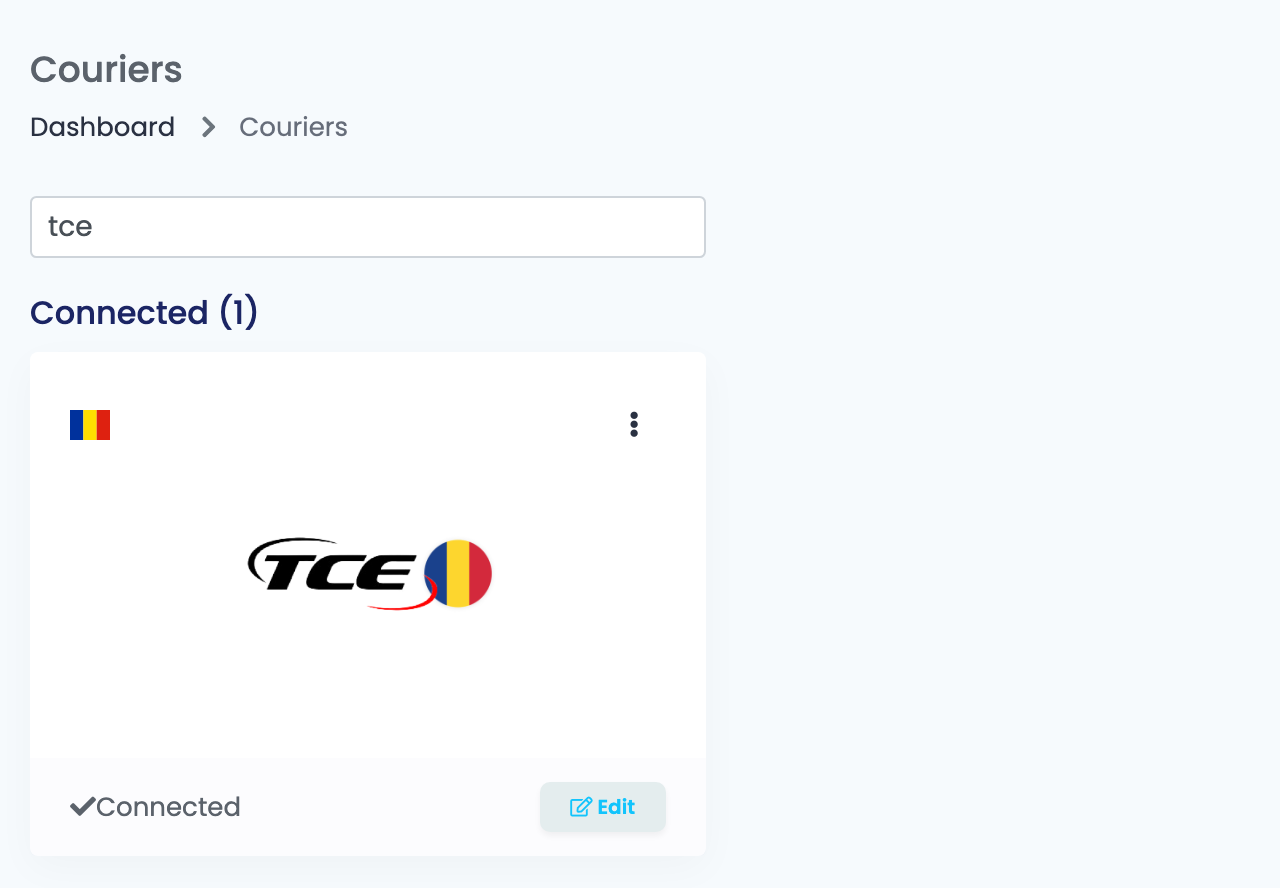
Go to Integrations → Couriers, search for tce and press Connect on the TCE card — or Edit, if you have connected it before.
Step 2 — Your TCE account
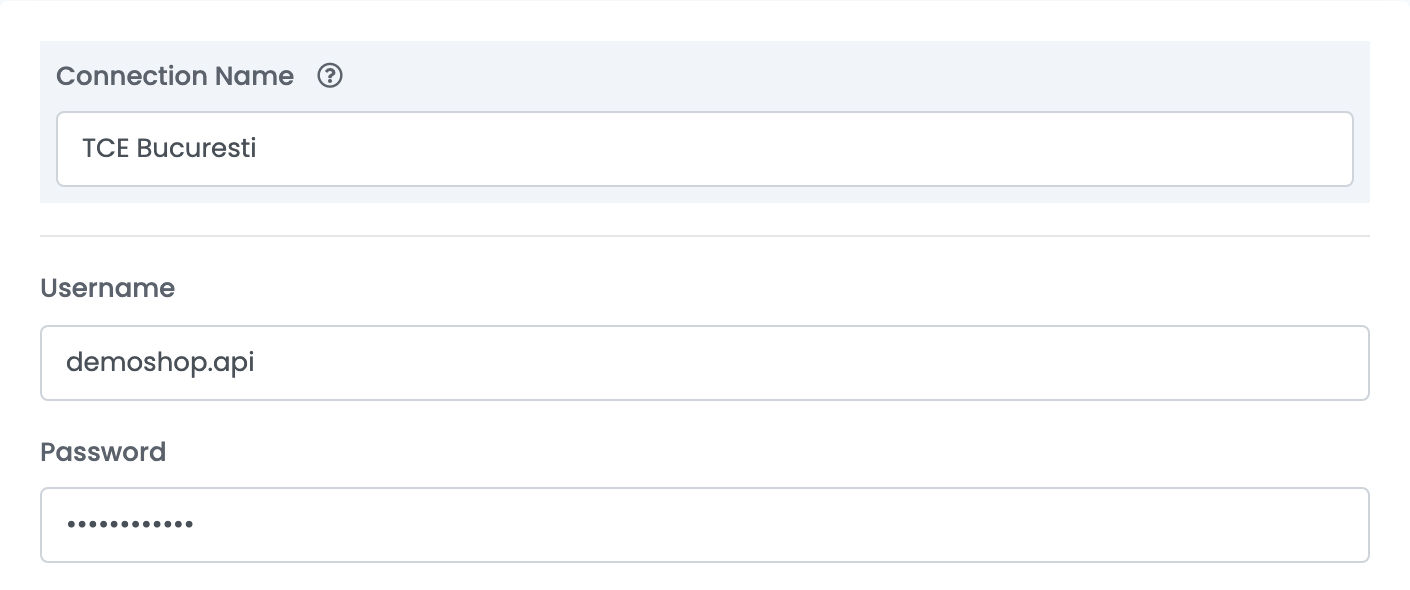
Fill in Connection Name, Username and Password.
Step 3 — Sender details
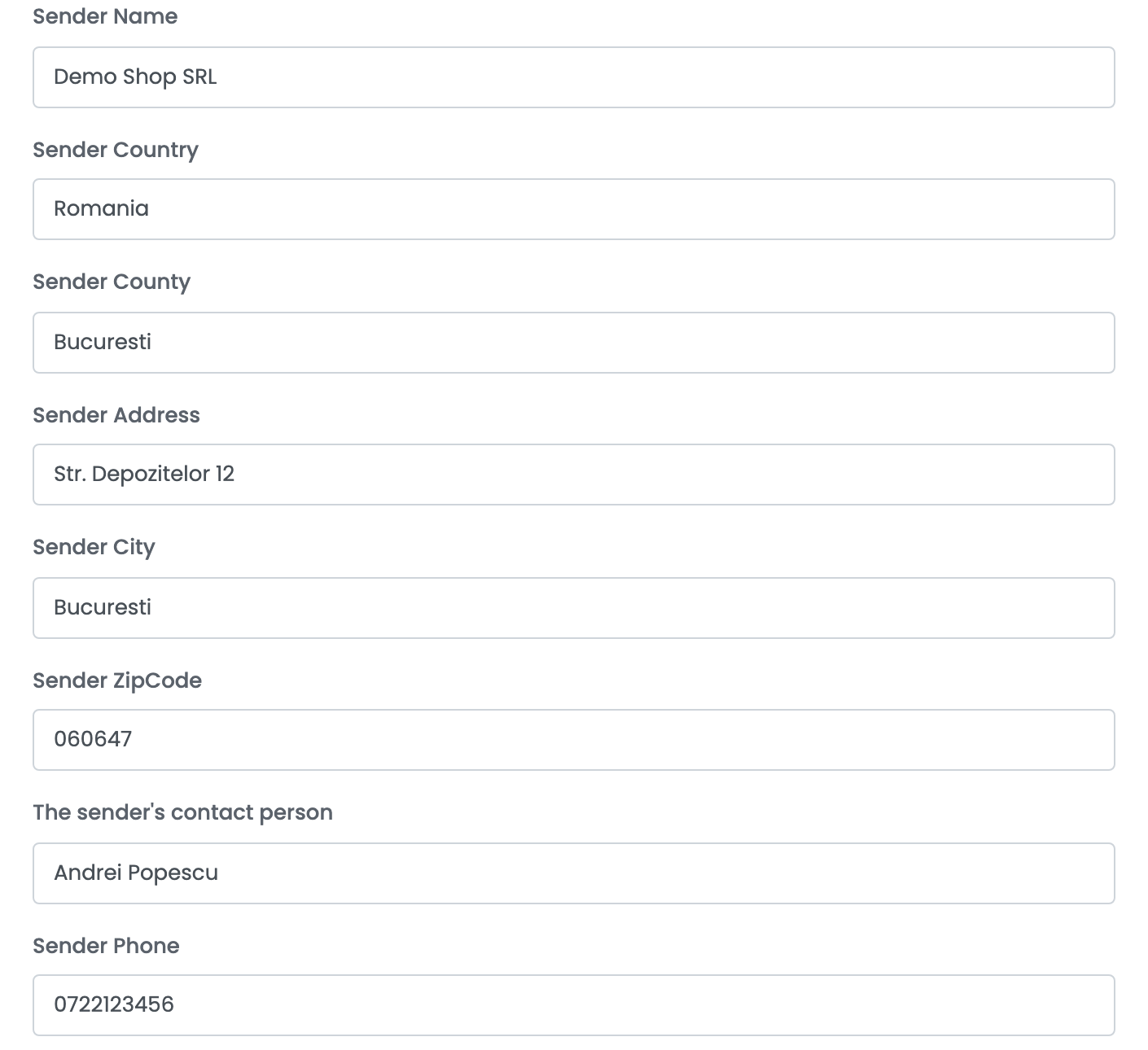
| Field | What goes in it |
|---|---|
| Sender Name | Your company, as it should appear on the AWB. |
| Sender Country |
Type Romania, without diacritics.
|
| Sender County |
The county of your pickup address, for example Bucuresti or Cluj.
|
| Sender Address, Sender City, Sender ZipCode | Your pickup address. |
| The sender's contact person | Optional: the person TCE asks for. |
| Sender Phone | The number TCE calls about pickups. |
Step 4 — The notes template
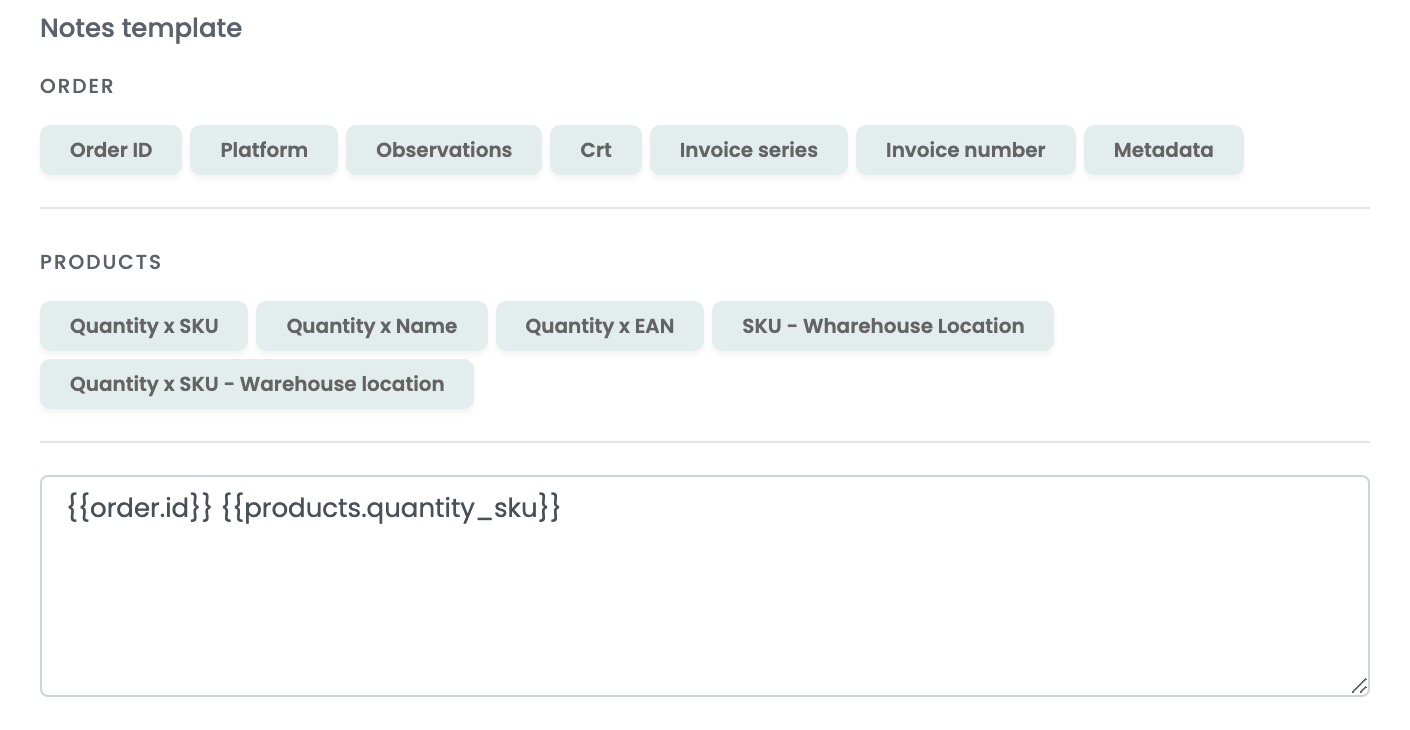
The Notes template is what TCE prints as the parcel's contents. Press the buttons to add the order ID, the platform, the products with their quantities and SKUs, or the warehouse location. TCE keeps the first 97 characters. Without a template, the order's observations are sent.
Press Save.
For a second TCE account or pickup address, choose Connect another courier account in the card's ⋮ menu, or open the connection and press Clone.
Creating AWBs
- Quick create: in the orders list, choose Quick Create → TCE in the AWB column. The AWB is created with the order's weight — 1 kg when the products have none — as a parcel or an envelope, following the Implicit package type of the order's marketplace or shop connection.
- From the order: in the order's Awbs section, press Create AWB and choose TCE. You can change the recipient's address, set the number of envelopes and parcels, the weight and the cash on delivery, and ask for Saturday delivery or opening at delivery.
The AWB is paid by contract, from your TCE account. For an order paid on delivery, the order total is sent as cash on delivery, in the destination country's currency — RON, HUF or PLN, and EUR for Bulgaria.
The AWB arrives as a PDF on the order, and easySales updates the order's delivery status from TCE. To cancel an AWB, delete it from the order.
When TCE refuses an AWB
The reason is shown on the order:
| Message | What to do |
|---|---|
| Eroare de autentificare. | The username or password is wrong. Check them with TCE and save the connection again. |
| Judetul este incorect. | The county of the order's shipping address is missing or wrong. Correct it on the order. |
| Unknown error | TCE refused the AWB without giving a reason. Check the recipient's address and the destination country, then contact TCE. |