How to connect Pactic with easySales: a complete setup guide
Connect Pactic to easySales: account credentials, the service that decides which courier carries the parcel across twenty-five countries, cash-on-delivery remittance, collection and invoicing details, lockers and label printing.
What connecting Pactic gives you
Pactic is not a courier with its own vans. It is one contract through which you reach a lot of other couriers — DPD, GLS, Sameday, UrgentCargus, InPost, Speedy, PPL, DHL, Hermes, national post offices — in twenty-five countries, and most of what it carries is cross-border. With it connected, easySales creates the shipment, brings back the label, tracks the parcel and cancels one you no longer need.
That is also why the form has a field called Service type whose list is full of other couriers' names. Choosing it is the decision that shapes everything else, so a good part of this guide is about it.
Before you start
A Pactic account, with the e-mail address and password you sign in with.
The collection address the courier will drive to, including its postal code and province.
Your company's invoicing details, including the VAT number if you are invoiced as a company.
An IBAN, if any of your orders are paid on delivery.
Step 1 — Find the Pactic card
Go to Integrations → Couriers and search for pactic.
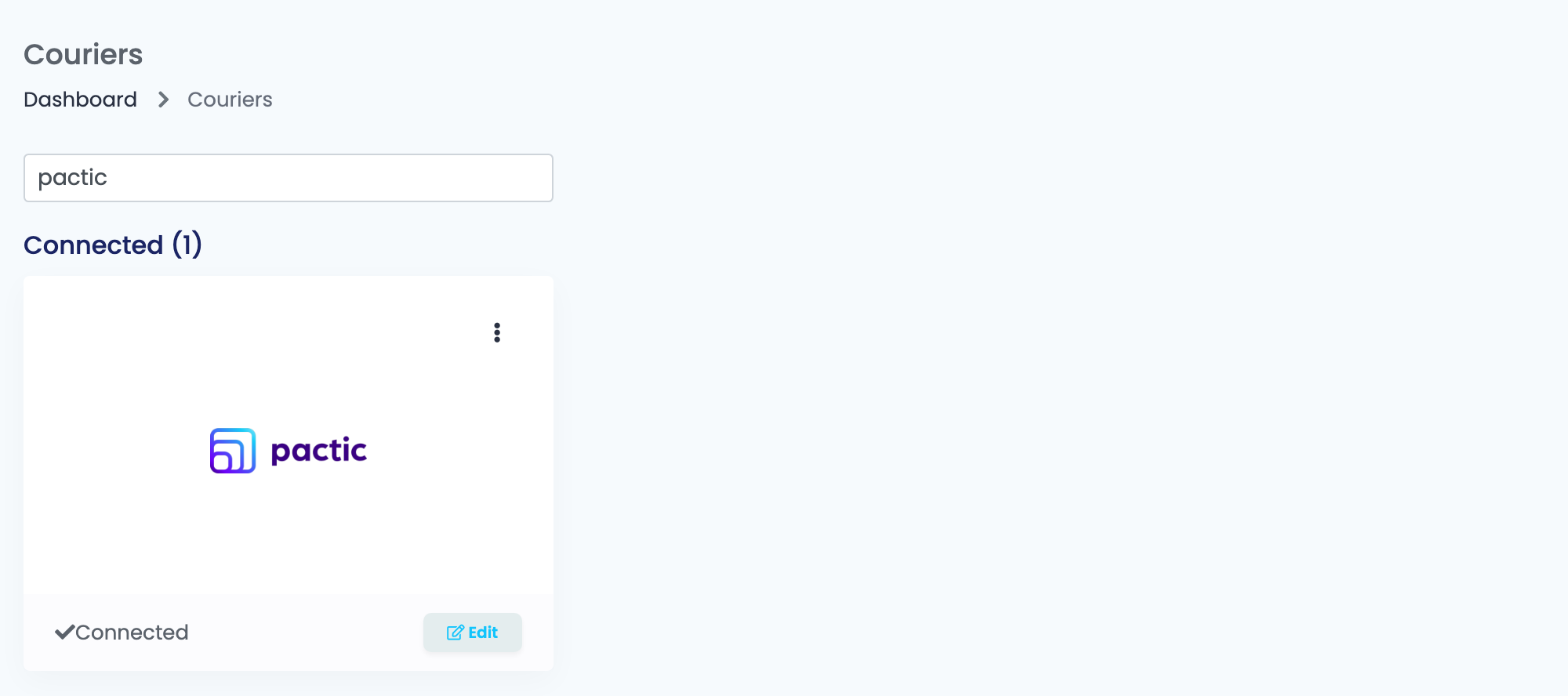
Press Connect on the card, or Edit if you have connected it before.
Step 2 — Sign in and choose the service
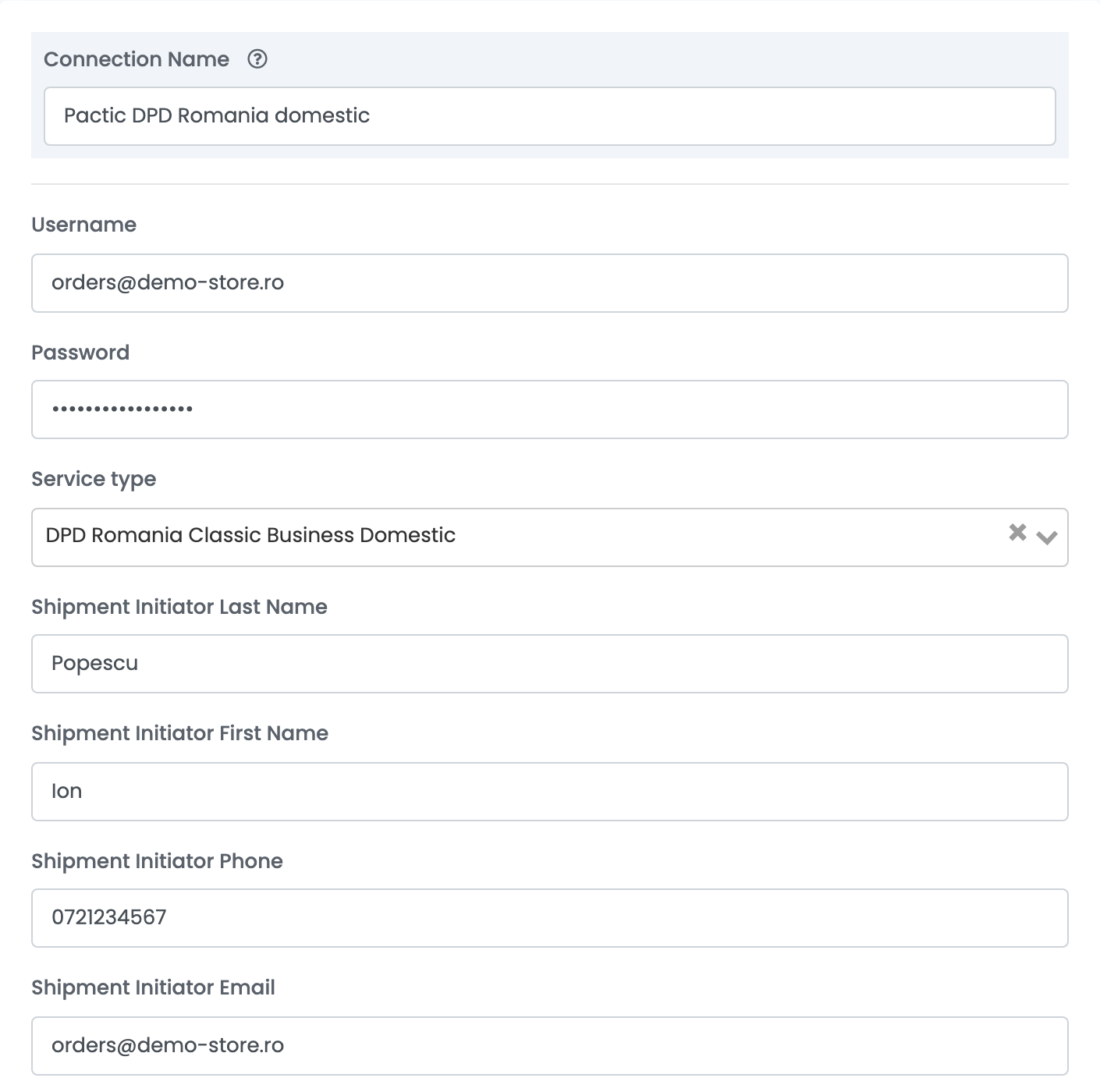
Connection Name is what you will see inside easySales when you choose between connections. Name it after what it ships — the country, or the courier behind it — because you are likely to end up with more than one.
Username is the e-mail address of your Pactic account and Password is that account's password.
Service type is the whole connection. It names one courier and one of its services, and it is sent with every shipment made here.
| What you see in the name | What it means |
|---|---|
| A country and a courier — DPD Romania, GLS Hungary, InPost Poland, Speedy Bulgaria, PPL Czech | The courier that will actually carry the parcel, and the country it is collected in. |
| Domestic or Business | A delivery inside the same country. |
| Cross-border | A delivery from one country into another. Most of the list is this. |
| Locker, Easybox, PUDO | Delivery to a parcel locker or a pick-up counter instead of an address. |
| Direct Injection | The parcel is handed to the destination country's network in bulk rather than carried across by one courier. Cheaper, slower. |
| Return, Pick & Return, Exchange Service | A collection from the customer rather than a delivery to them. |
| vol. | Priced on volumetric weight rather than actual weight. |
| Cheapest Service | You do not name a courier at all — Pactic picks the cheapest option it can route the parcel on. |
The four Shipment Initiator fields below are the person at your end who is booking the collection. They are not printed on the label — the courier uses them when something about the booking needs sorting out.
Step 3 — Where the money collected on delivery goes
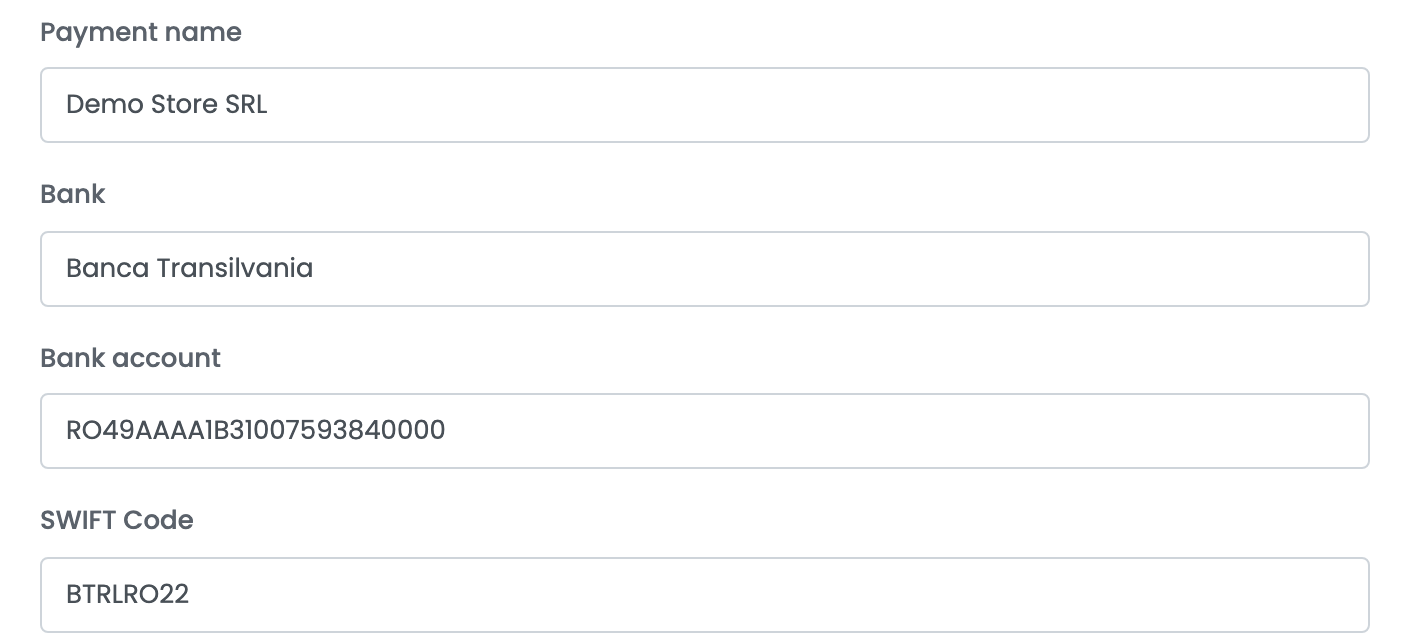
This block has nothing to do with what you pay Pactic. It is where Pactic sends the cash a courier collects from your customers on a cash-on-delivery order.
| Field | What goes in it |
|---|---|
| Payment name | The name the money is paid out to — normally your company. |
| Bank | The bank that holds that account. |
| Bank account | The IBAN the collected cash is transferred to. |
| SWIFT Code | Only needed when the account is at a bank outside the collection country. Leave it empty otherwise — it is sent only when it is filled. |
Step 4 — Where the parcel is collected from
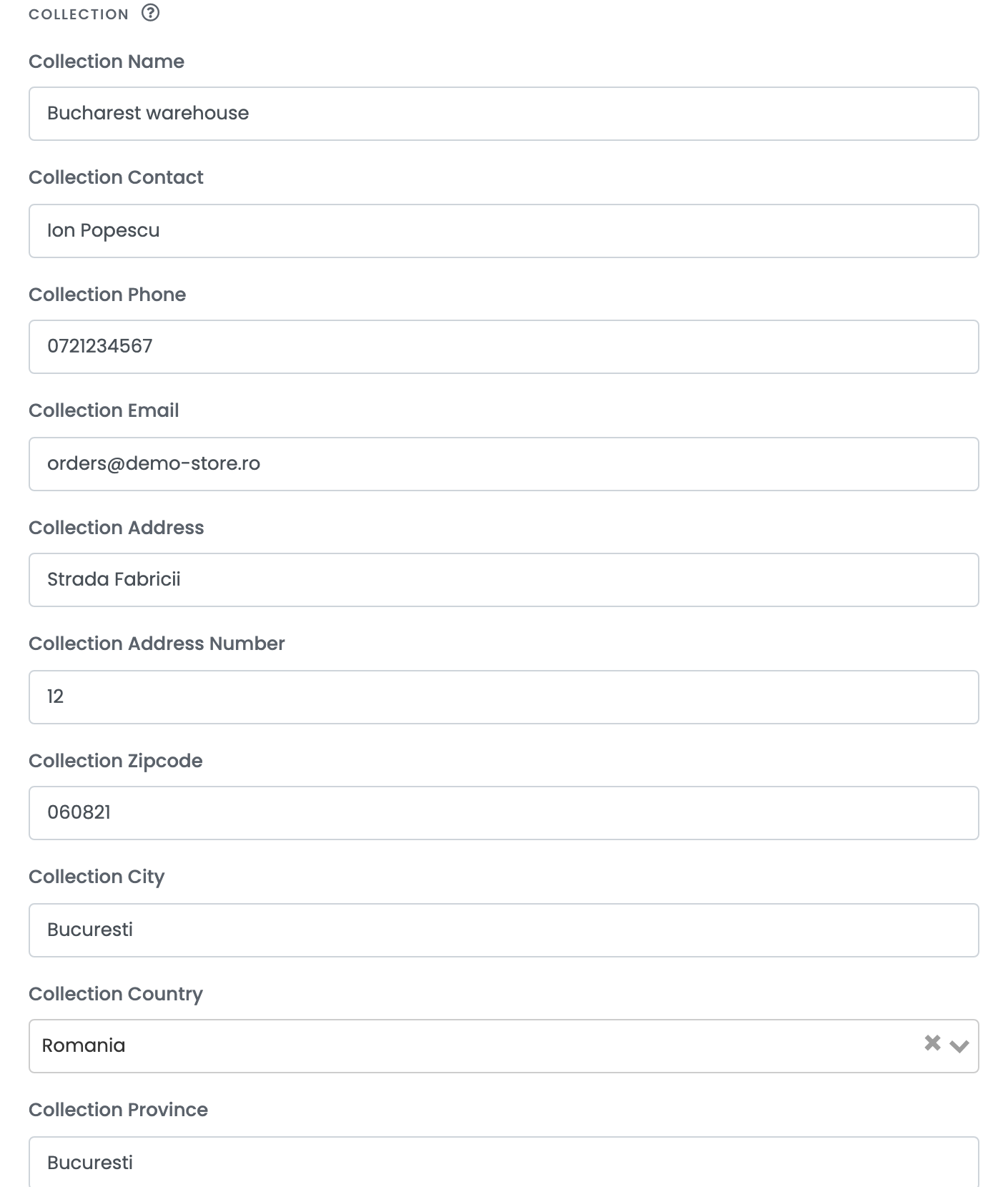
This is your address, and it is the address the courier drives to. Unlike most courier connections, the street and the number are two separate fields here.
Step 5 — Your invoicing details
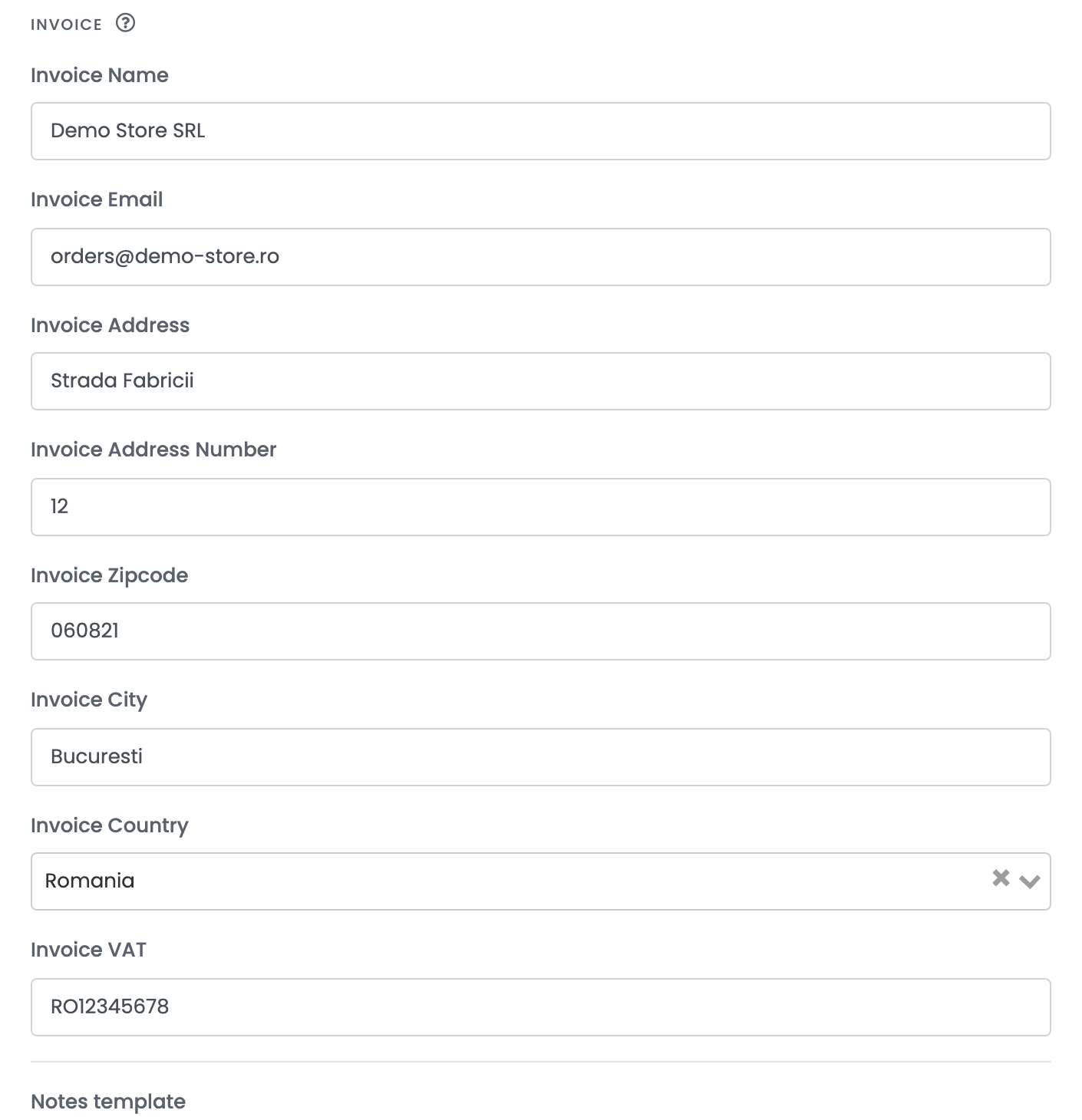
These are your company's details, and Pactic uses them to invoice you for the shipments. Invoice VAT does one more thing: filling it tells Pactic the invoice goes to a company rather than to a person.
Step 6 — The notes template
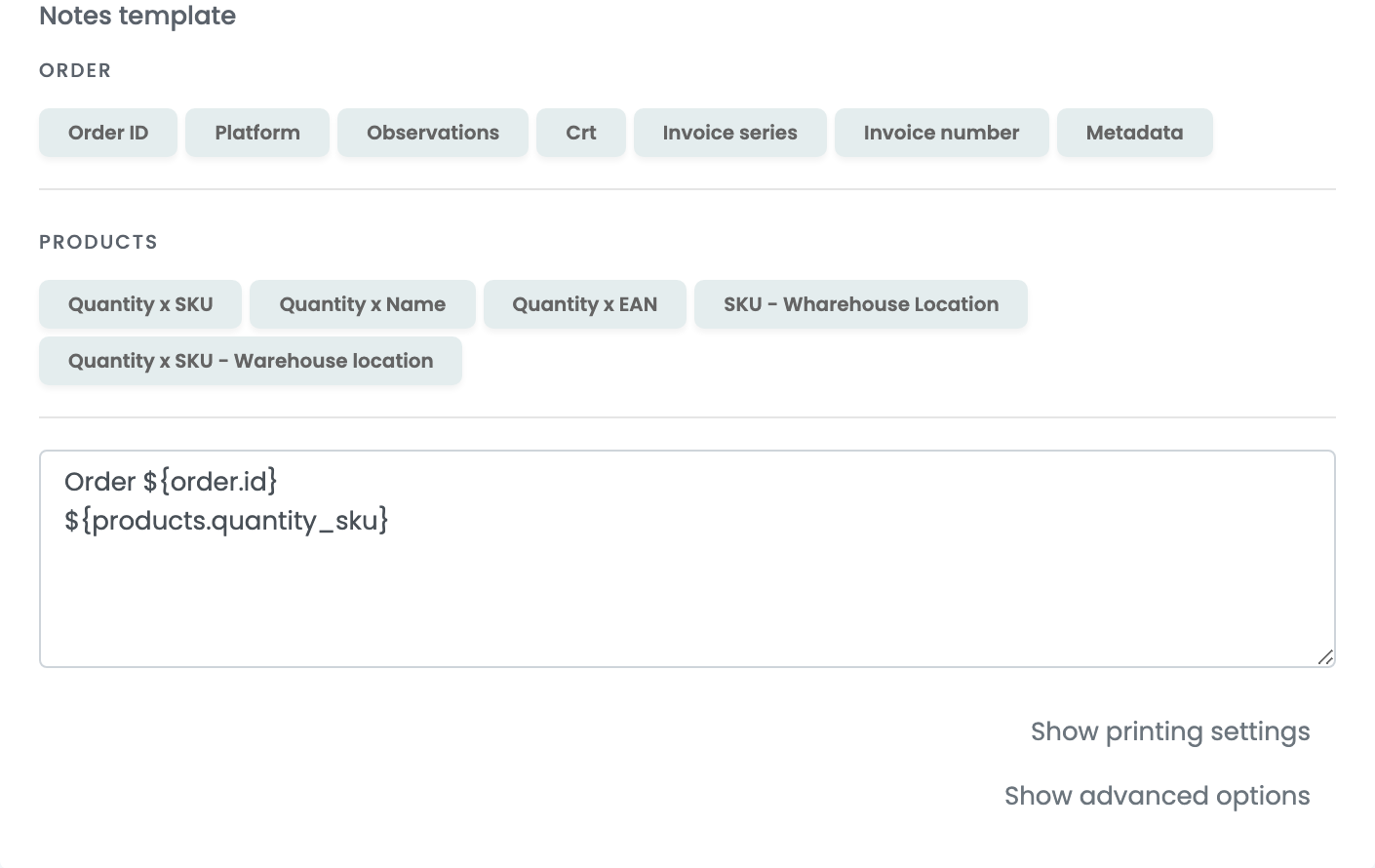
Whatever the template produces travels with the parcel as the waybill comment, so keep it to what a driver or a warehouse needs to read. The buttons above the box insert values from the order and from its products — order number, invoice series, quantity and SKU, warehouse location.
Step 7 — Printing settings and advanced options
Both sections are collapsed, neither is required, and both are worth a look before you need them.
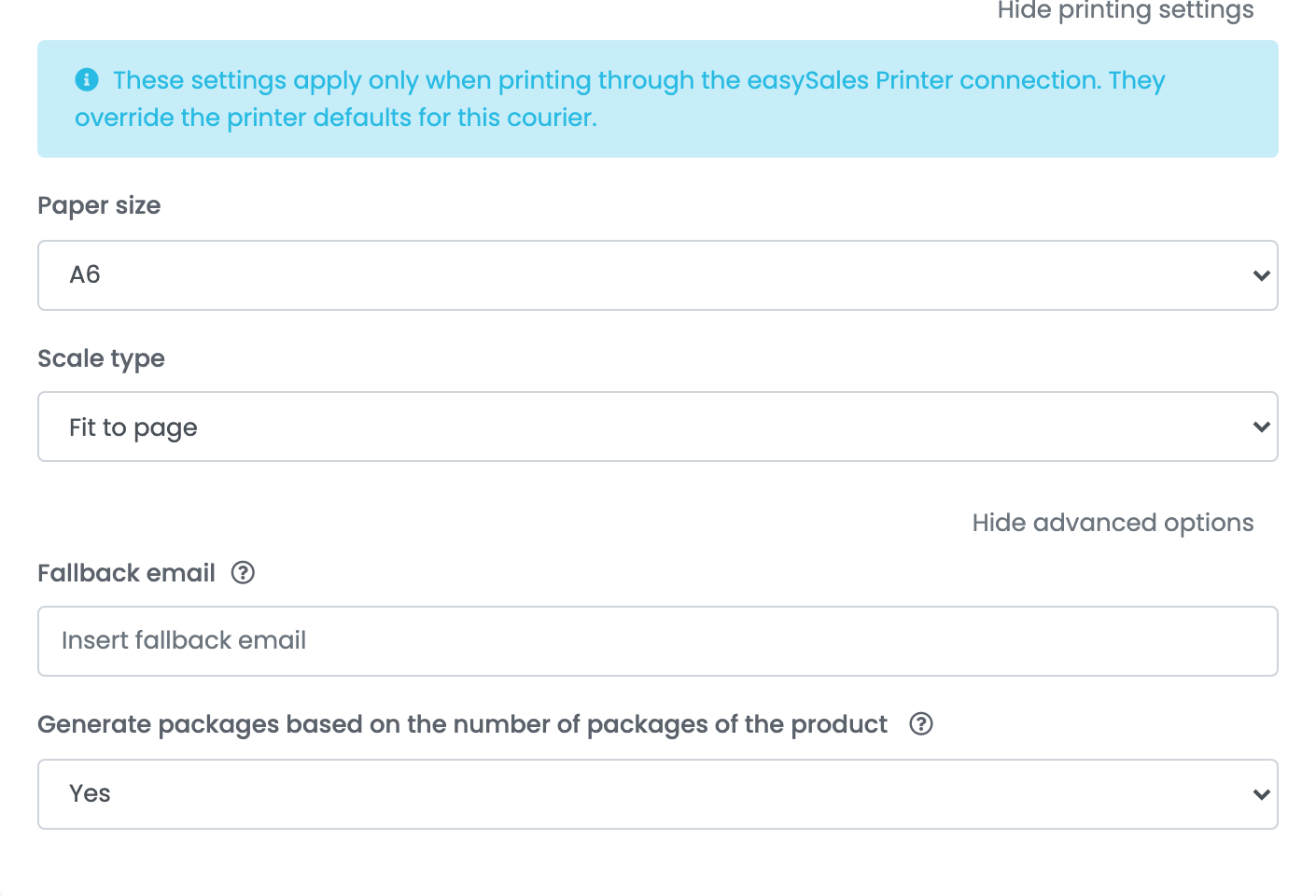
| Setting | What it does |
|---|---|
| Paper size and Scale type | How the label is laid out when it is printed through the easySales Printer connection. They override the printer's own defaults for this courier only. |
| Fallback email | The address used when the order carries no customer e-mail. Worth filling in: the shipment carries a contact e-mail, and an order without one goes out with an empty field. |
| Generate packages based on the number of packages of the product | Works out the parcel count from the products on the order instead of sending one parcel. Use it if your products already carry a package count. |
One connection per service
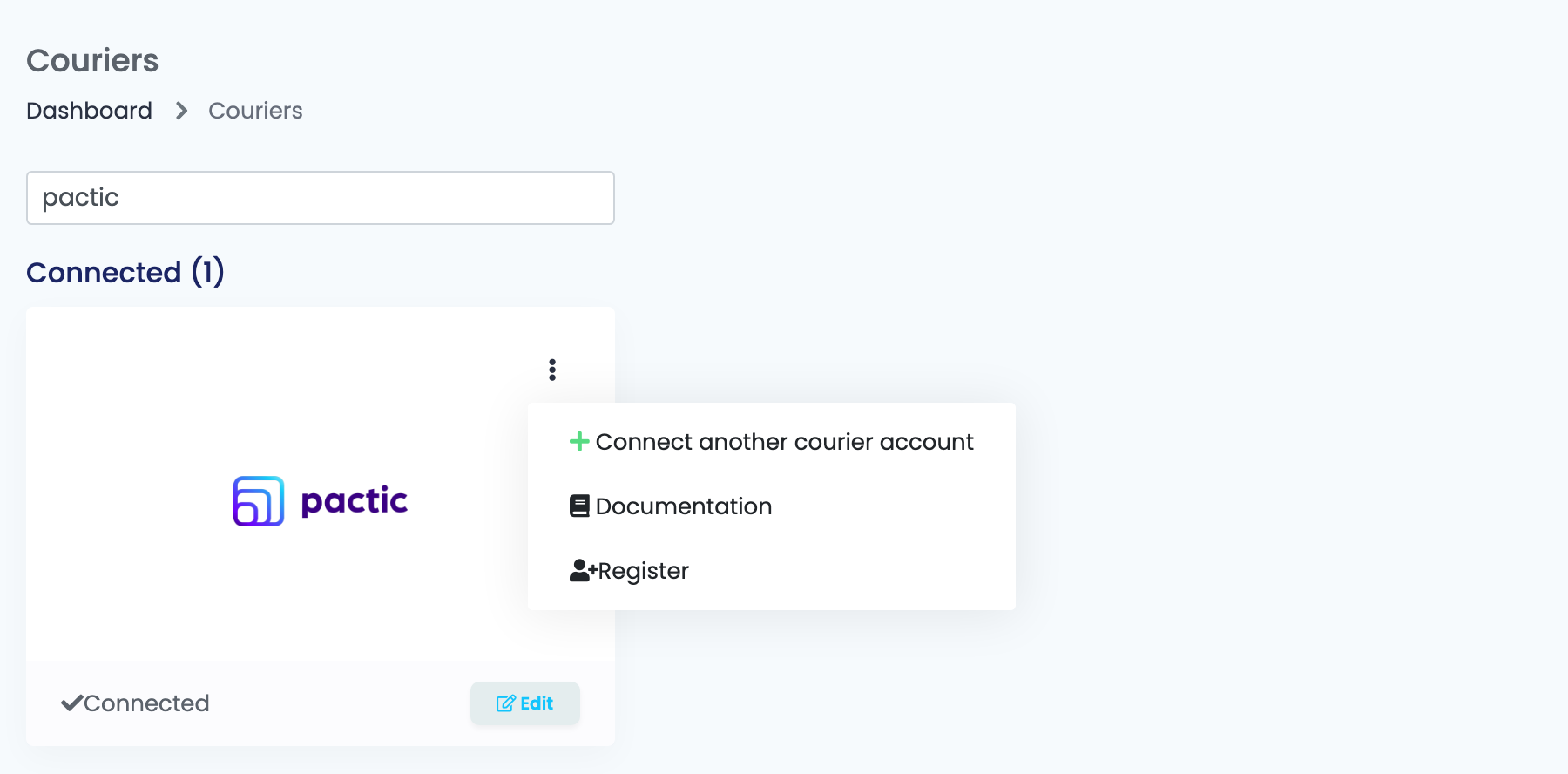
The service belongs to the connection and travels with every shipment made on it, so a seller who ships domestically with one courier and cross-border with another needs two Pactic connections. Open the ⋮ menu on the Pactic card and choose Connect another courier account, or open an existing connection and press Clone — that copies every setting and adds (cloned) to the name, so you only change the one field that differs.
You then choose between them by Connection Name when you create the AWB.
Lockers and pick-up points
Several of the services in the list deliver to a locker or a counter rather than to a door — the ones whose names carry Locker, Easybox, PUDO or DropOff. You do not pick the locker on the connection: it comes from the order. When your customer chose a pick-up point on the marketplace or on your shop, easySales sends that point's code with the shipment.
What a parcel looks like when you do not say
If the order has no package template on it, the shipment goes out as one parcel of 25 × 20 × 10 cm. Set up package templates and assign one to the order when the real dimensions matter — a courier that prices by volume will otherwise price the default.