Product Updates June 2026
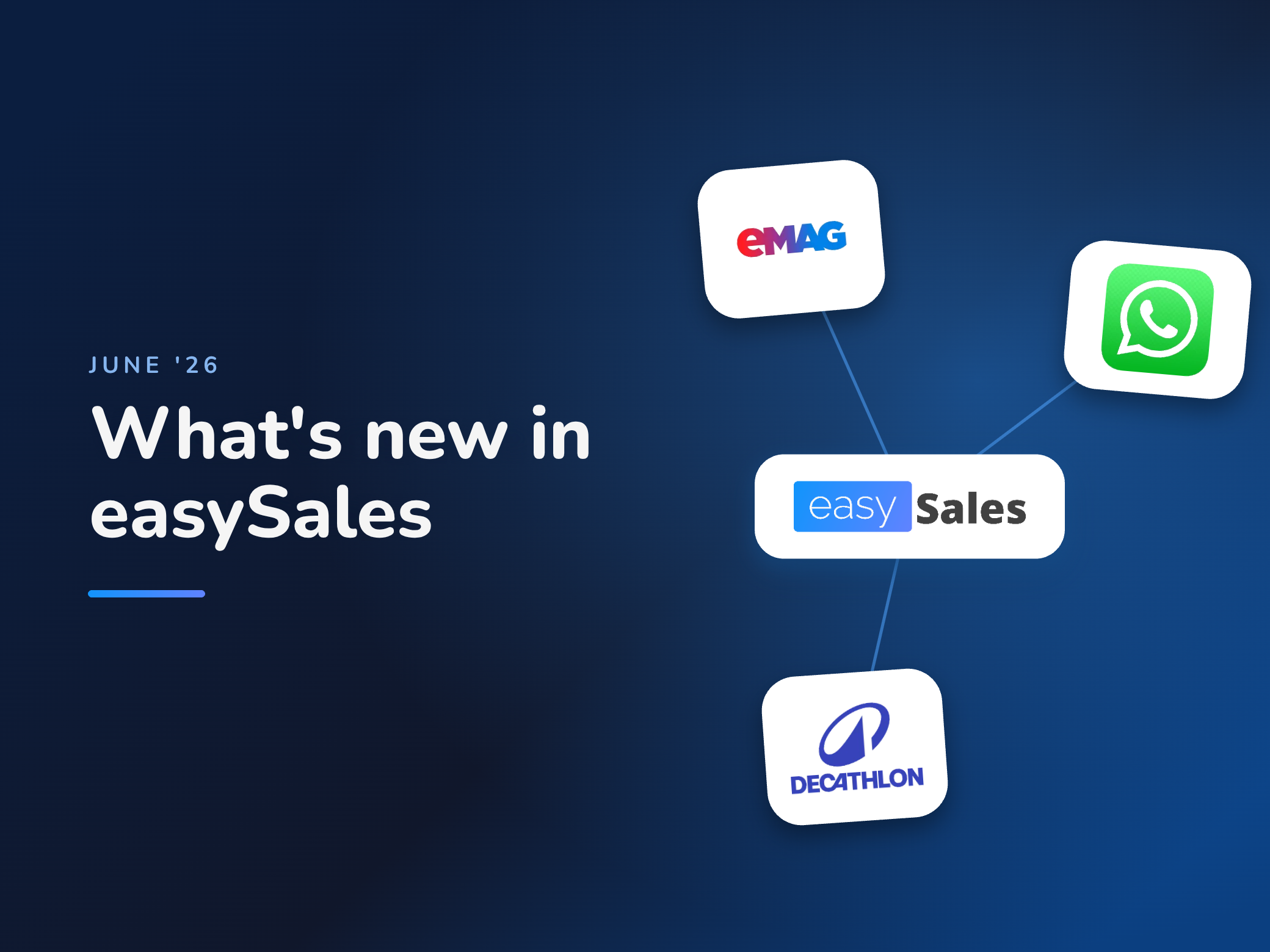
In June we released 21 updates in easySales. Some add new sales channels, others help you save time and reduce manual work in your day-to-day operations.
Below you will find the most important updates, explained simply: what they do, how they help and where to find them in the platform.
In short, the most important launches
- eMAG stores and ships your products With eMAG Fulfillment, you can hand over storage, packing and delivery to eMAG. The service can also cover orders coming from your online store.
- Reply on WhatsApp directly from easySales Messages from customers on WhatsApp show up in easySales, and you can reply without switching apps.
- Correct dimensions on the eMAG label We automatically send the parcel weight and dimensions on the eMAG shipping label, to reduce the risk of extra courier fees.
- New marketplace: Decathlon Bulgaria You can now sell on Decathlon Bulgaria, directly from easySales.
New integrations
We added new sales channels and delivery options that you can manage from the same easySales account.
eMAG stores and ships your products
With eMAG Fulfillment, you can move a significant part of your logistics over to eMAG. Your products are stored at their warehouse, and when an order comes in, eMAG handles packing and delivery.
The difference from FBE matters. FBE covers only the orders received through eMAG, while this solution can also deliver orders coming from your online store, for example Shopify.
Where to find it: Integrations → Order Fulfillment

New marketplace: Decathlon Bulgaria
We added the integration with the Decathlon marketplace in Bulgaria. You connect your account, list products and manage sales directly from easySales, without working separately in the Decathlon platform.

Send orders automatically to Magento 2
If your online store runs on Magento 2 and orders flow from there into your ERP, you can now automatically send the orders centralized in easySales from marketplaces into Magento.
This means all orders enter your internal processing flow more easily, with no exports, imports or manual steps. It is especially useful for stores with high order volumes.
Reply to customers on WhatsApp directly from easySales
When a customer writes to you on WhatsApp, the message appears in easySales. You can reply from the same interface, without switching from one app to another.
This keeps your customer conversations in one place and helps you work in a more organized way.
Where to find it: Customers & Notifications → Tickets
Improvements to existing integrations
We extended the integrations you already use, so they cover more real-world situations from daily operations.
Avoid extra fees with courier services
When you generate a shipping label through the eMAG courier, easySales now automatically sends the parcel weight and dimensions.
Couriers check this information at pickup. If it is missing or does not match, extra fees may apply. By sending the correct data from the platform, you reduce the risk of these costs.
If a product has no dimensions filled in, easySales sends the default values 1 x 1 x 1 cm and 1 kg.
The eMAG courier works with Fan Courier, Sameday, Cargus and DPD.
Keep customer data from Temu
After an order is delivered, Temu anonymizes the buyer data. You can now choose to keep the original customer data in easySales.
This helps you keep a complete history and reach out to the customer later, where you need to.
Where to find it: Marketplace → Temu → Additional settings

Send the SGR value on Trendyol
For products that fall under the Deposit-Return System (SGR), such as packaged drinks, you can now send the SGR value to Trendyol directly from easySales.
You no longer need to fill in this information manually in the marketplace.
Set the delivery time on Trendyol
You can set, for each product, in how many days the order reaches the customer. Trendyol buyers will see the delivery time right when they place the order.
Automatic deactivation of OLX listings when out of stock
When a product reaches zero stock, the associated listing on OLX is deactivated automatically.
This helps you avoid orders for products you no longer have in stock and cannot deliver.
Warehouse location for Shopify products
Shopify does not have a dedicated field for the warehouse location. You can now fill this information in easySales, for example “Shelf 1, Row 3”.
This helps you pick and pack orders, especially if you work with many products or several storage areas.
We fetch the shipping label and invoice from your online store
If the shipping label and invoice are generated in Shopify, easySales fetches them automatically.
This way, all order documents stay in one place and can be accessed more easily by your team.
For now, this feature is available only for Shopify.
Sync an order instantly, with one button
When you change an order in your online store, such as Shopify or MerchantPro, easySales updates it at the next scheduled sync.
If you need the change to appear immediately, you can press the sync button in the order. The data is fetched right away.
Where to find it: Edit order → Sync order

Your catalog stays clean when a product code changes
easySales identifies products by their SKU. If you change a product code in your online store, easySales imports it as a new product, and the variant with the old SKU may remain in the catalog.
From now on, when such a change happens, the old variant is archived automatically. Your catalog stays cleaner and easier to manage.
Invoicing
We added more control over the documents you issue directly from easySales.
Generate proforma invoices from easySales
In addition to the fiscal invoice and receipt, the easySales invoicing system can now also generate proforma invoices.
You can issue them directly from the platform, without a separate tool.
Where to find it: Invoicing → Document type

Edit invoices before they are sent to the tax authority
You can edit fiscal invoices and credit notes after generating them, directly in easySales, before they are sent to SPV (the Romanian ANAF e-Invoicing system).
The feature is available only for the easySales invoicing system.
Products, orders and physical store
We added a few improvements that make daily operations simpler, especially for teams working with products, orders and offline sales.
Units of measure kg, gram and lb for products
We added new units for product weight: kilogram, gram and lb.
They are available in the online store and in the virtual store.
Where to find it: Edit product → Details → Weight
Separate price for the physical store
In the physical store you can now sell a product at a price different from the one in your online catalog.
When you create the order you choose the price for each product. The feature is useful, for example, for wholesale customers or for situations where you have negotiated prices.
This way, you apply the right price directly in the order, without changing the price in your online store.
Where to find it: Create physical store order

Estimated delivery date on the order page
On the order page visible to the customer, that is the external page, you can now also show the estimated delivery date.
The customer sees more clearly when the order should arrive.
Scanned products move down the picking list
While preparing an order, after you scan a product, its row moves to the bottom of the list.
Products that have not been scanned yet stay at the top, so the team can work faster and with fewer mistakes.
Automation and listing
We added updates that help automate processes and manage marketplace listings.
Automatically print the order sheet
In addition to the classic picking list, you can use an order sheet in PDF, with the information you choose.
With the new action in Flows, order sheets can be sent to the printer automatically. For example, when you generate shipping labels or when new orders come in.
The sheet is printed in the format you configured beforehand.
Where to find it: Flows → Action “print order pdf export”
Track product translations in real time
When you list products on marketplaces in other countries, easySales can translate them automatically.
You now have a dedicated page where you see the status of each translation in real time: pending, completed or failed.
Where to find it: Product translation jobs