Product Updates September 2026
In September we released more than 60 updates in easySales. The biggest are 14 new marketplace channels, among them MediaMarkt Poland, bol.com, Leroy Merlin and OTTO Market, alongside AI that completes your new offers before you approve them, inFakt invoices forwarded to KSeF and four new reports.
Below you will find the most important updates, explained simply: what they do, how they help and where to find them in the platform.
In short, the most important launches
- 14 new marketplace channels MediaMarkt Poland, bol.com, Leroy Merlin, OTTO Market, BigBang and more Kaufland and Decathlon countries are now in easySales.
- New offers that complete themselves On eMAG, Trendyol and Allegro, PulseAI, the easySales AI, fills in your new offers and holds them for your approval before anything is sent.
- More invoicing for Polish sellers inFakt can forward your invoices to KSeF, link an invoice to a receipt and add GTU codes, and easySales invoices can carry VAT-exempt lines.
- Four new reports See your EU OSS threshold, the products that come back most, how your couriers really perform and what your team gets done.
- eMAG and FashionDays returns arrive by themselves Return requests opened on the marketplace now come into easySales automatically, with their products and status.
New sales channels
Fourteen new marketplace channels, in Poland, Germany and across Europe.
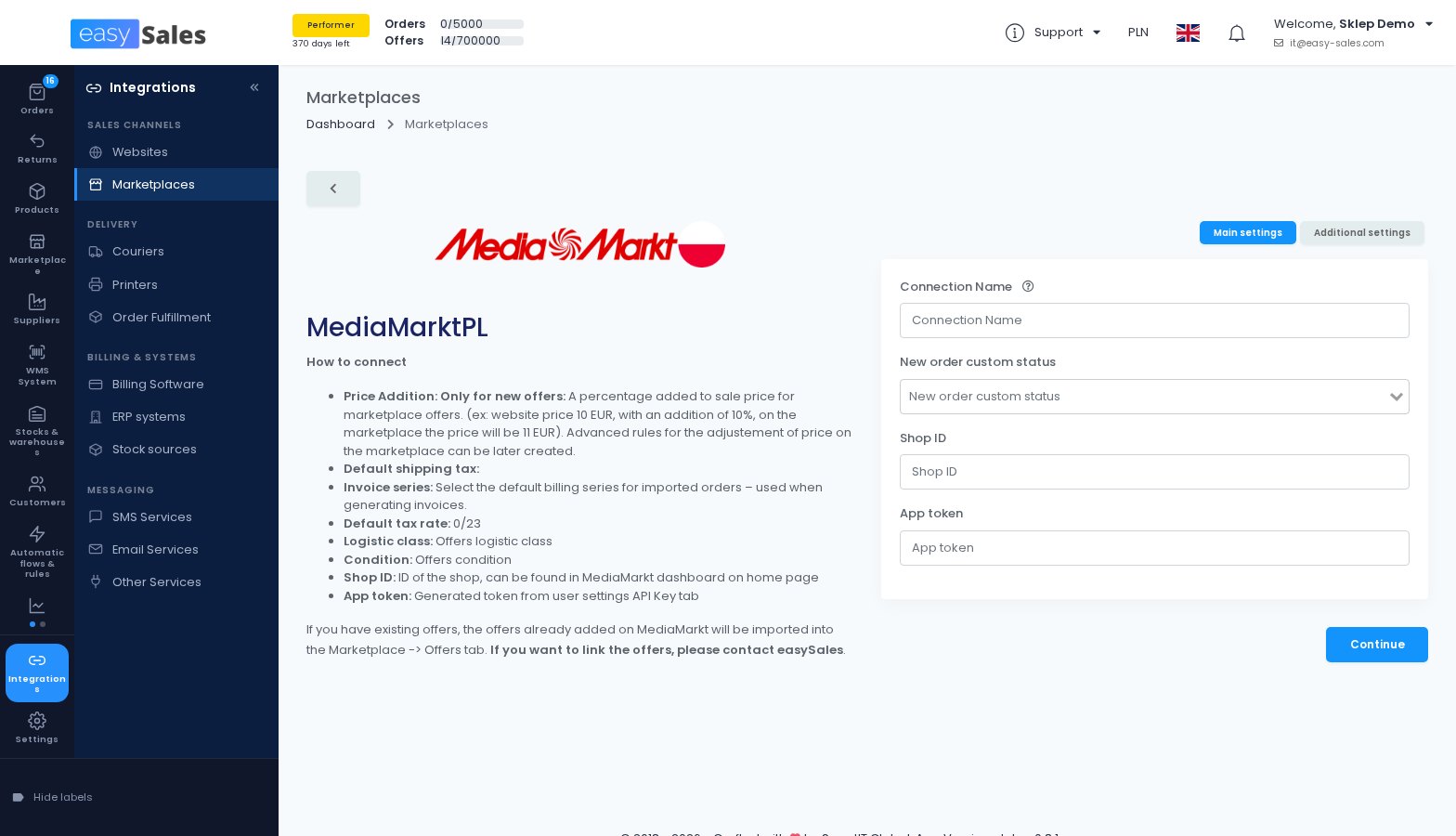
Sell on MediaMarkt Poland
You connect your MediaMarkt Poland seller account with the Shop ID and API token from the MediaMarkt seller panel. easySales imports the MediaMarkt categories so you can map yours, then publishes your offers, keeps price and stock in sync and imports your orders.
Invoices and tracking numbers go back to MediaMarkt automatically, and new orders are accepted for you unless you turn that off.
Where to find it: Integrations → Sales channels → Marketplaces
Sell on bol.com, in the Netherlands and Belgium
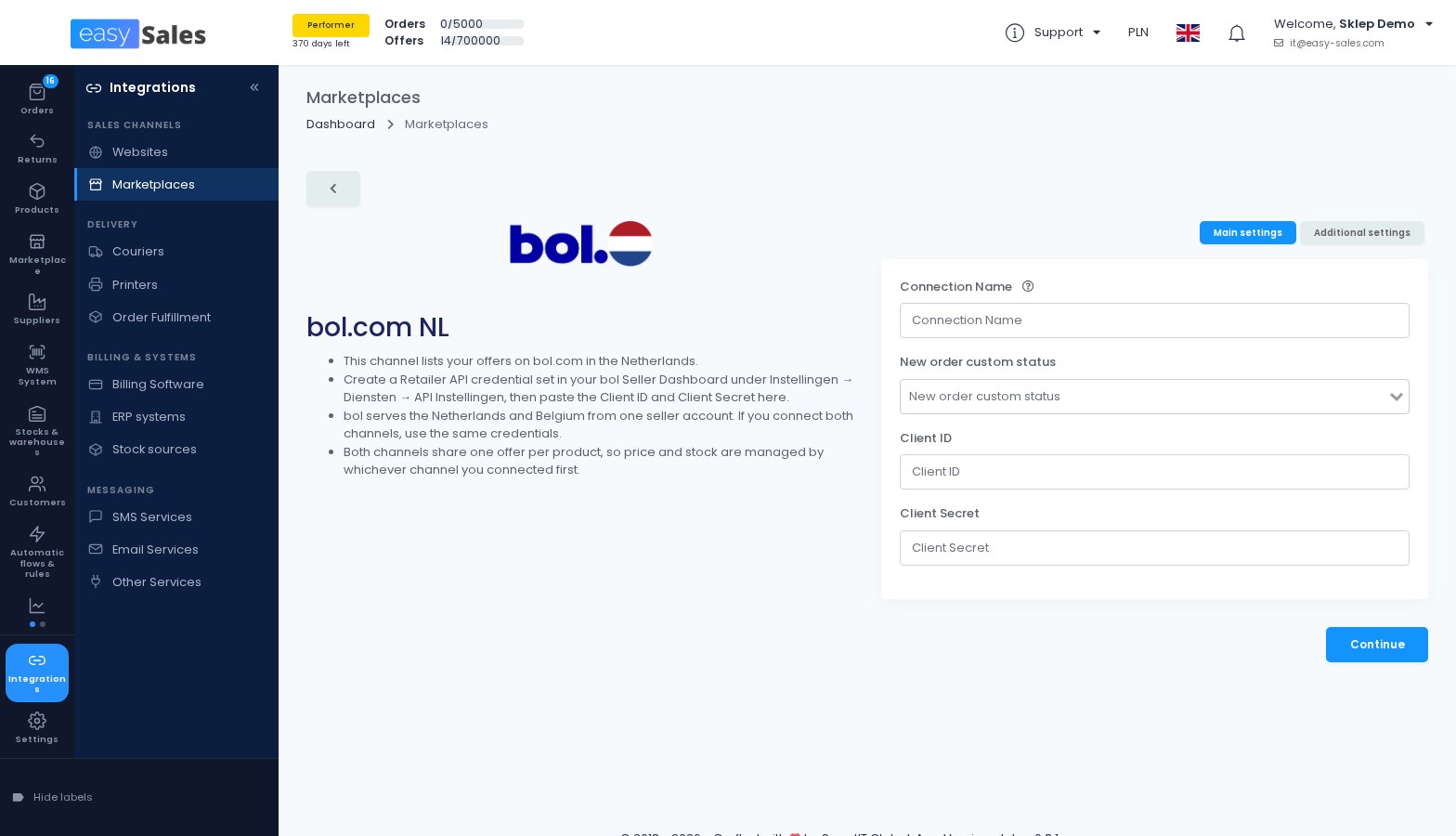
bol.com is the largest online marketplace in the Netherlands and Belgium. One bol.com account serves both countries, so the two channels share the same offers, price and stock.
easySales publishes your offers, syncs price and stock, imports orders, confirms shipments and uploads invoices. On each offer you set the condition, from new to refurbished or second-hand, before it is published, because bol.com does not accept a change of condition afterwards.
Where to find it: Integrations → Sales channels → Marketplaces
Sell on Leroy Merlin, in five countries
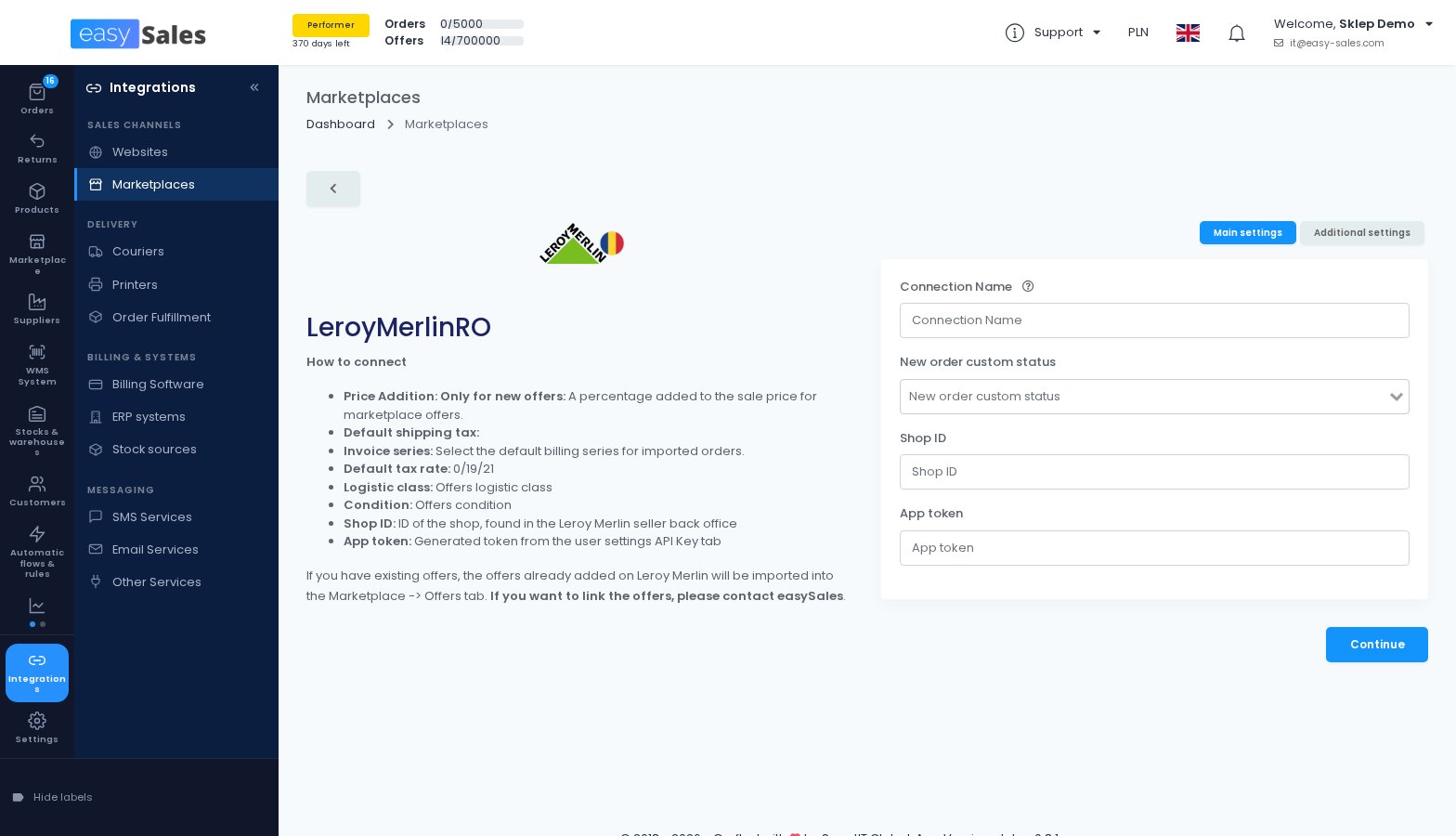
Leroy Merlin, the home improvement and DIY marketplace, is available for Romania, Italy, France, Portugal and Spain. easySales maps your categories and attributes, publishes your offers, syncs price and stock, imports orders and sends tracking with the carrier codes Leroy Merlin expects.
Leroy Merlin shows an offer on its storefront only when it has a VAT class and a storage country. You set both once on the connection and can change them per offer or in bulk.
Where to find it: Integrations → Sales channels → Marketplaces
Sell on OTTO Market in Germany
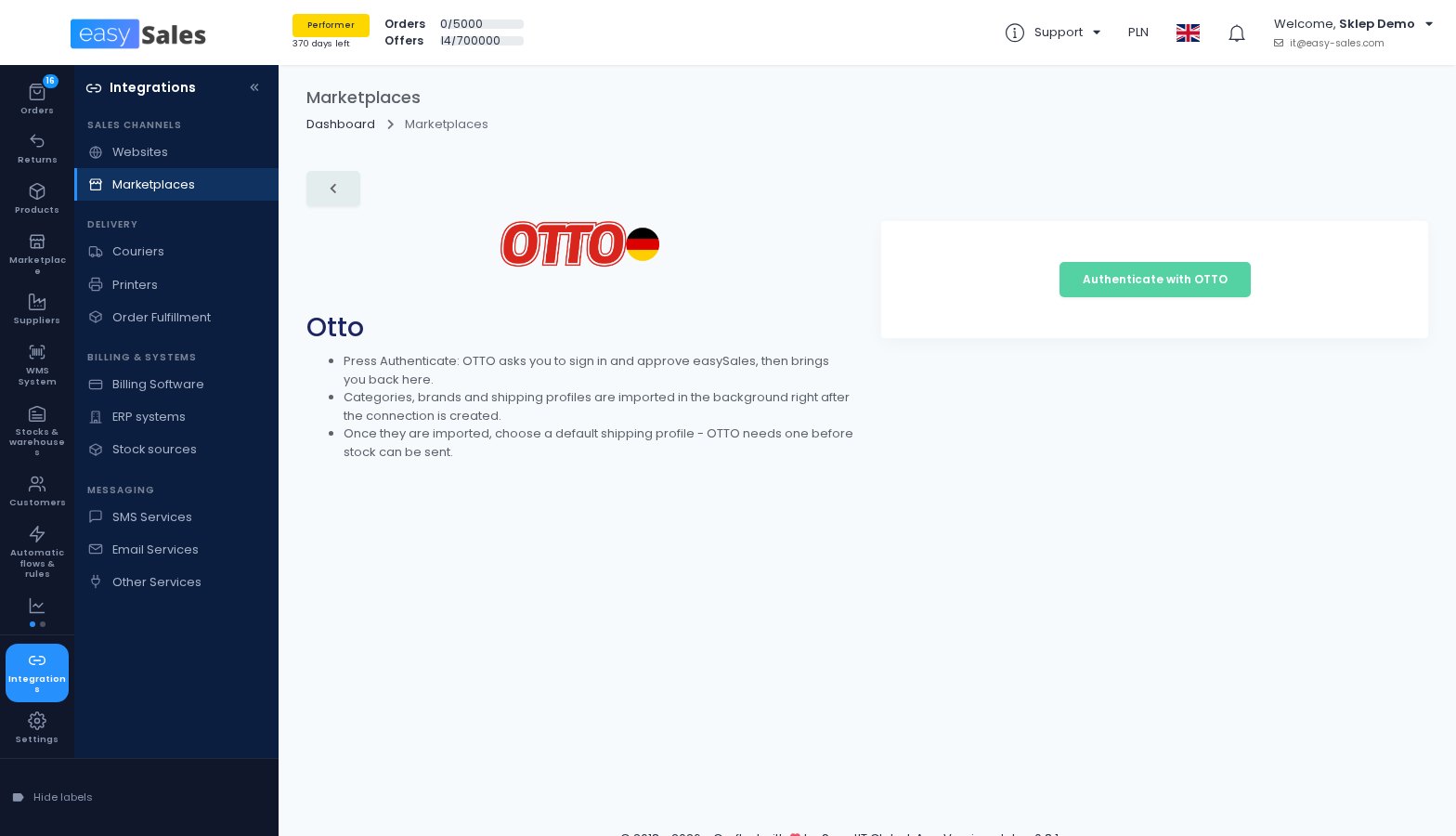
OTTO Market is one of the largest online marketplaces in Germany. You install the easySales app in OTTO Partner Connect and authenticate, with no API key to copy.
easySales then publishes your offers with their product safety (GPSR) details, keeps stock and prices in sync and imports your orders, together with the OTTO purchase receipts. Shipments are confirmed in OTTO Partner Connect.
Where to find it: Integrations → Sales channels → Marketplaces
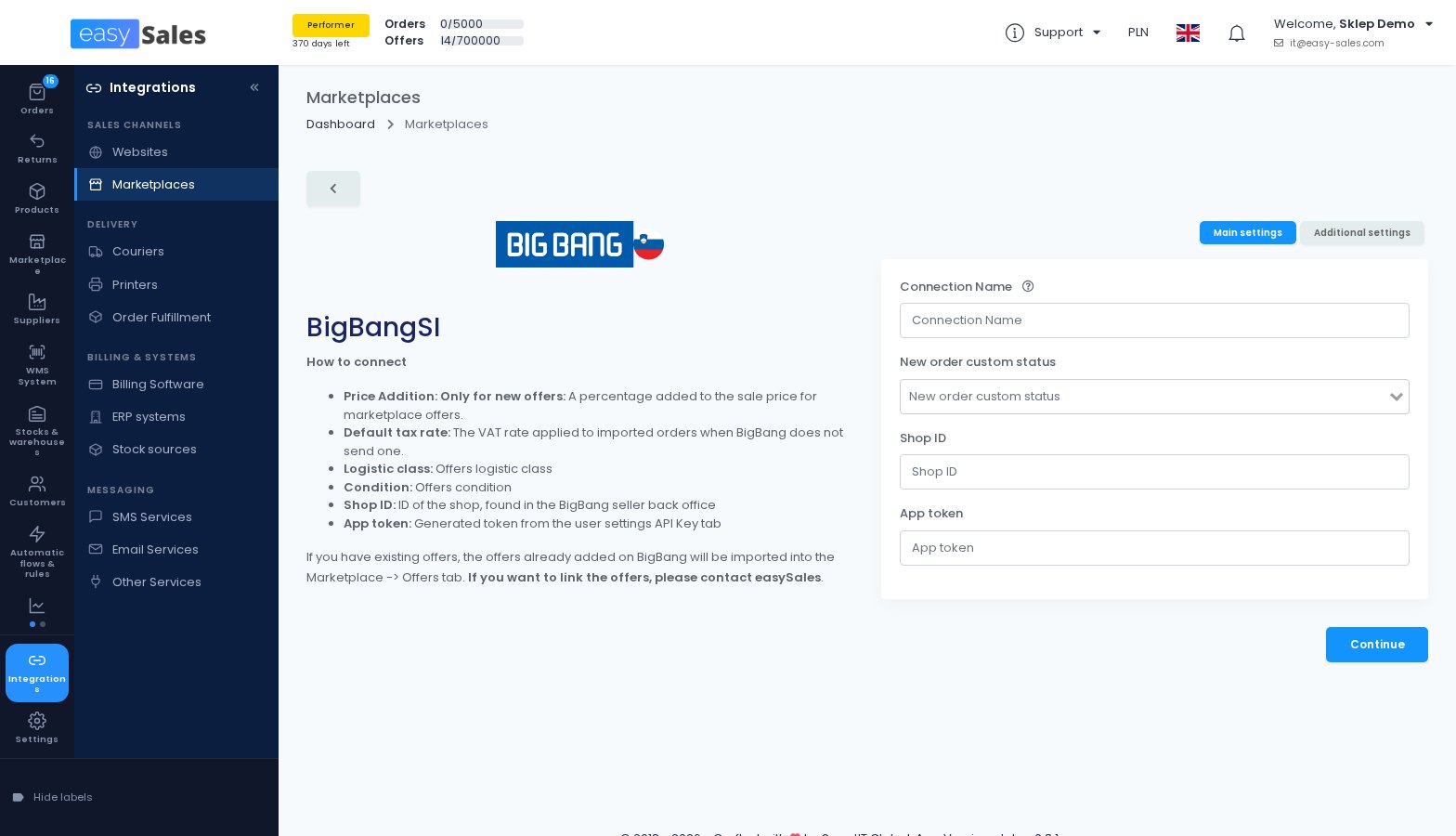
Sell on BigBang in Slovenia and Croatia
BigBang is a consumer electronics and home appliances marketplace. easySales maps your categories, attributes and brands, publishes your offers with their GPSR details and imports your orders, and sends invoices and tracking back to BigBang.
Where to find it: Integrations → Sales channels → Marketplaces
More Kaufland and Decathlon countries
Kaufland Netherlands and Kaufland Spain join the Kaufland storefronts you already manage from easySales, and Decathlon Slovakia becomes the sixteenth Decathlon country.
Both work like the channels you know: offers, category mapping, price and stock sync, and order import.
Where to find it: Integrations → Sales channels → Marketplaces
New shops and business systems
More online shops, ERPs and an outsourced warehouse can now be connected to easySales.
Connect your SoteShop store
You connect a SoteShop store with its user name and password. easySales imports your products, categories, characteristics and orders, and keeps the shop's stock up to date.
When an order is canceled, completed or returned, easySales sends that status to SoteShop, mapped to the shop status you choose, together with the tracking number.
Where to find it: Integrations → Sales channels → Websites
Connect your shopGold store
You download a small connector from easySales, paste your key into it and upload the two files to your shopGold shop. easySales then imports your products, prices, stock, categories and orders, and sends stock, prices and order statuses back.
You can also send orders from your other channels into shopGold, with the status and payment method they should arrive with.
Where to find it: Integrations → Sales channels → Websites
Send orders to Shopify, Shoper and IdoSell
Orders from your other channels can now be sent into a Shopify, Shoper or IdoSell store, by hand or through a flow, and each send is tracked so you can see what happened and send it again.
For Shopify, you choose whether the order arrives already fulfilled, carrying its AWB tracking details, or unfulfilled.
Where to find it: Integrations → Sales channels → Websites → your shop → Submissions
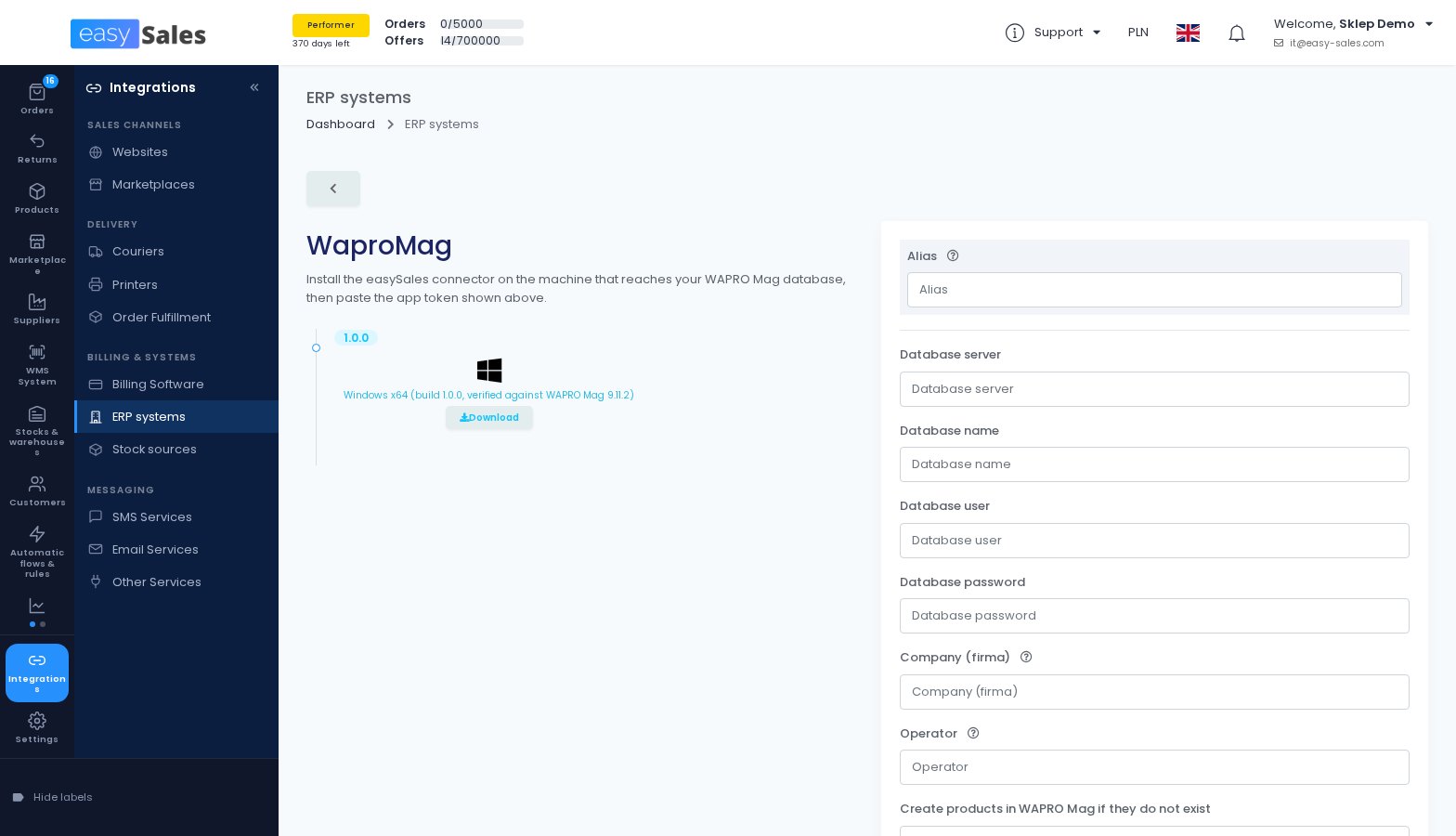
WAPRO Mag, for orders, invoices and stock
If you run WAPRO Mag, easySales can send it your orders as customer orders, optionally reserving stock and creating missing products, and issue invoices and receipts in WAPRO Mag. It also reads your WAPRO Mag stock and price lists.
The connection runs through a small easySales connector installed on a computer that reaches your WAPRO Mag database.
Where to find it: Integrations → Billing & systems → ERP systems
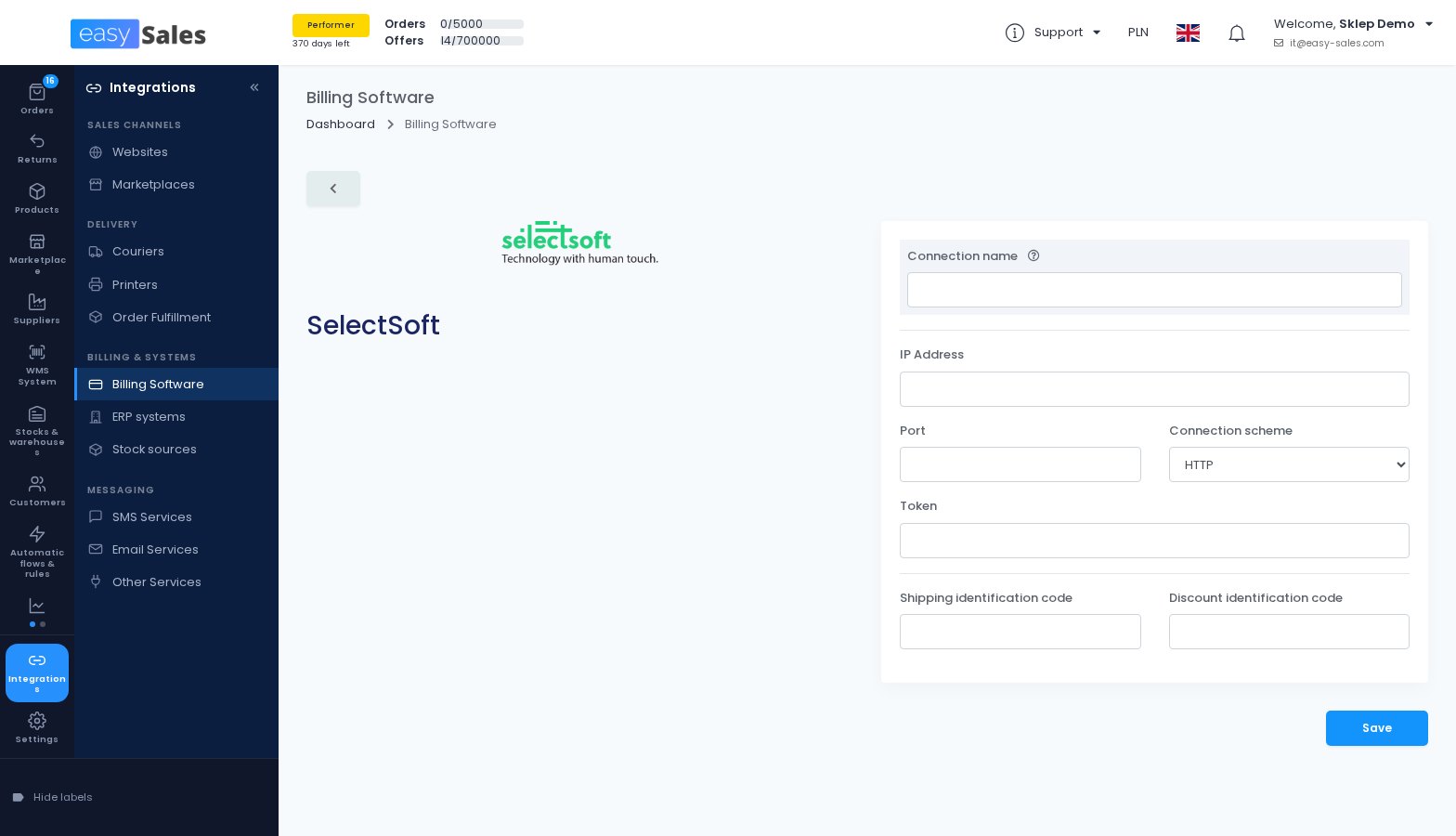
SelectSoft, for invoicing and stock
easySales can now send your orders to SelectSoft, with shipping and discount lines mapped to SelectSoft article codes, and record the invoice once the ERP issues it. As a stock source, it reads your SelectSoft stock and matches products by product code or model.
Where to find it: Integrations → Billing & systems → Billing Software
Scale WMS, for an outsourced warehouse
If a Scale WMS warehouse stores your stock and ships your orders, easySales sends it your product catalogue and your orders, and brings the fulfillment status, AWB number and tracking link back onto each order.
You can also create inbound deliveries for the warehouse from easySales, and use its quantities as your stock.
Where to find it: Integrations → Delivery → Order Fulfillment
Wix stores on the new catalog keep working
Wix is moving stores to a new product catalog that is not compatible with the old one. easySales now recognises which catalog your store uses and imports products, variants, stock and categories from either.
Couriers and shipping
Three new couriers, and a better Advanced AWB window for several of the ones you already use.
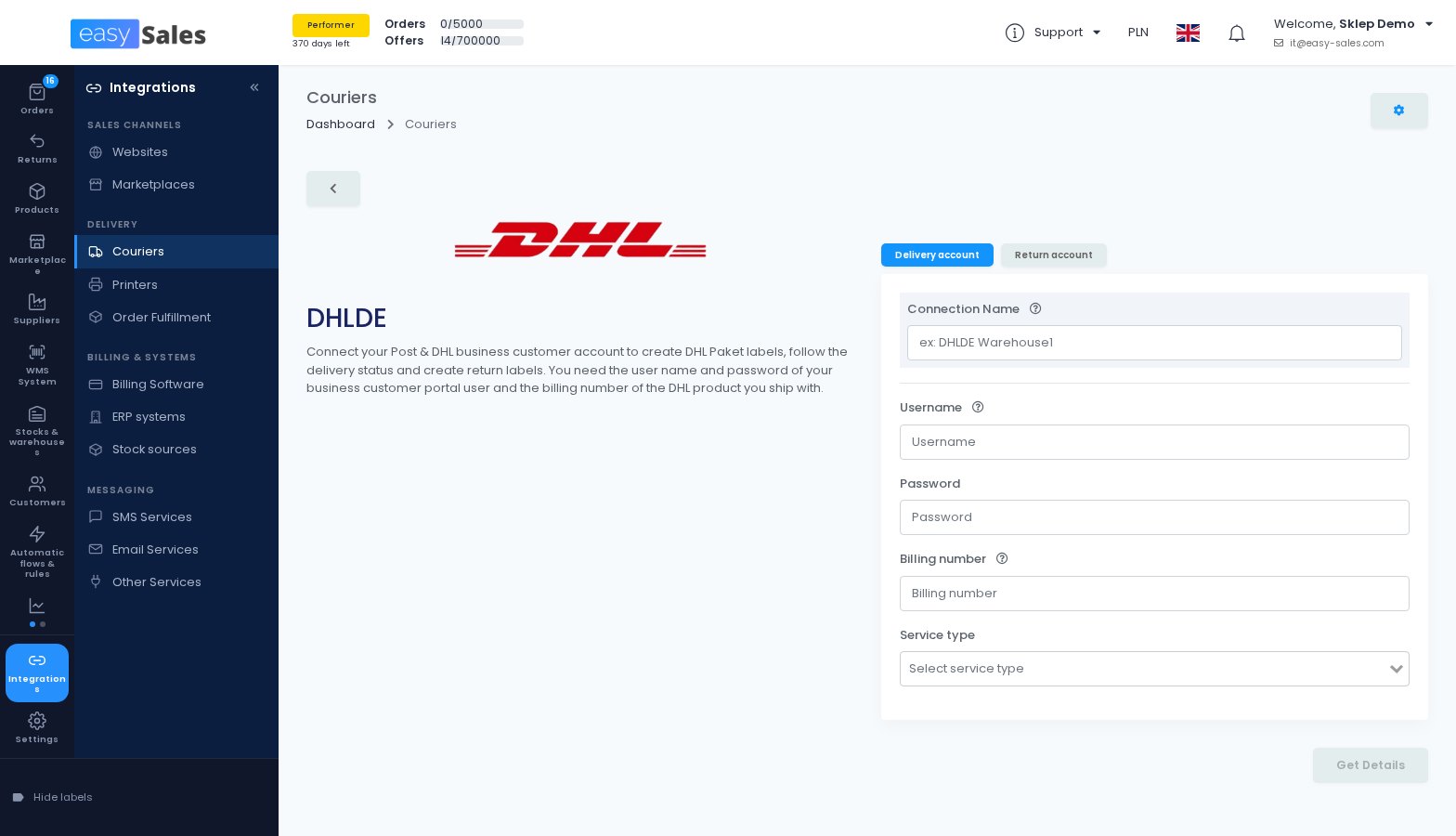
Ship with DHL in Germany
You connect your Post & DHL business customer account and create labels for DHL Paket, Paket International, Europaket, Kleinpaket and Warenpost, then follow the delivery status from easySales.
Parcels can go to a Packstation or a post office, and you can create return labels from a separate return connection.
Where to find it: Integrations → Delivery → Couriers
Ship with Hermes in Germany
You connect your Hermes API client and create labels, follow the delivery status and send parcels with cash on delivery.
Return labels carry a QR code, so your buyer can drop the parcel at a Hermes ParcelShop without a printer, and you can have the pickup booked automatically in the time slot you choose.
Where to find it: Integrations → Delivery → Couriers
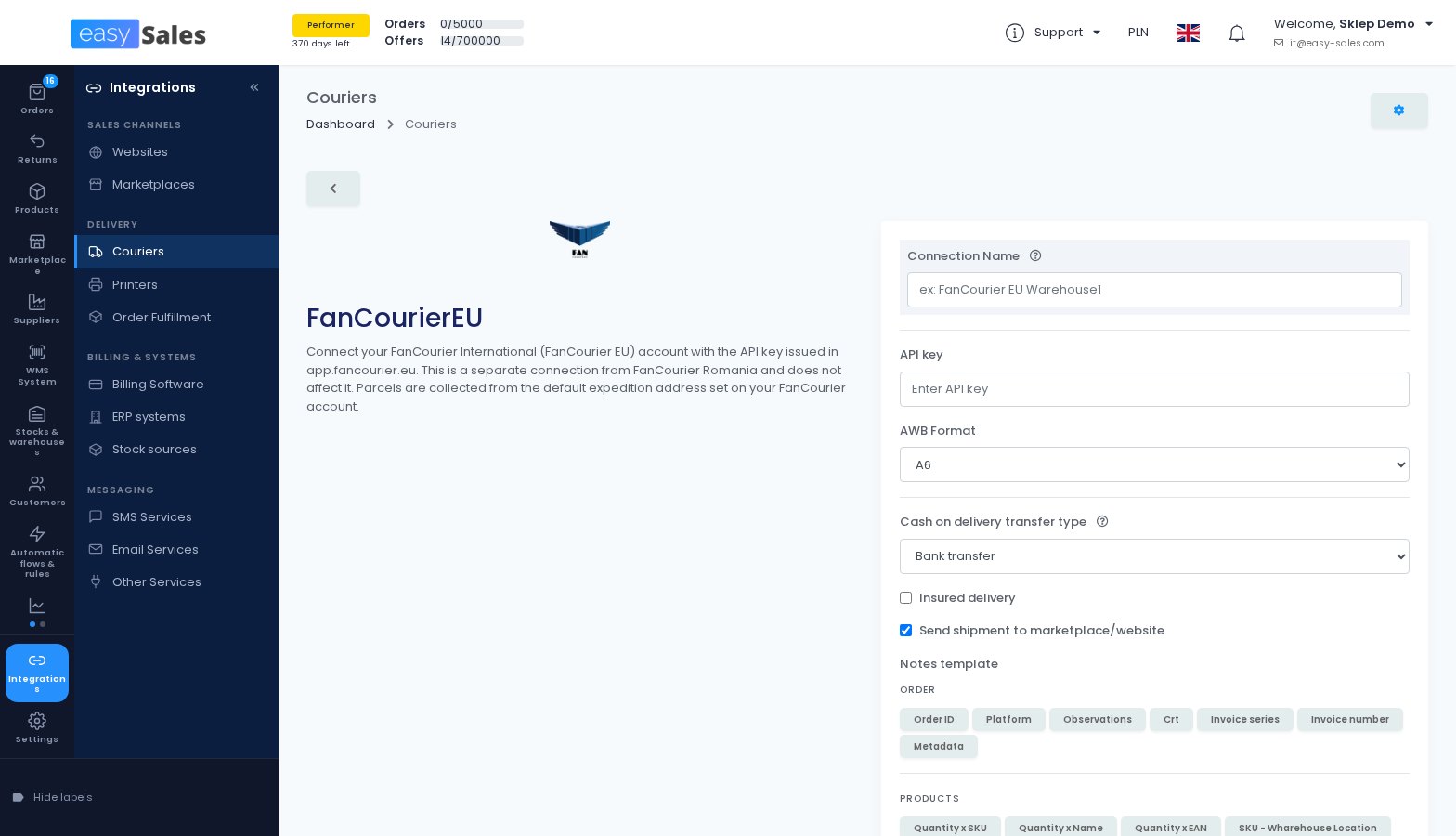
FAN Courier International
FAN Courier International is now a courier of its own, separate from your FAN Courier Romania connection. You create AWBs with optional insurance, follow the delivery status and ship with cash on delivery, choosing how the cash is transferred to you.
Where to find it: Integrations → Delivery → Couriers
Advanced AWB that uses what you type
With DHL24 in Poland, the Advanced AWB window now has an Insured Value field, uses the dimensions you enter and starts with the additional services set on your connection. With Base.Courier, the dimensions you enter are also used for the shipment and the cost estimate.
Lockers DPD no longer lists are hidden
DPD lockers and pickup points that DPD has removed no longer appear in the picker. An order that already points at one keeps it, labelled as no longer available, so you can choose a replacement.
More carriers where you already ship
Innoship adds the eMAG Fashion Days Hungary and Bulgaria services, and you can stop sending the order ID as the shipment's internal reference. FAN Courier Fulfillment can ship with Packeta Romania and FAN International, and Decathlon Poland accepts DPD Poland.
The tracking page names the real carrier
For AWBs you add by hand or upload in bulk, the tracking page your buyers open now shows the carrier's name instead of "Manual".
Offers that complete themselves
The biggest listing change this month: new offers can be completed with PulseAI before they reach the marketplace.
PulseAI fills in your new offers
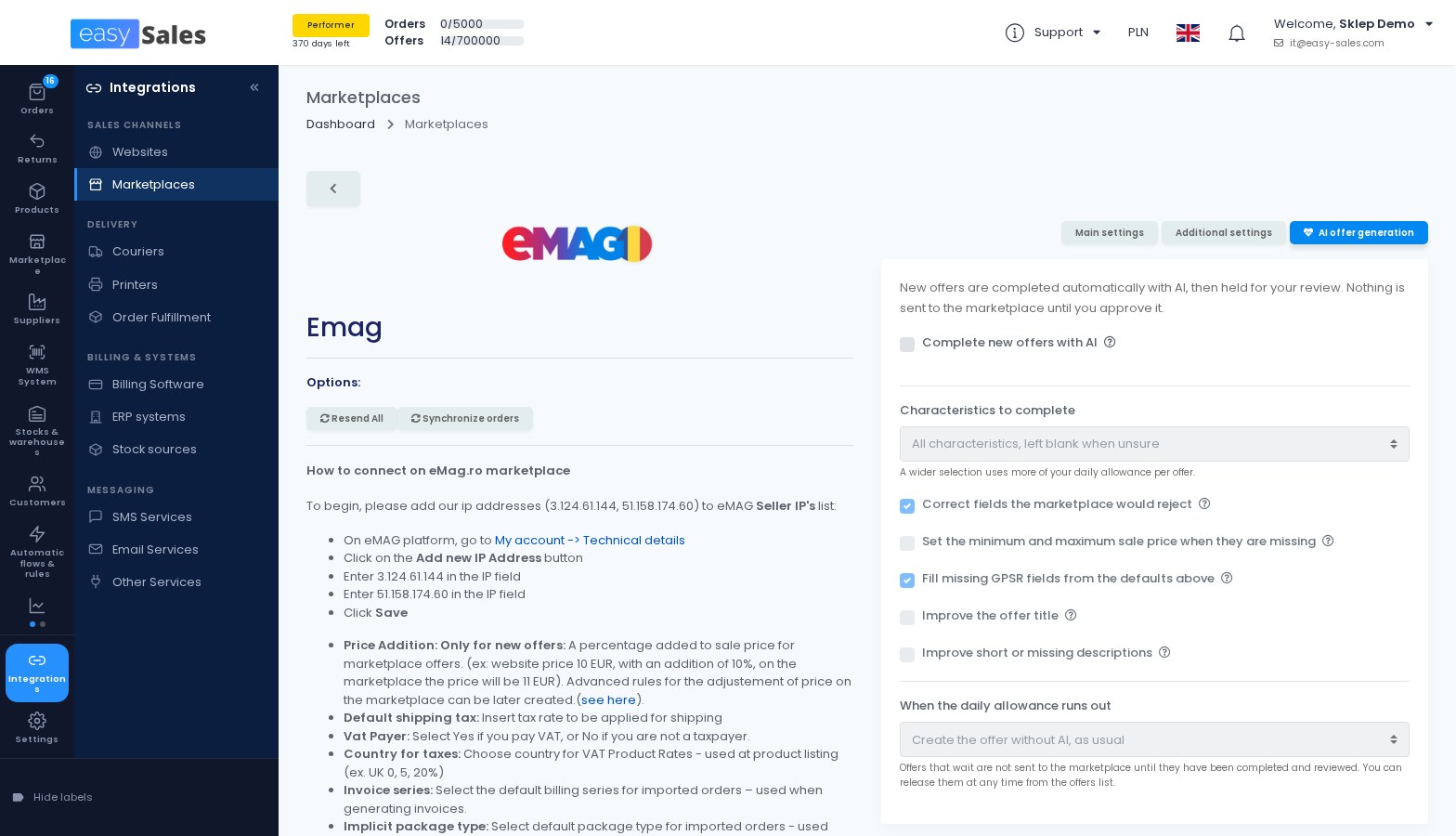
When you create a new offer on eMAG (Romania, Hungary, Bulgaria), Trendyol (Romania, Czech Republic, Slovakia, Greece, Bulgaria) or Allegro (Poland, Czech Republic, Slovakia, Hungary), PulseAI, the AI built into easySales, can complete it: the category, the characteristics, the fields the marketplace would otherwise reject and the missing GPSR details from your defaults.
You choose how many characteristics it fills in, and whether it also improves the title and short or missing descriptions. On eMAG it can also set the minimum and maximum sale price when they are missing. Existing offers are not changed.
Where to find it: Integrations → Sales channels → Marketplaces → your connection → AI offer generation
Nothing is sent until you approve it
A completed offer waits for your review. You filter the offers waiting for you, check them and approve them in bulk, and only then are they sent to the marketplace.
A separate page shows what is queued, what is waiting for you and what was approved today.
Where to find it: Reports → Activity reports → AI offer completion
A daily AI allowance in your plan
Your plan includes a daily allowance of AI tokens, shared by the AI features you use. It resets every day at midnight, and product translations do not draw on it.
You decide what happens when it runs out: create the offer without AI, as usual, or let it wait for the next day's allowance.
Where to find it: Settings → Account → Subscriptions
Invoicing and fiscal
Another month of work aimed at Polish sellers, with inFakt in the lead.
inFakt sends your invoices to KSeF
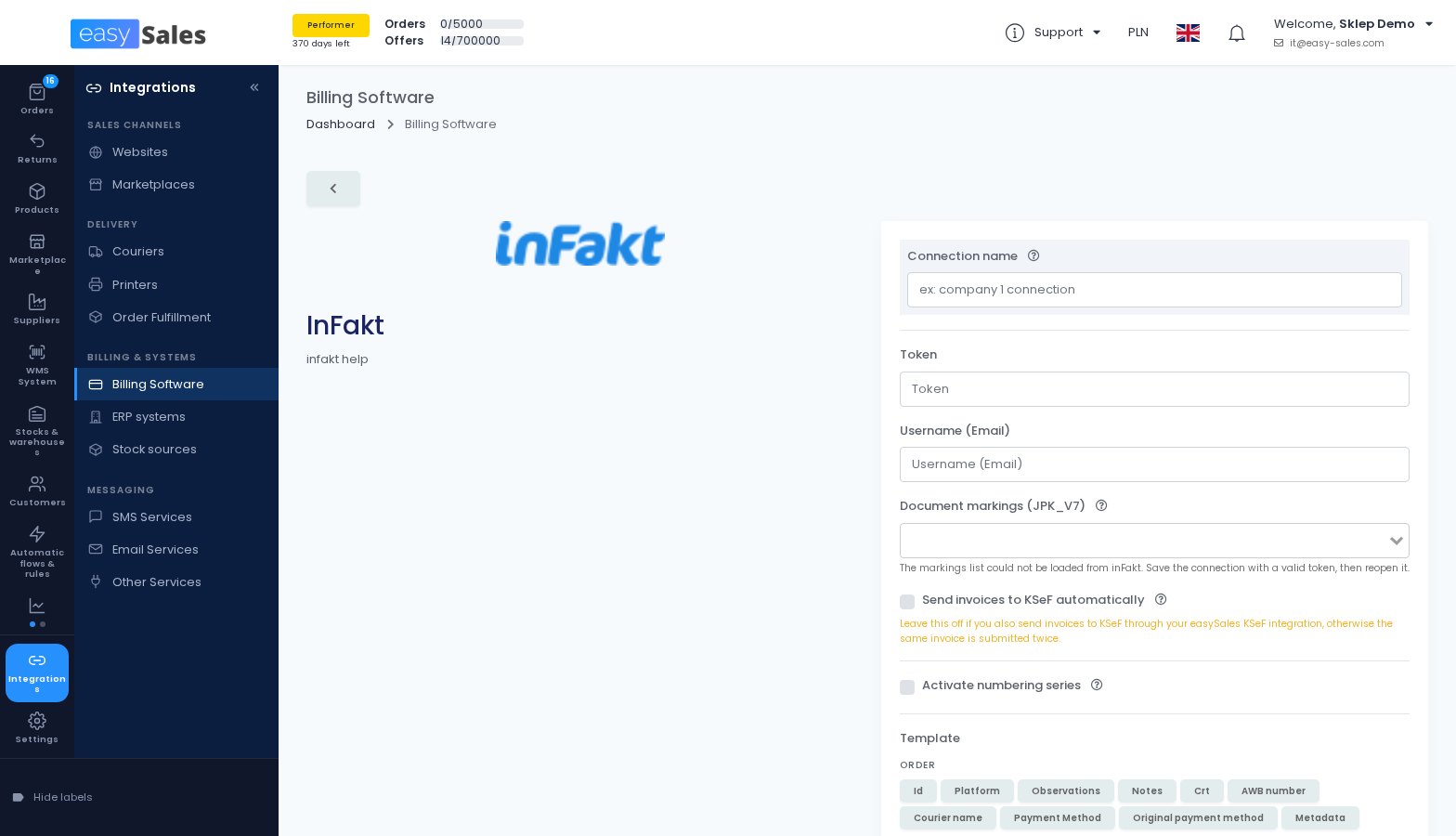
You can now ask inFakt to forward every invoice and corrective invoice to KSeF right after it is created. inFakt does the sending, so your inFakt account needs an active KSeF integration.
Leave the option off if you already send invoices to KSeF through the easySales KSeF integration, otherwise the same invoice is submitted twice.
Where to find it: Integrations → Billing & systems → Billing Software → inFakt
inFakt: invoice to a receipt, GTU codes and JPK_V7 markings
When an order already has a receipt issued through easySales invoicing, the inFakt invoice is linked to that receipt. Each invoice line can carry a GTU code taken from a product characteristic you choose.
You can also pick JPK_V7 markings from your inFakt account, for example WSTO_EE, to be added to every invoice issued through the connection.
inFakt: your own numbering series, in the order's currency
easySales can now assign the series and number of your inFakt invoices, so you can issue on more than one series. While this is on, issue your invoices from easySales only.
inFakt invoices also carry the order's currency, and invoices for paid orders are created as paid.
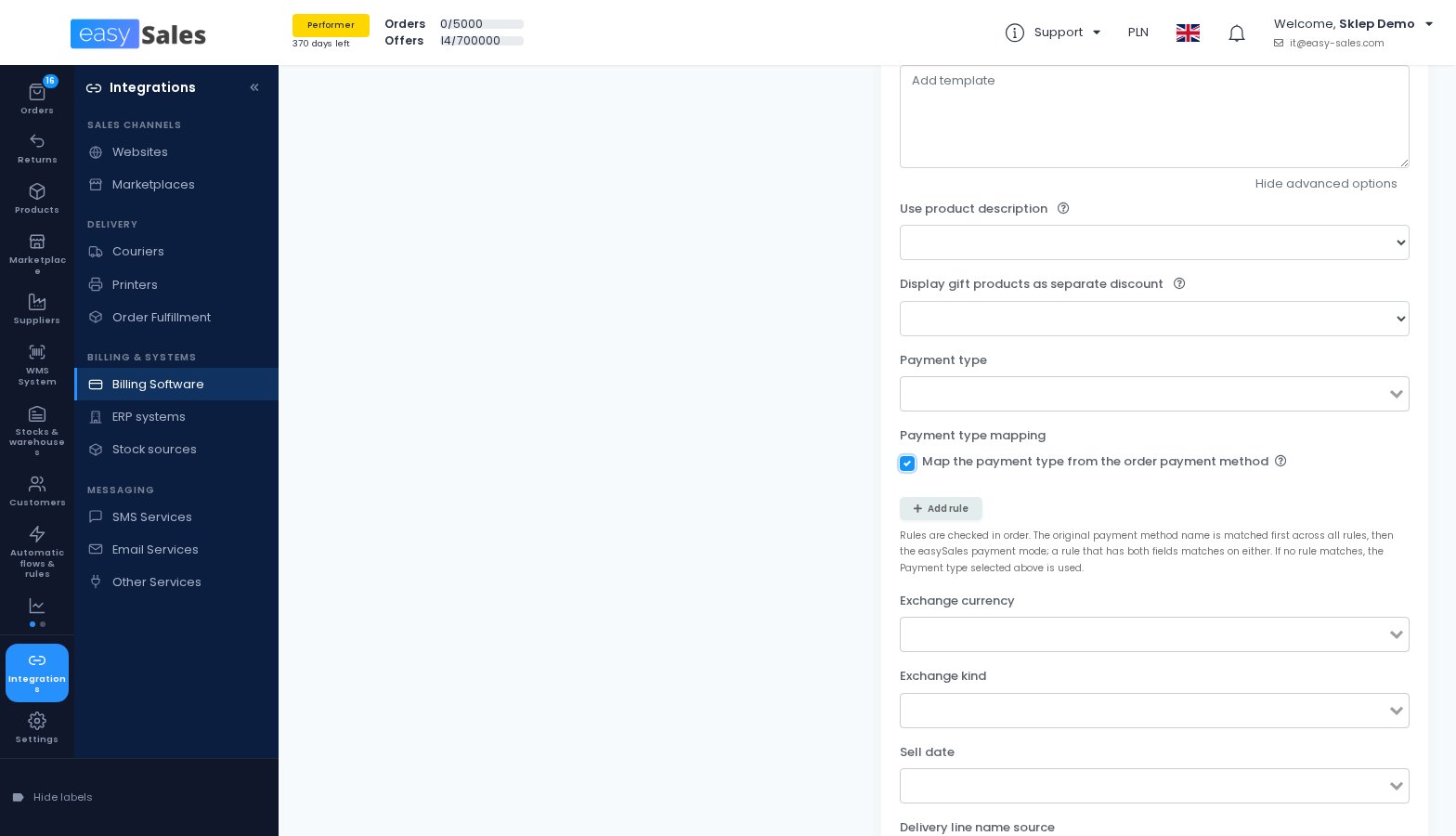
Fakturownia: the payment type follows the order
Instead of one fixed payment type on every invoice, you can set rules that pick the Fakturownia payment type from the order's payment method. Rules match the payment method name from the marketplace first, then the easySales payment mode.
Where to find it: Integrations → Billing & systems → Billing Software → Fakturownia
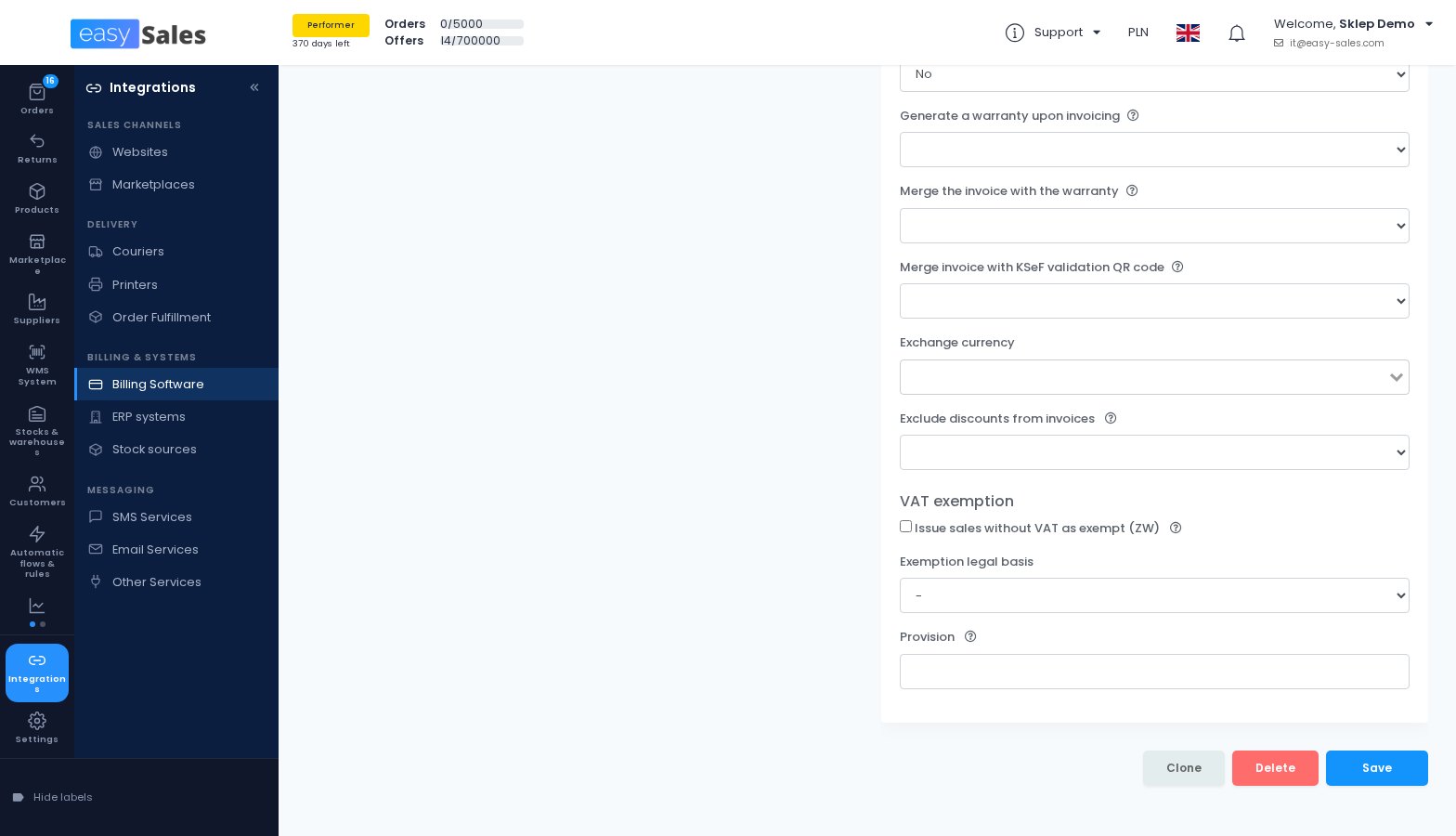
VAT-exempt lines on easySales invoices
An invoice line can now be issued as exempt (ZW) instead of 0%, per line or for every line without VAT. You record the legal basis of the exemption once, and it is printed on the invoice and reported with the e-invoice.
You decide which sales are exempt and on what basis. easySales applies the setting you choose.
Where to find it: Integrations → Billing & systems → Billing Software → easySales
Receipts that release the goods from stock
When easySales issues a receipt, it can also issue the WZ warehouse release document in Fakturownia, from the warehouse set on your Fakturownia stock source. Deleting the receipt withdraws the WZ too.
The option is off by default. Leave it off if Fakturownia already issues WZ documents for you.
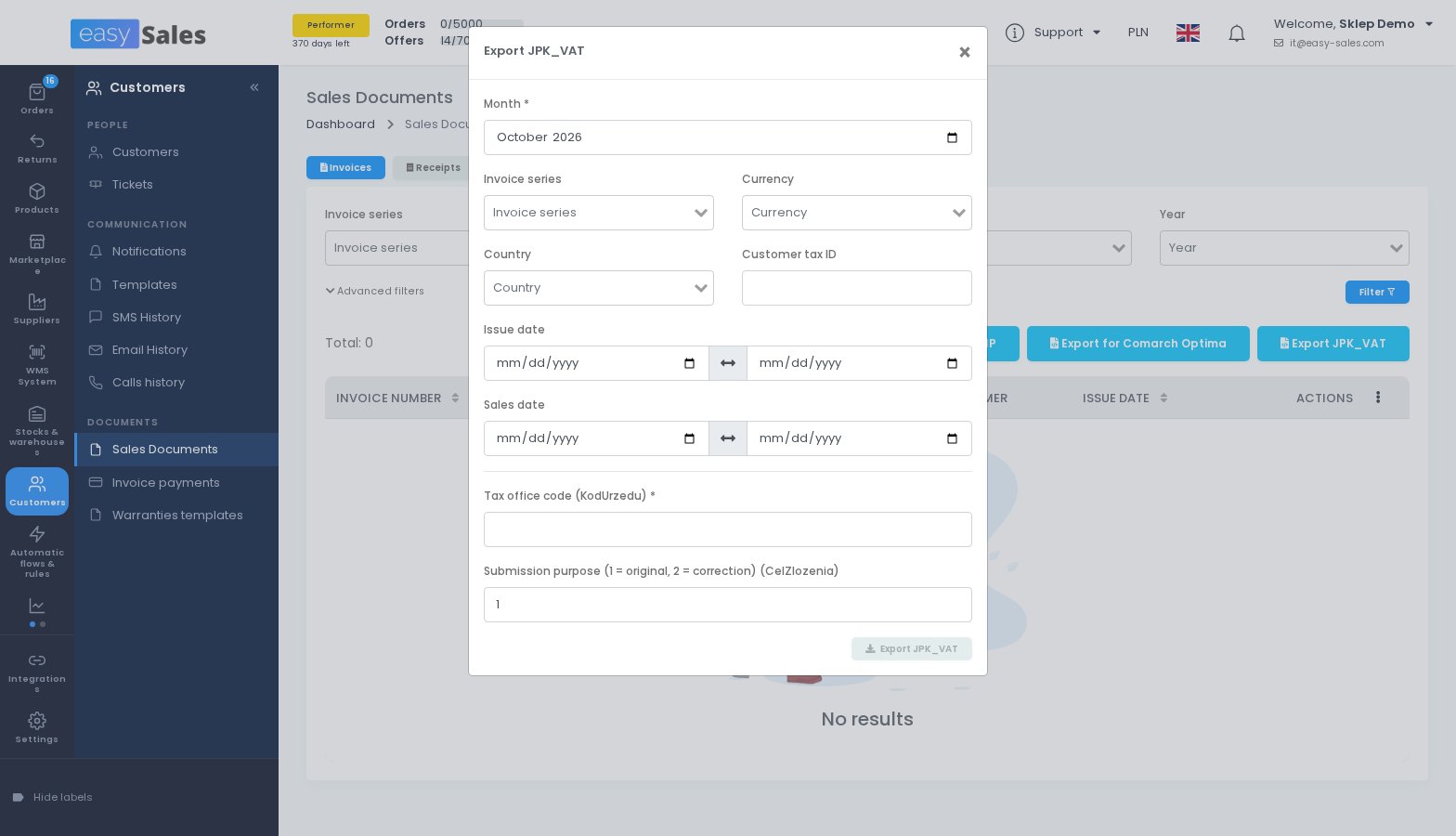
The JPK export carries the KSeF number
The JPK_VAT export now uses the current JPK_V7M structure and carries, on each row, the KSeF number the invoice was filed under. You enter your tax office code before exporting.
The file is built for your accountant's VAT register, for example the import into Comarch ERP Optima, and not for submission to the tax authority.
Where to find it: Customers → Documents → Sales Documents → Export JPK_VAT
Smaller invoicing changes
Oblio picks the VAT rate whose name matches the delivery country when several rates share the same percentage. Nexus ERP can put the delivering courier in front of the payment reference. The fiscal receipts Excel export adds net and VAT columns per rate. And a new webhook event, Storno invoice created, tells your other systems when a storno is issued.
New reports
Four reports that answer questions sellers ask us every week.
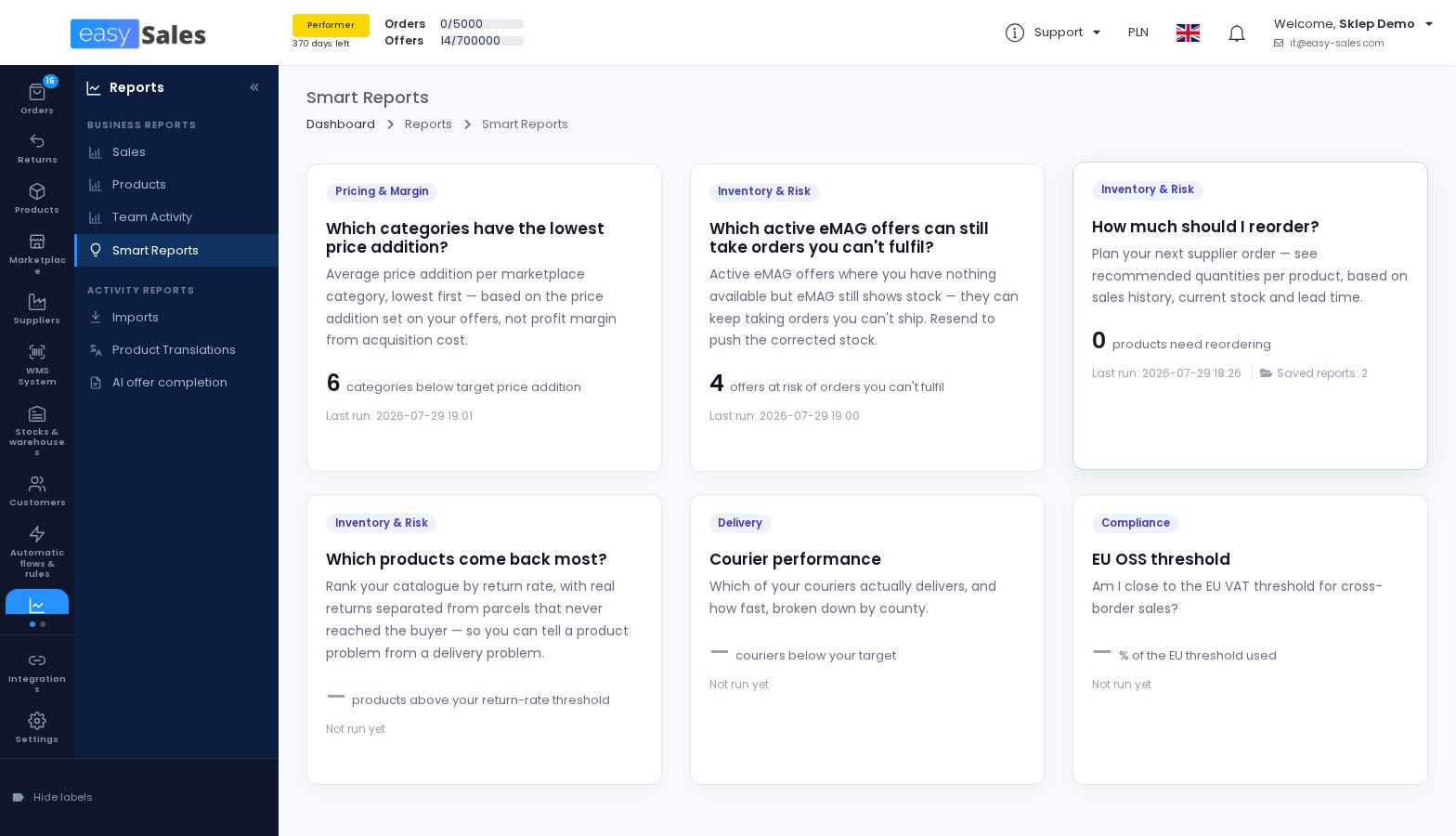
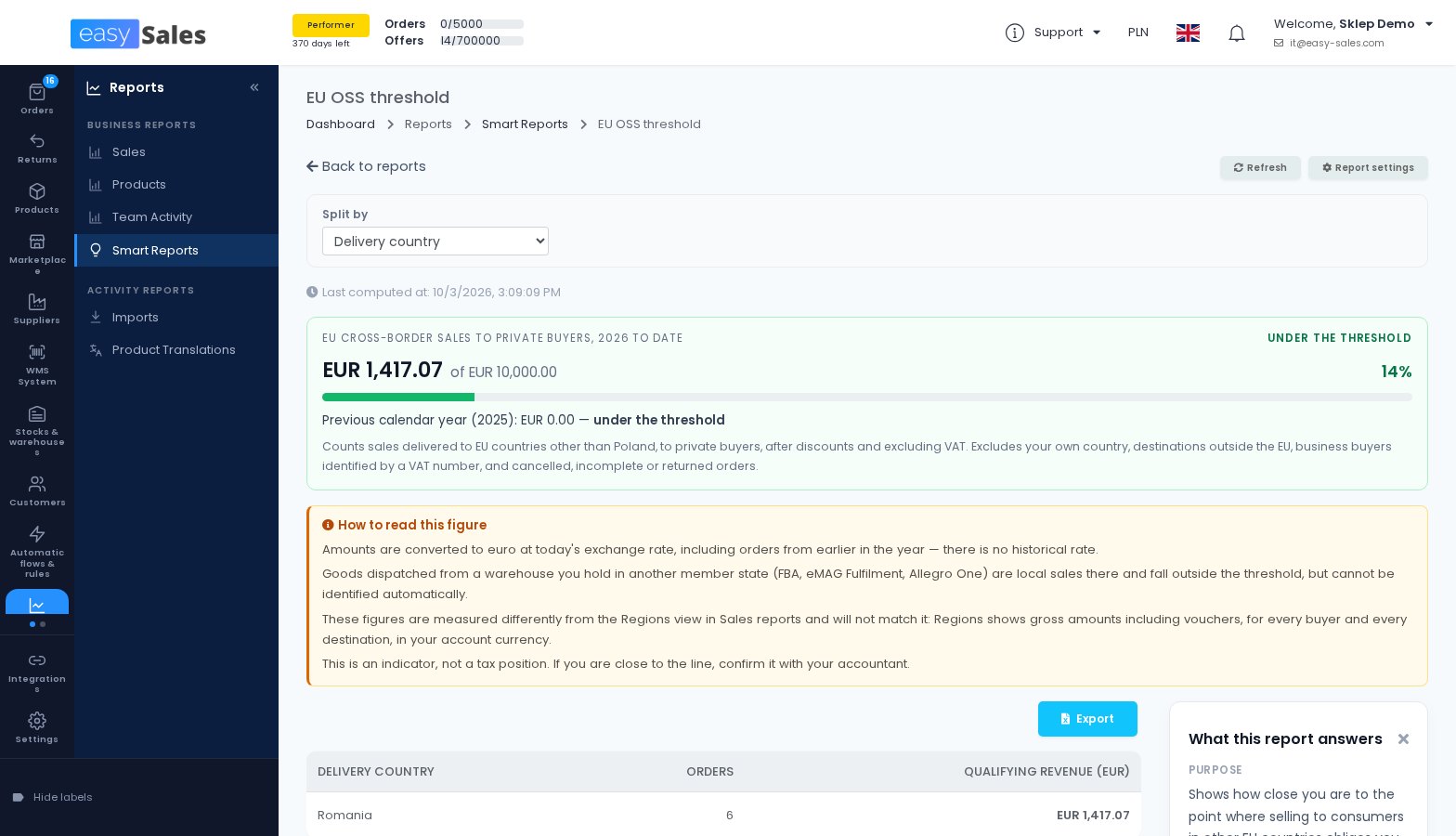
How close you are to the EU OSS threshold
The EU OSS threshold report adds up your cross-border sales to private buyers in other EU countries this year, compares the total with the threshold and warns you as you get close. You can split it by delivery country and by channel.
It is an indicator, not a tax position. If you are close to the line, confirm it with your accountant.
Where to find it: Reports → Business Reports → Smart Reports
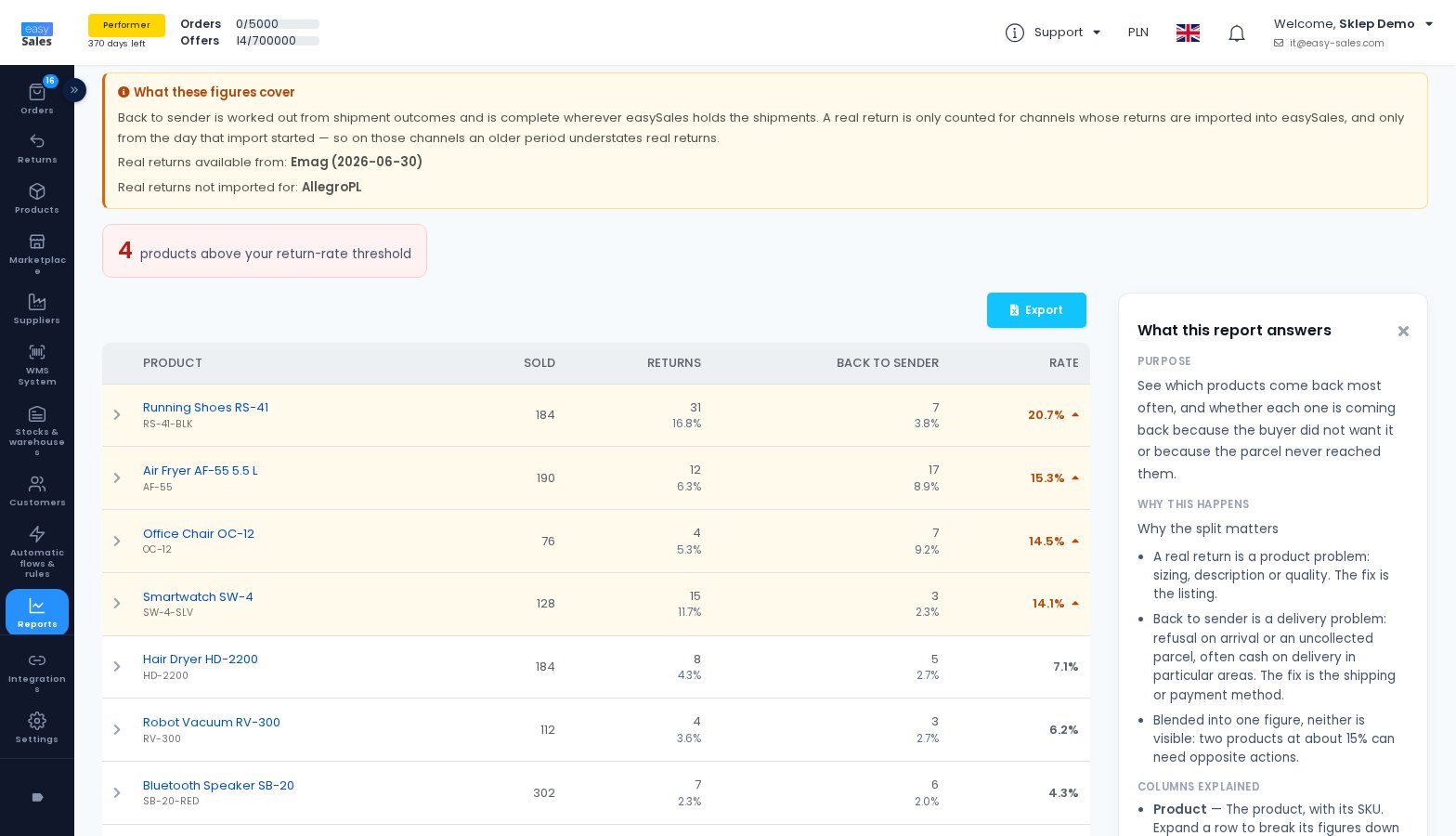
Which products come back most
This report ranks your products by return rate and separates real returns, where the buyer sent the product back, from parcels that never reached the buyer. You can tell a product problem from a delivery problem.
Where to find it: Reports → Business Reports → Smart Reports
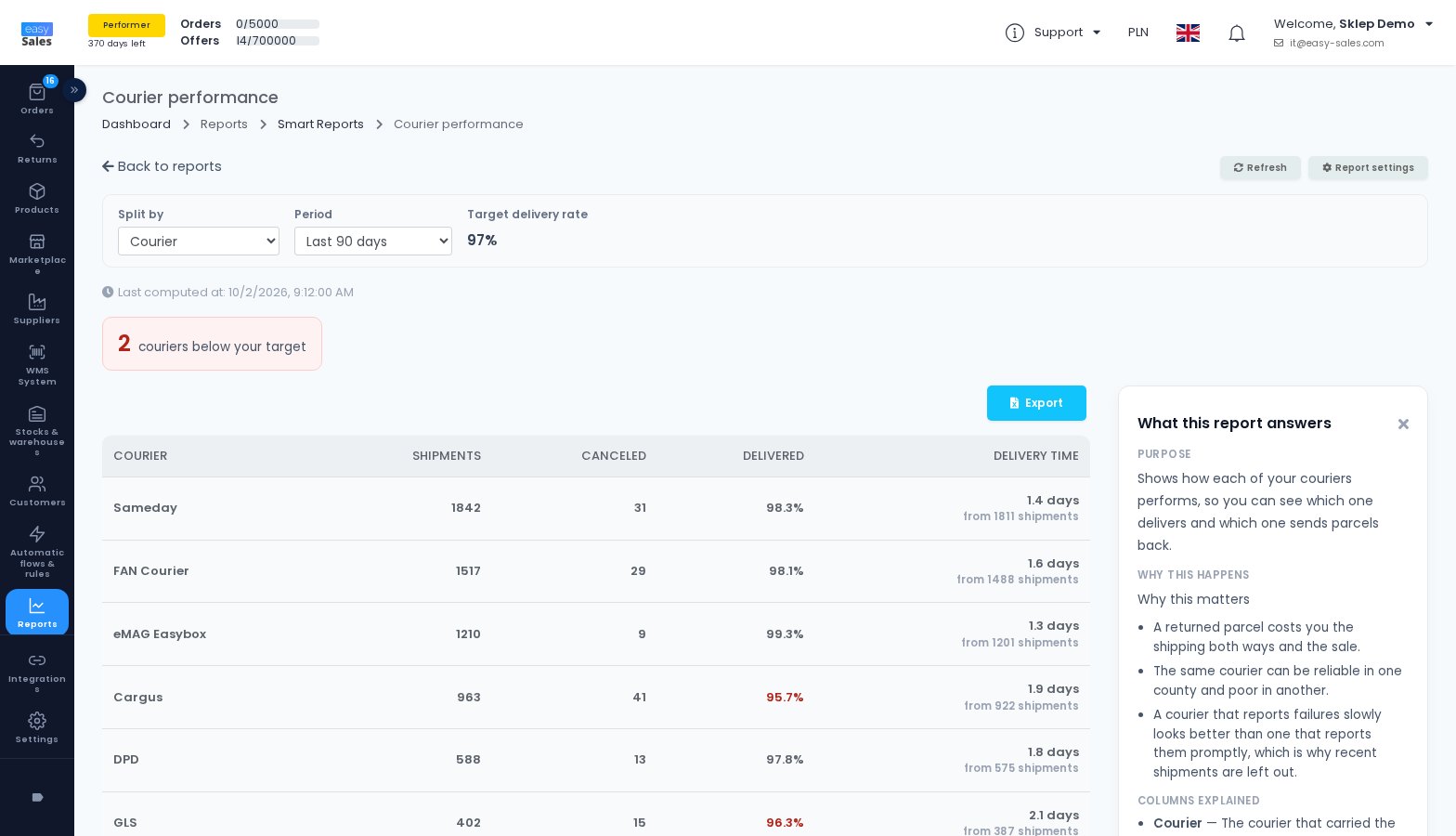
How your couriers really perform
Courier performance shows, per courier and per county, how many shipments were delivered, how many came back and how many days delivery took. Couriers below your target delivery rate are marked.
The report counts shipments from 17 September, the day it was switched on.
Where to find it: Reports → Business Reports → Smart Reports
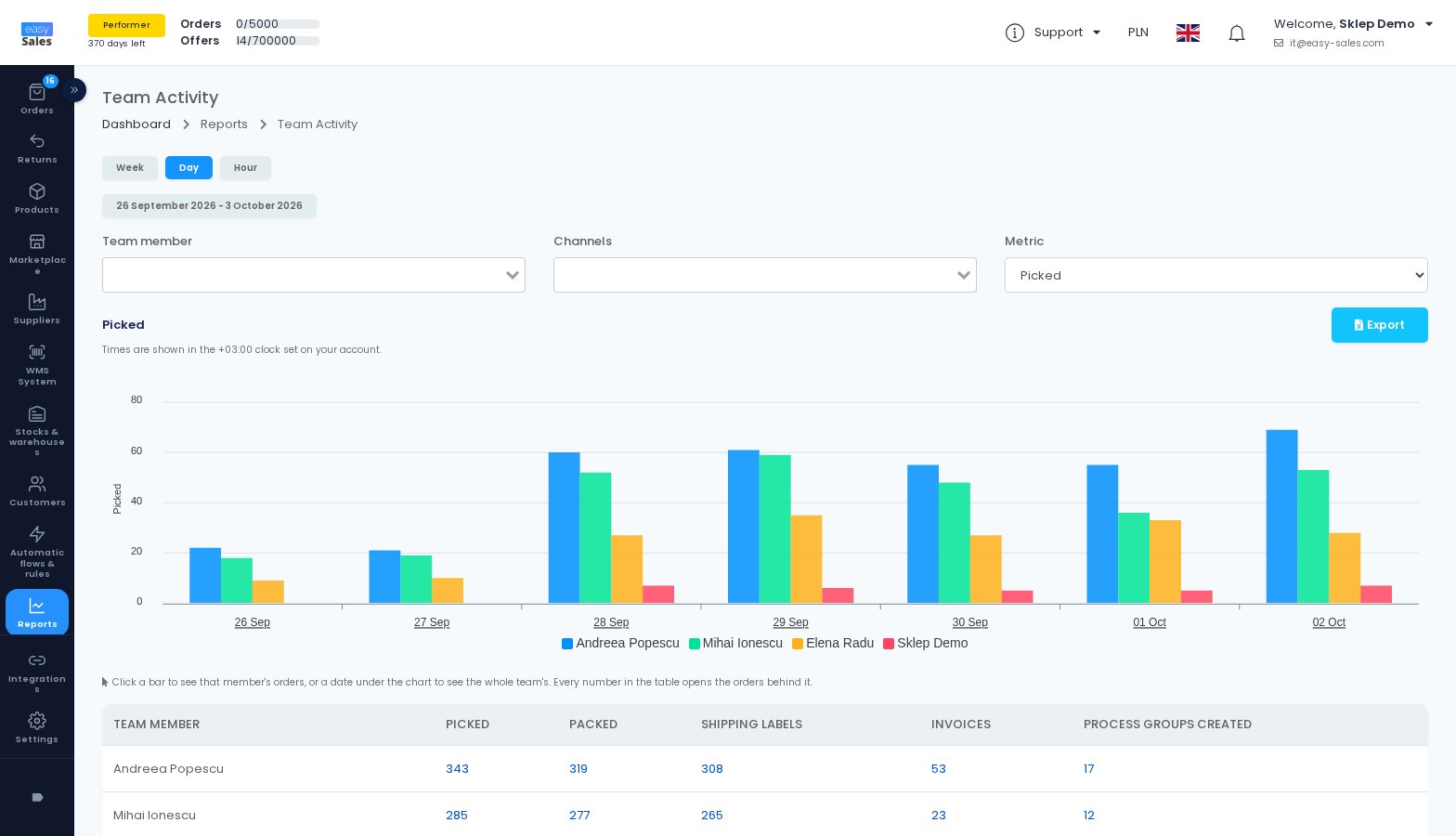
What your team gets done
Team Activity shows, per team member, how many orders were picked, packed, given a shipping label and invoiced, by week, day or hour. Click any number to see the orders behind it.
Only actions people take are counted, not flows. Team members need the View order processing activity permission, and the data starts on 17 September.
Where to find it: Reports → Business Reports → Team Activity
Listing and offers
Changes that make working with many offers at once faster and safer.
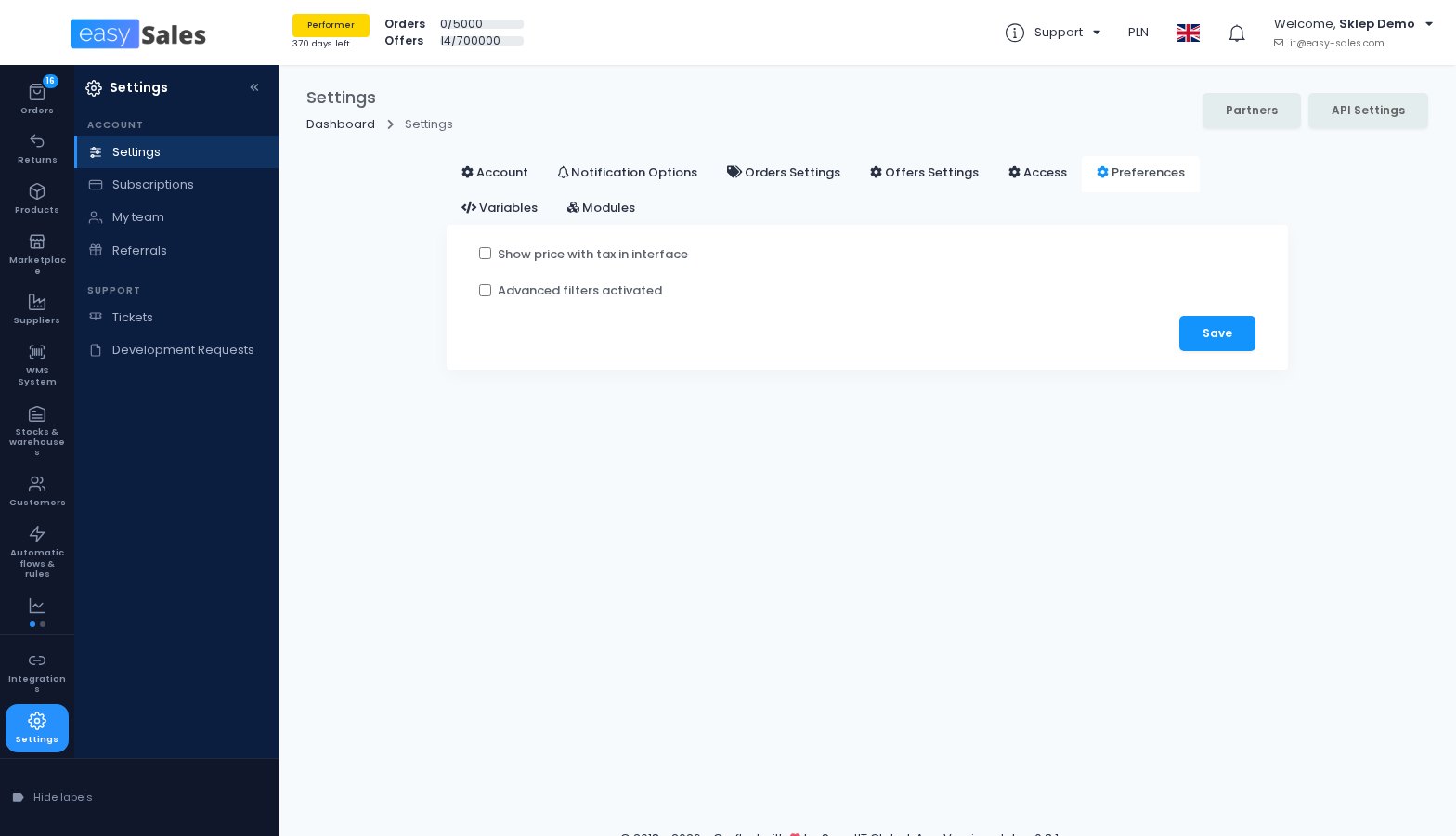
Enter prices with VAT
If you work with prices that include VAT, you can now type them that way wherever you enter an offer price, including the minimum and maximum price, and easySales works out the net price from the offer's tax rate.
Mass Edit has a price basis you can switch, and the price export now includes both. An offer price file exported before 1 September has to be exported again before you import it.
Where to find it: Settings → Preferences → Show price with tax in interface
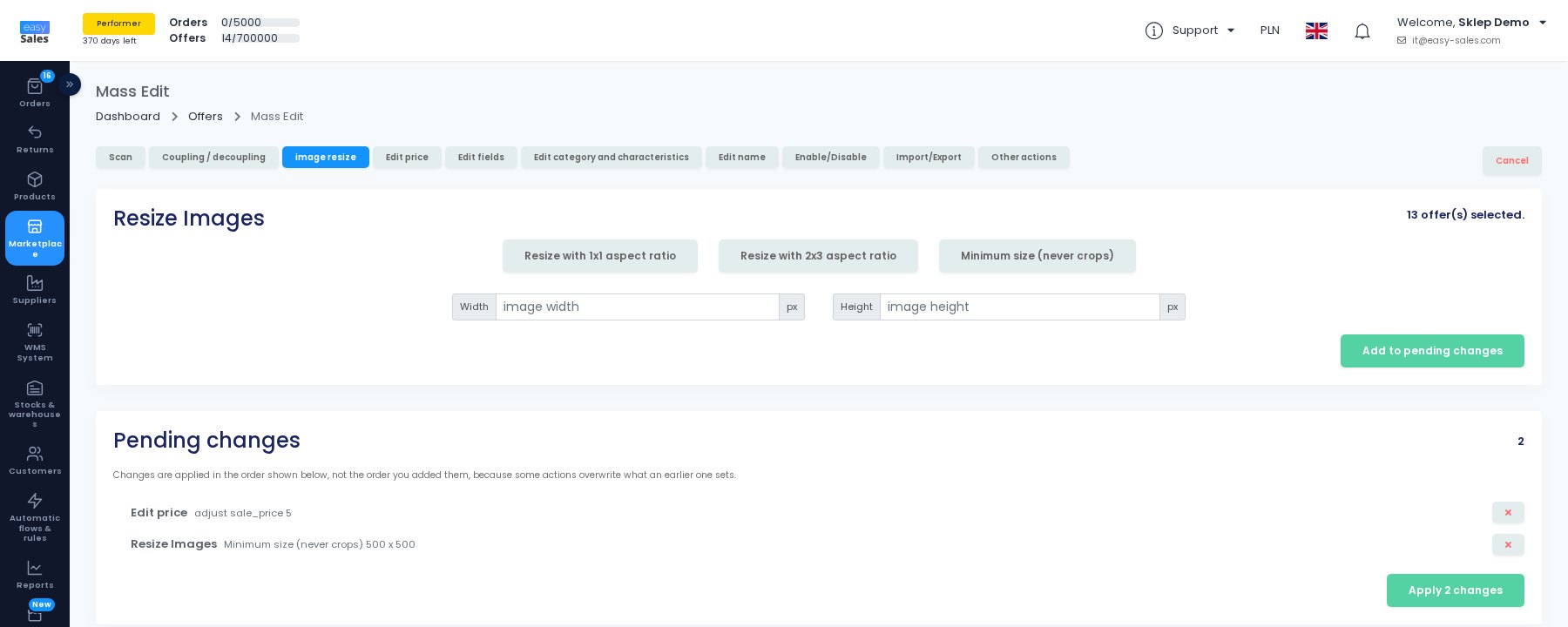
Mass Edit: line up several changes and apply them once
Each Mass Edit tab now adds its change to a list of pending changes, and you apply them together. Every offer is then updated and sent to the marketplace once.
A new first tab shows the selected offers side by side, field by field, so you see what is missing or different before you change anything.
Where to find it: Marketplace → Marketplaces → Offers → Mass Edit
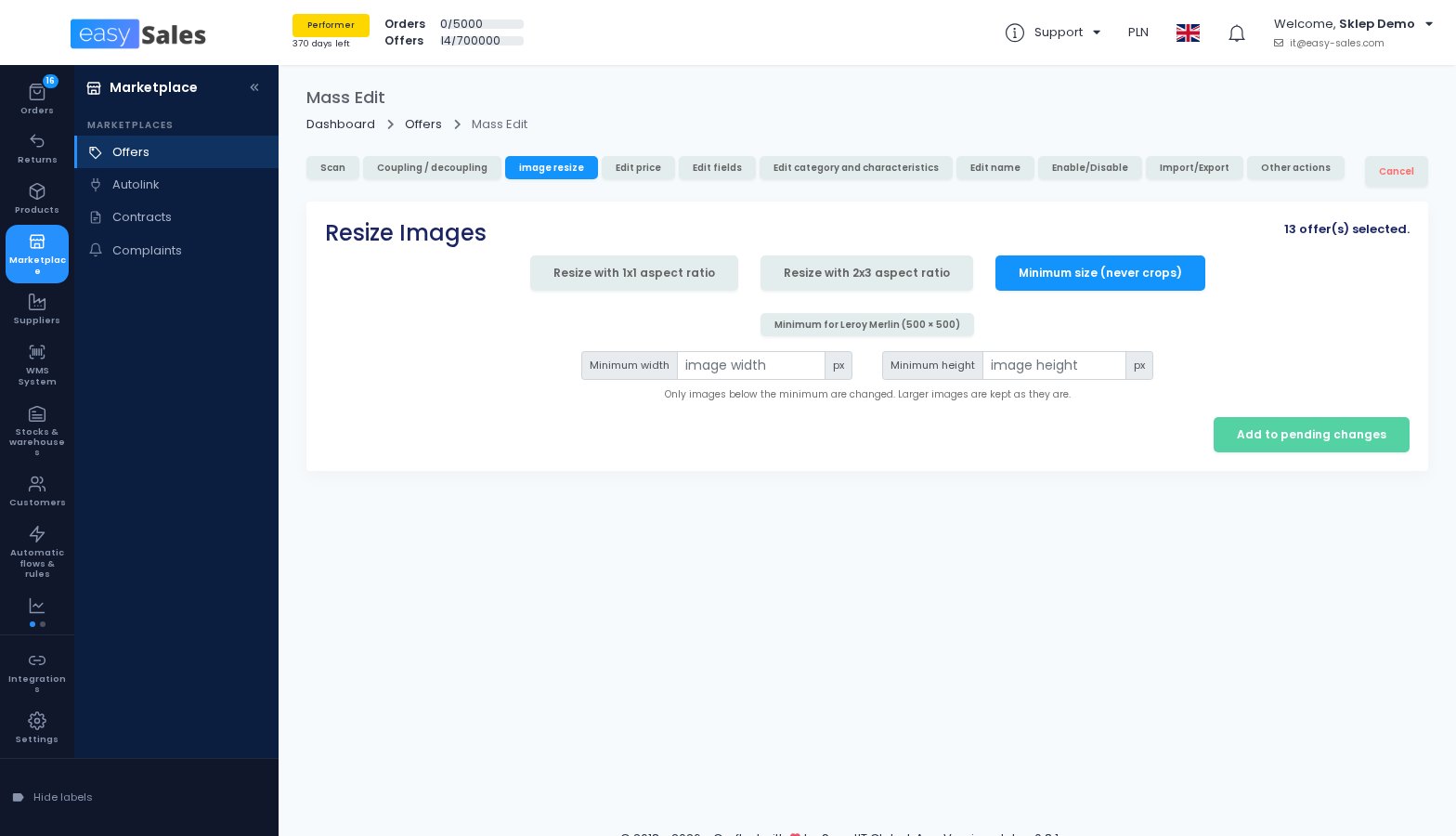
Enlarge small images without cropping
A new image resize mode enlarges only the images below a minimum size, by padding them, and leaves larger images as they are. There is a one-click preset for Leroy Merlin's 500 × 500 minimum.
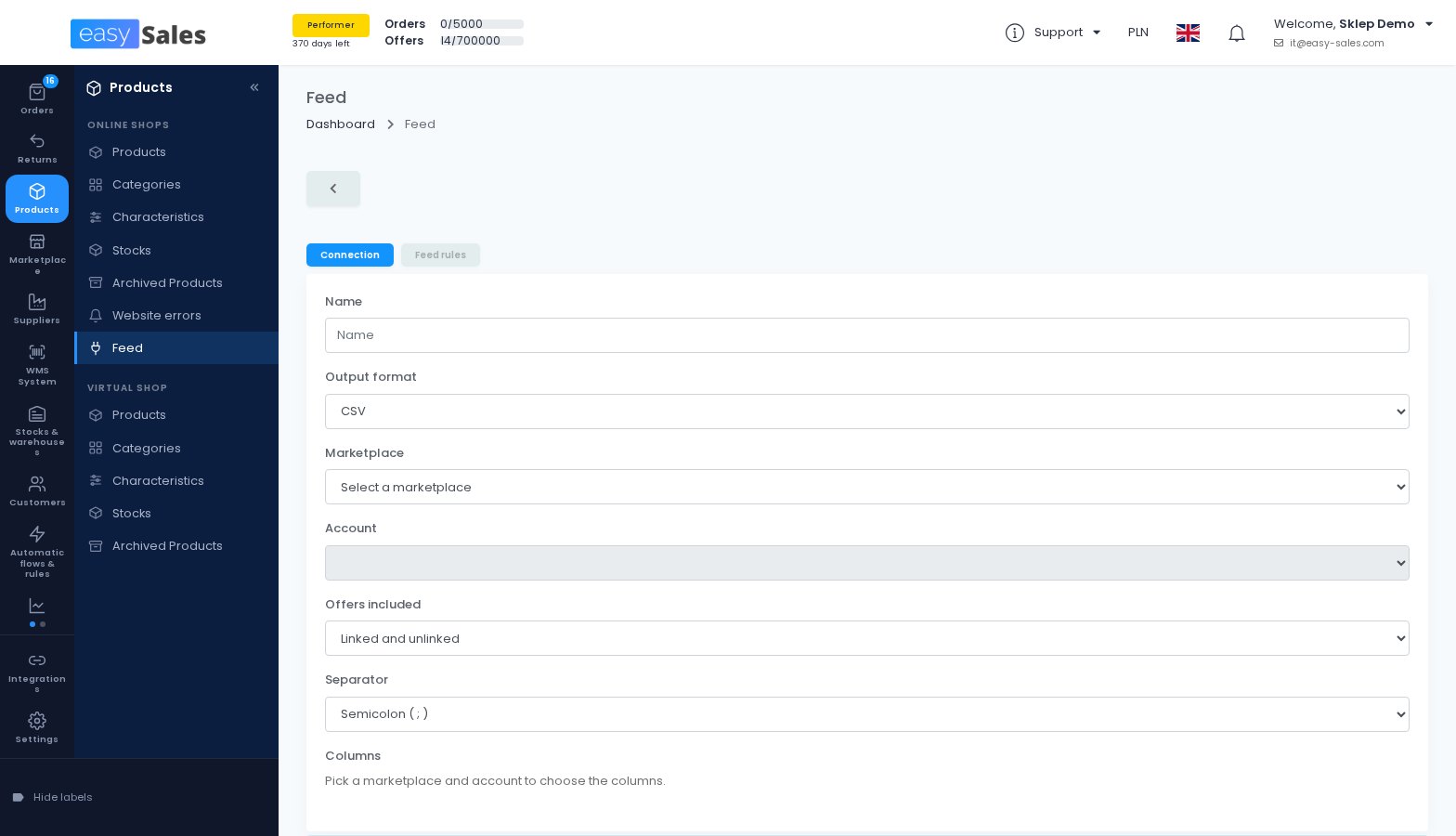
A feed built from your Allegro offers
A custom feed can now be built from the offers on an Allegro account, not only from your products. You choose whether to include offers linked to a product, unlinked ones or both, and pick the columns.
Where to find it: Products → Online Shops → Feed → Add custom feed
Imports from a marketplace link themselves
When you import a marketplace's listings as products, easySales can link each listing to the product it creates, so you no longer run Auto-link afterwards. For Allegro Poland, you also choose how a SKU is generated for offers that have none.
Where to find it: Products → Virtual Shop → Products → Import from marketplace
See why a marketplace rejected your product
On Decathlon, Empik, Modivo, MediaMarkt, Leroy Merlin and BigBang, the reasons the marketplace gives for rejecting your product data now appear on the offer. Offers that cannot sell get a Rejected status you can filter by.
A shipping price for Pepita
You can send a shipping price to Pepita, per offer or as a default on the connection. Leave it empty to use the shipping cost set in your Pepita account, or enter 0 for free shipping.
Orders and returns, day to day
Smaller changes to the orders and returns you handle every day.
eMAG and FashionDays returns arrive by themselves
Return requests opened on eMAG and FashionDays now come into easySales automatically, with their products, pickup address and value, and their status follows the marketplace.
If you already created the return by hand, the import takes it over instead of creating a duplicate.
Where to find it: Returns → Returns
Cancel a return that was already accepted
The Cancel return button is now available on accepted returns, and a return you cancel stays canceled when the marketplace syncs again.
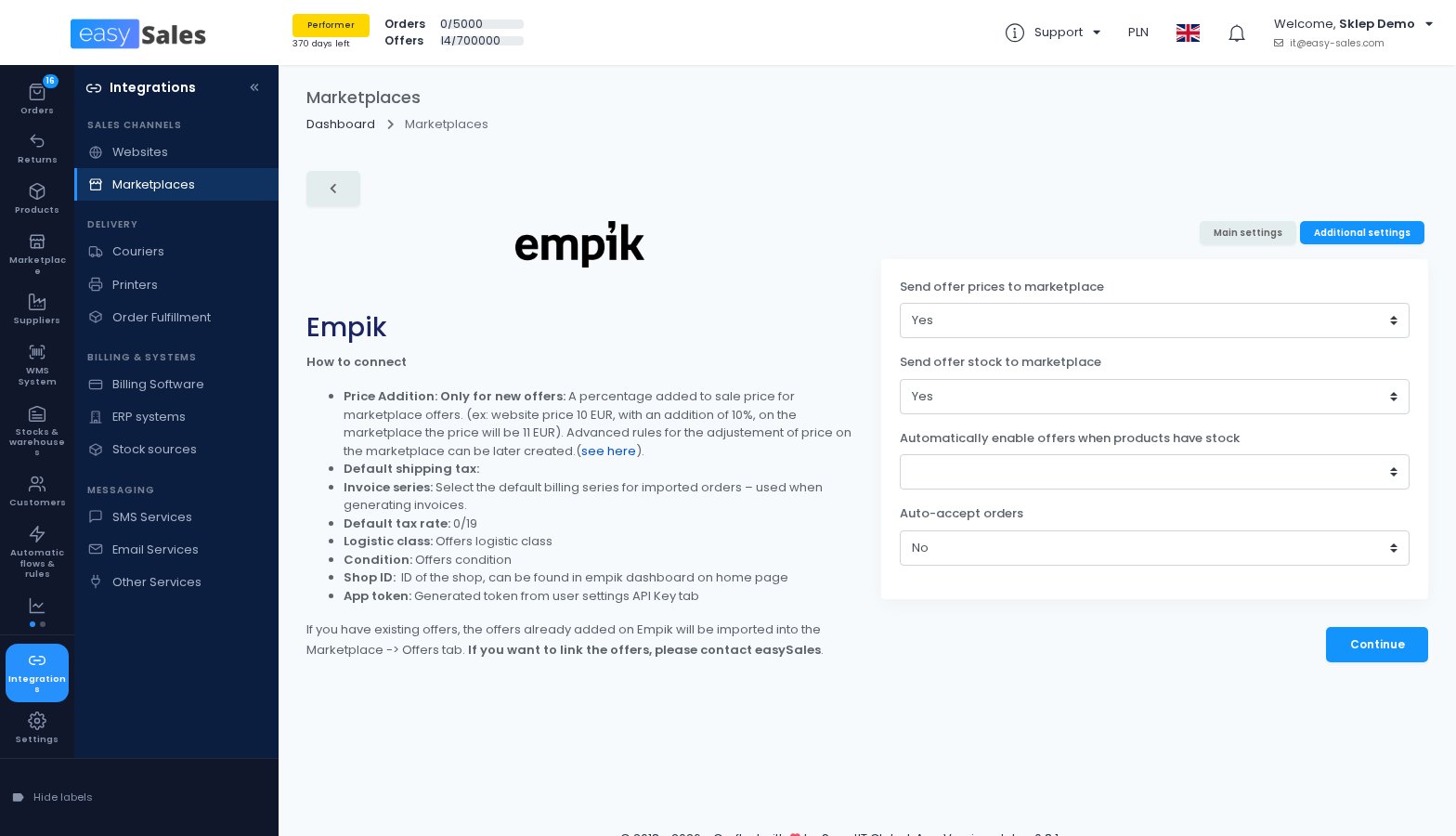
Empik orders, accepted for you
On Empik and Modivo you can now have new orders accepted automatically. Orders waiting for acceptance no longer fail to import: they come in complete as soon as they are accepted.
Where to find it: Integrations → Sales channels → Marketplaces → Empik → Additional settings
Shopify orders in the buyer's currency
If your Shopify store sells in several currencies, you can import orders in the currency the buyer actually paid, instead of your store's base currency.
Where to find it: Integrations → Sales channels → Websites → your shop → Preferences
Accept shop orders that have no delivery address
You can choose to accept shop orders that arrive without a delivery address, with the billing address copied into it, instead of having them rejected.
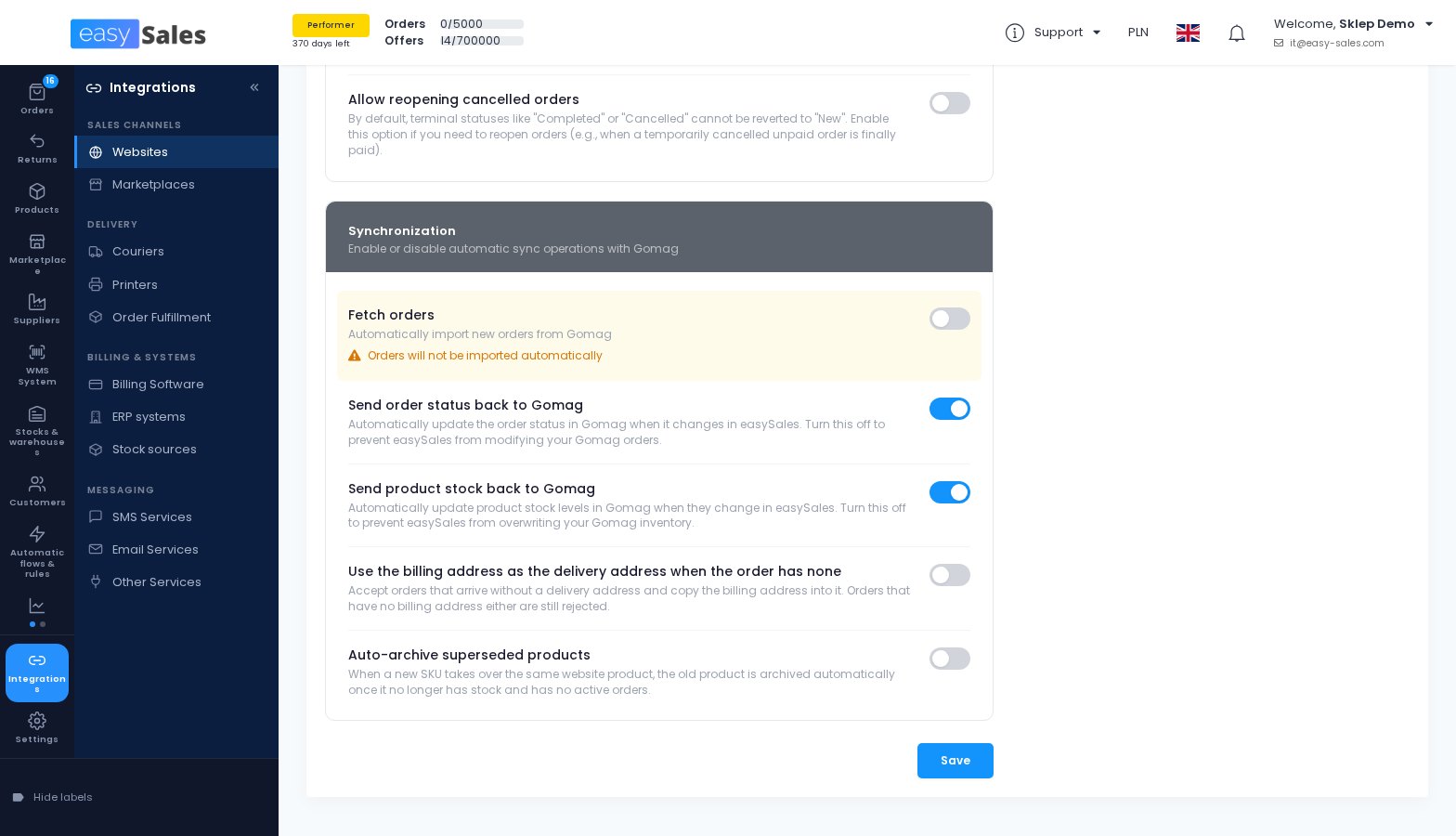
Gomag and UNAS stay in step with your orders
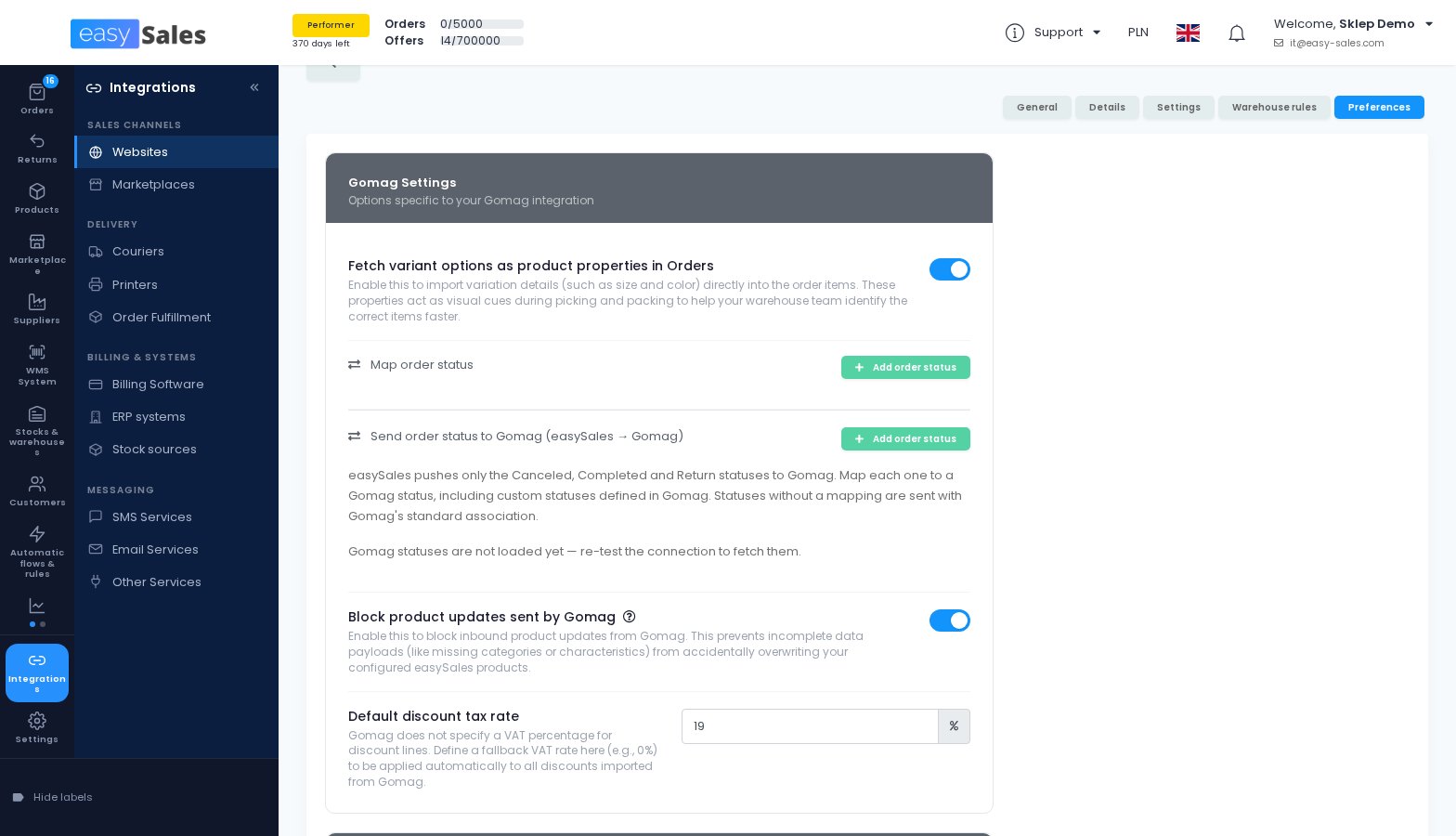
You can now map the statuses easySales sends to Gomag onto any Gomag status, including your own custom ones. For orders easySales sends into your UNAS shop, the parcel number, tracking link and label link now follow as soon as the AWB is generated.
A Delivery Address column
You can add a Delivery Address column to the orders list, showing the shipping address on its own.
Where to find it: Orders → Select Columns
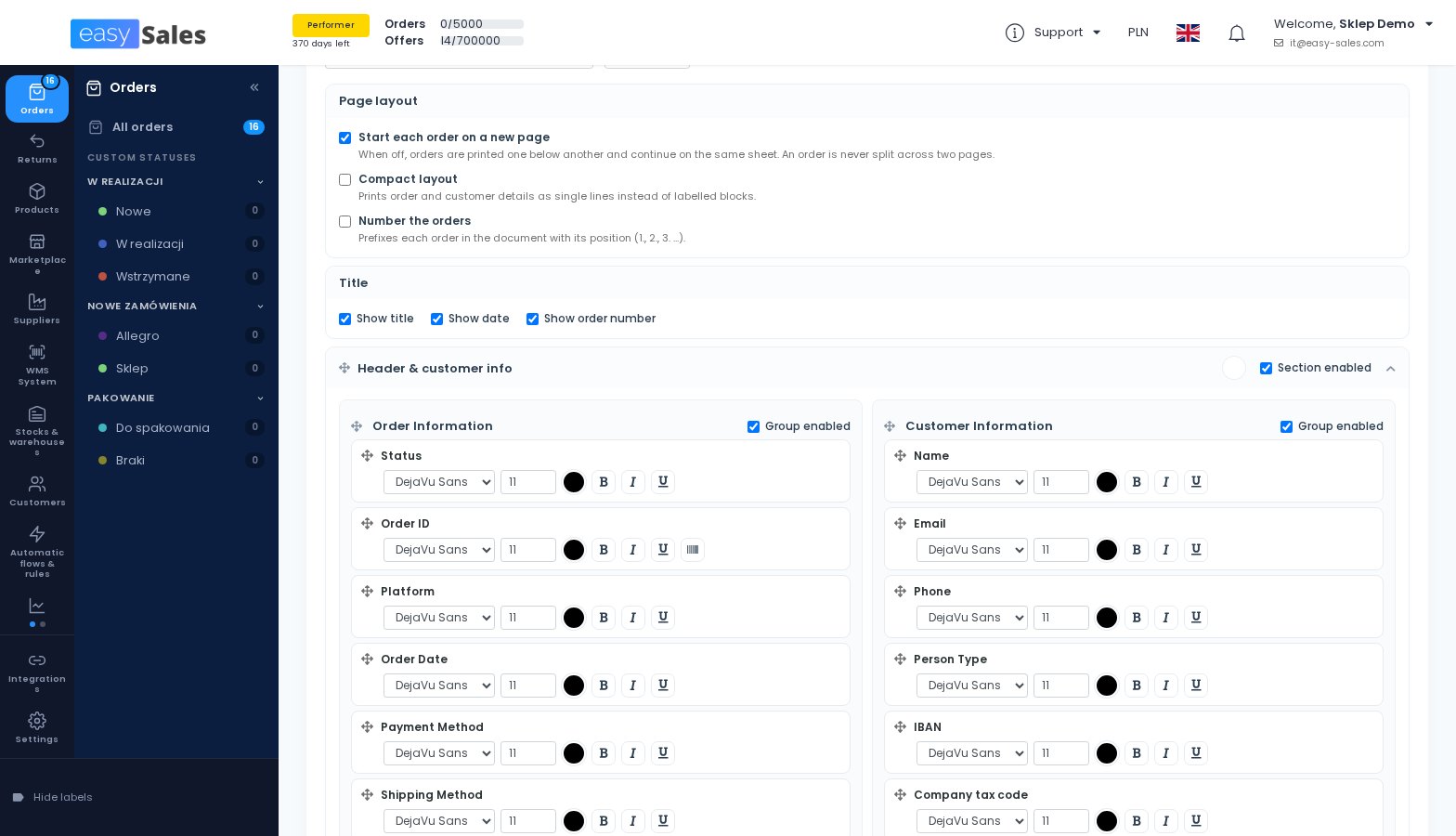
Order PDFs that fit more on a page
The order PDF template can now continue orders on the same page, print details in a compact layout and number the orders. Line totals are clearly labelled without VAT, and you can add a Total with VAT column.
Where to find it: Settings → Orders Settings → Order PDF
Trendyol fast delivery, on the order
Trendyol orders with fast or same-day delivery now carry that information on the order, together with the date they must ship by.
Write to a customer without a template
When you notify a customer by e-mail or SMS from an order, a return or a service request, you can now write the message directly, without choosing a template first.
Warehouse and packing
Work for the people who pick, pack and count your stock.
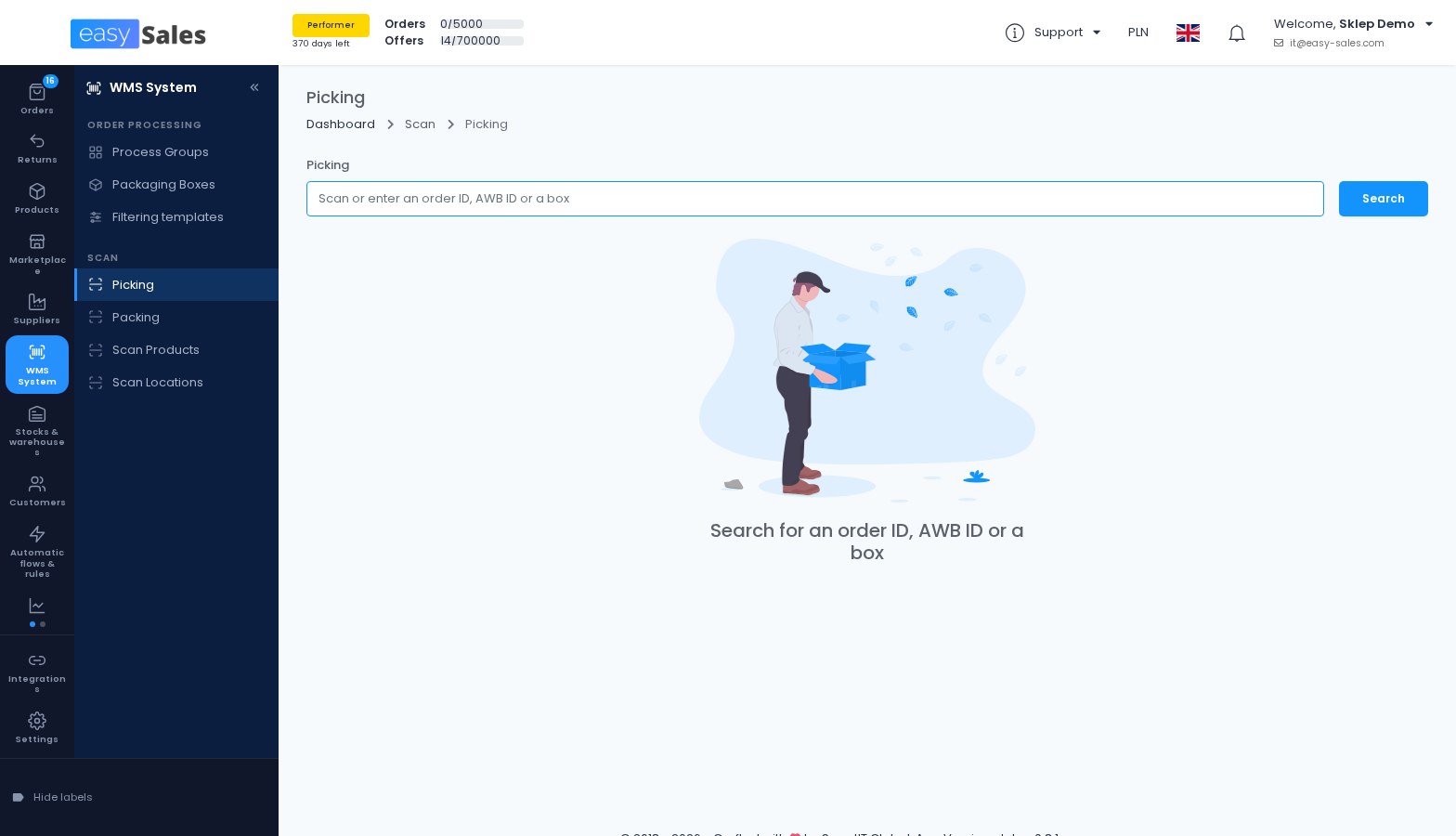
A Picking page you start with a scan
You scan an order ID, an AWB or a box, pick its products and finish. Send to picking, in the orders list, sends the selected orders straight to the page.
Team members need the View Picking permission.
Where to find it: WMS System → Scan → Picking
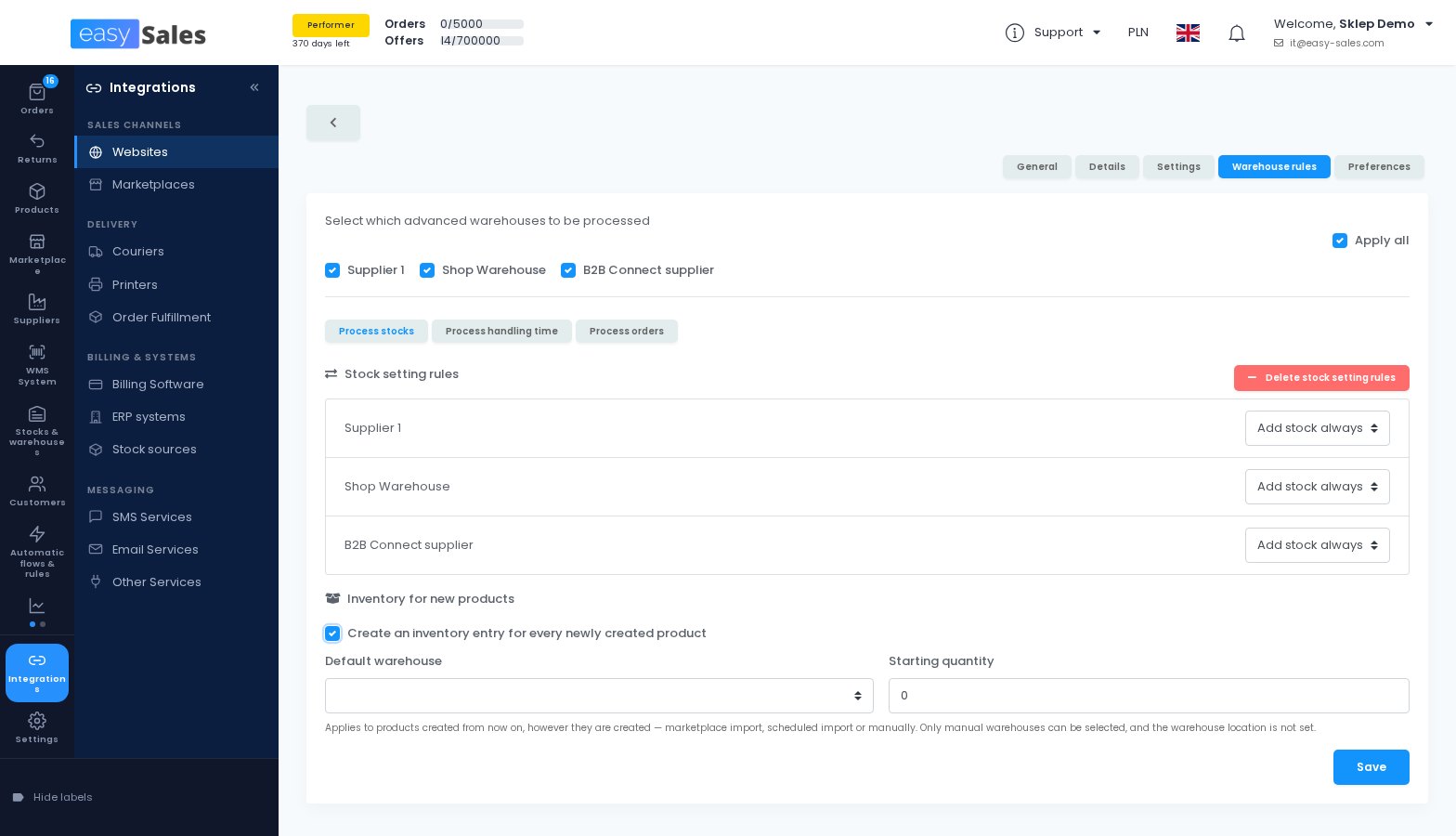
Set stock and location from the product page
If your shop takes its stock from advanced warehouses, the product screens now show one row per warehouse, where you edit the quantity and the warehouse location of your manual warehouses.
A shop can also give every new product an inventory entry in a default warehouse, with a starting quantity, however the product is created.
Where to find it: Integrations → Sales channels → Websites → your shop → Warehouse rules
Inventory checks you can hear
Every scan in an inventory check now plays a success or an error sound. A code with no stock in the warehouse you are counting is recorded as an unmapped line, which you can export.
Where to find it: Stocks & warehouses → Warehouse stocks → Inventory check
Clearer supplier receptions
After a file import, a reception tells you how many lines were added and lists the ones that were not, with the reason. The orders waiting for each product can be collapsed, and the page warns you before you leave unsaved scans.
Where to find it: Suppliers → Supplier Reception
Packing, boxes and crates
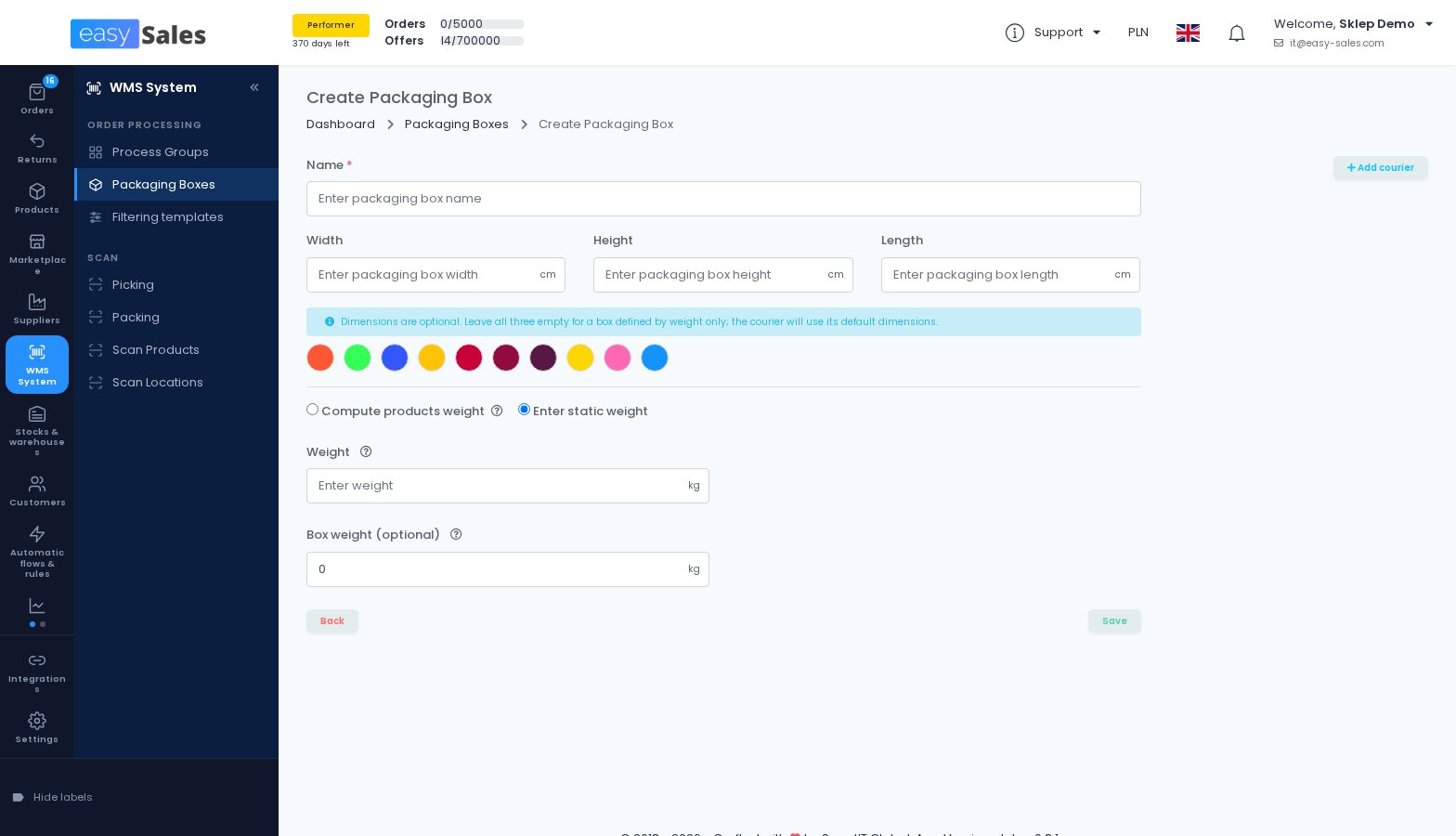
Packing can move each fully scanned product to the bottom of the list. A packaging box can be defined by weight only, and the courier then uses its default dimensions. When one crate holds several orders, the scan screens ask which order to open.
Where to find it: WMS System → Order Processing → Packaging Boxes
Flows and your team
Three changes to Flows, and one to your team.
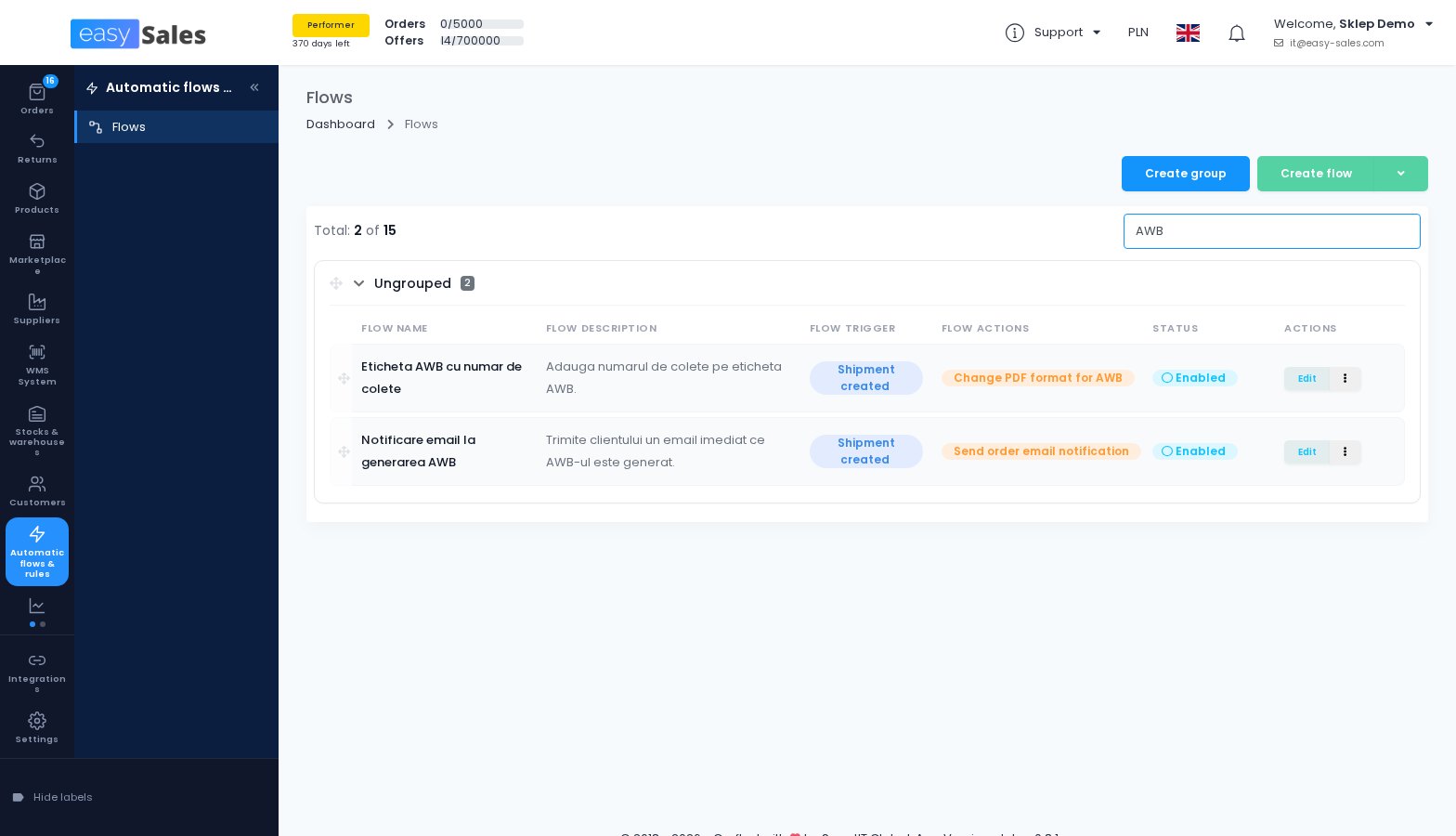
Find a flow by searching
The Flows list now has a search box that looks through names and descriptions across folders, and long names and descriptions are shown in full.
Where to find it: Automatic flows & rules → Flows
A flow can clear a custom status
The Change order custom status action can now remove an order's custom status, not only switch it to another one.
An order barcode on every label
The Change PDF format for AWB action can print a barcode of the easySales order ID on the label, so scanning the label at the packing station opens the order, whichever courier produced it.
Delete a team member added by mistake
You can now delete a team member who has no work recorded in your account. For anyone with history, use Revoke access instead, so their work keeps its name.
Where to find it: Settings → Account → My team