How to connect Foxpost with easySales: a complete setup guide
Connect Foxpost to easySales: the Webapi details from your Foxpost account, package size and label format, locker and home delivery, and the messages you may see on a label.
What connecting Foxpost gives you
Foxpost is a Hungarian parcel network that delivers to its FOXPOST parcel lockers and to the customer's door. Connected to easySales, it creates the shipping label for an order from the order list or the order page, puts Foxpost's tracking number on the order, sends it to the marketplace or shop the order came from and follows the delivery status.
Two things to know before you begin:
- A parcel goes to a locker only if the order carries a Foxpost locker. Quick create sends the parcel to the locker the customer chose. When the order has no Foxpost locker on it, the label is created for home delivery to the customer's address — with no error. For a locker order without a locker, create the label from the order page and choose the locker there.
- The phone number must be a Hungarian mobile number. Foxpost accepts only numbers such as +36301234567, with no spaces. easySales checks it before sending the label.
Before you start
A Foxpost business account
At foxpost.hu, where you find the API details under Beállítások.
The three Webapi values
Basic auth username, Basic auth password and API-key.
Hungarian phone numbers
Foxpost accepts only Hungarian mobile numbers starting with +36.
Step 1 — Copy your API details from Foxpost
- Log in to your business account at foxpost.hu and open Beállítások.
- At the top of the page, the Webapi információk block holds three values: Basic auth username, Basic auth password and API-key.
- If API-key is empty, press Új generálása to generate one. Copy all three values.
Step 2 — Connect Foxpost in easySales
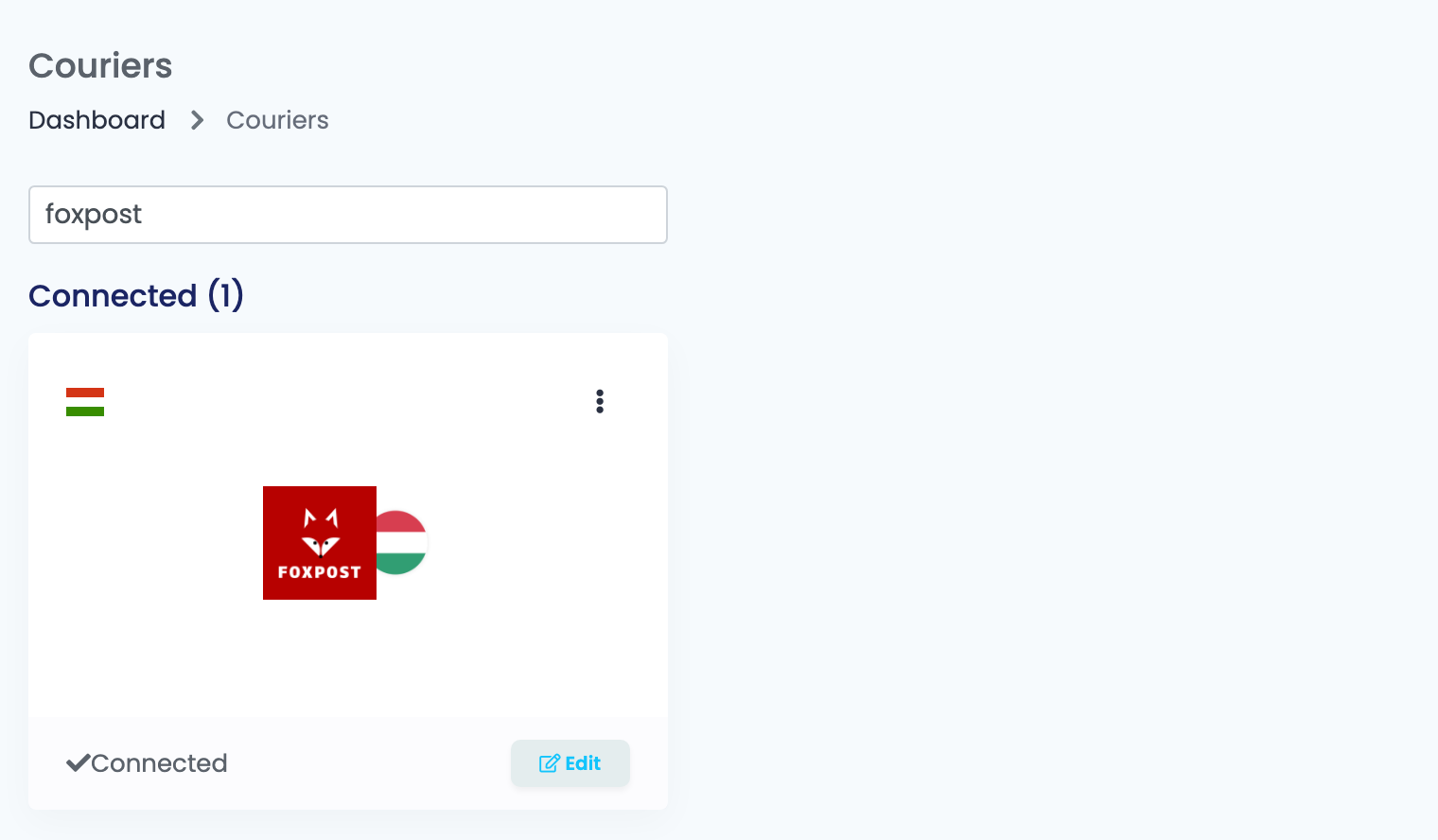
Go to Integrations → Couriers, search for foxpost and press Connect on the Foxpost card — or Edit, if you have connected it before.
Fill in the form:
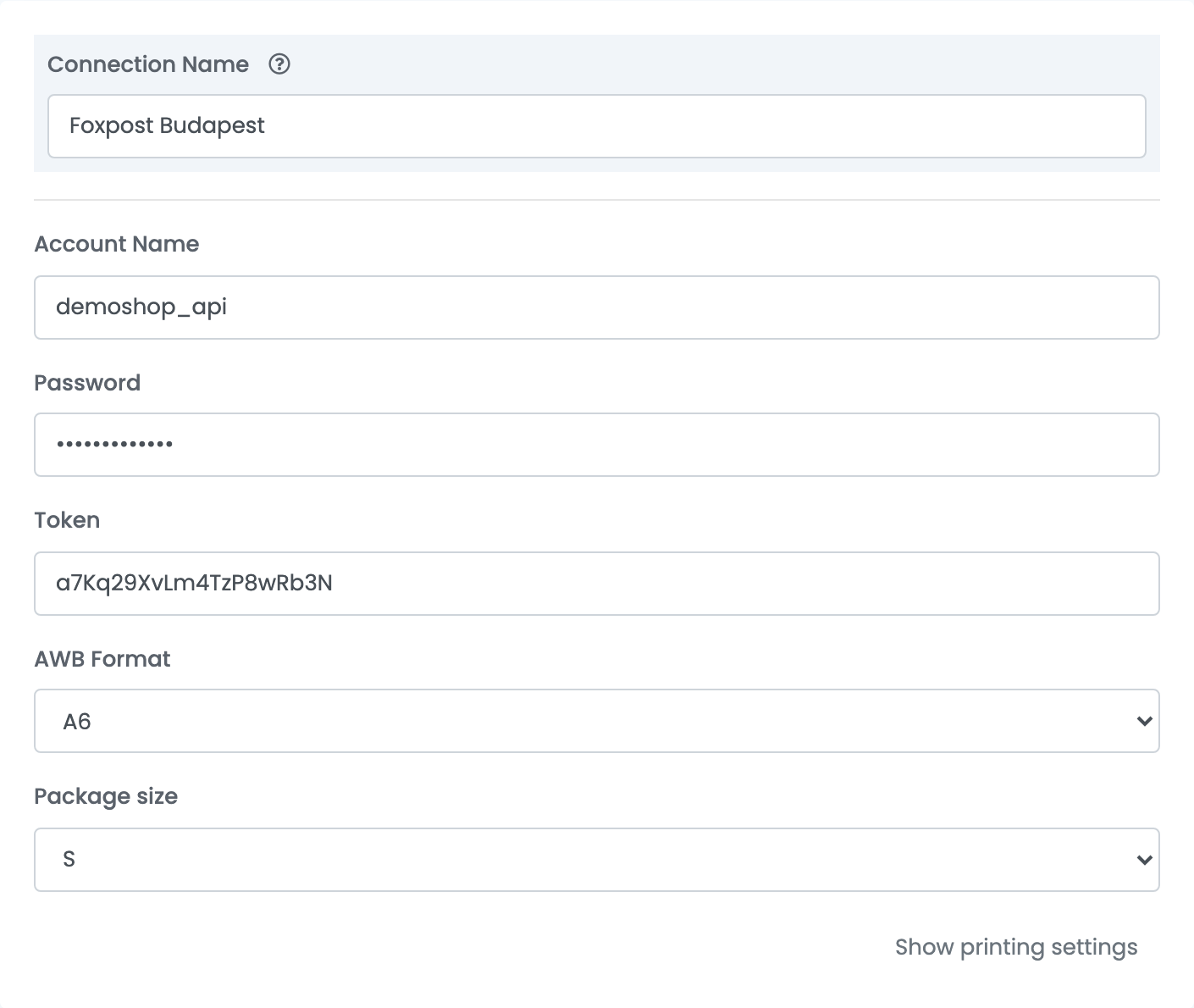
| Field | What goes in it |
|---|---|
| Connection Name |
A name you will recognise when choosing between connections, for example Foxpost Budapest.
|
| Account Name | The Basic auth username from Foxpost. |
| Password | The Basic auth password from Foxpost. |
| Token | The API-key from Foxpost. |
| AWB Format | The size of the label PDF: A5, A6, A7 or _85X85 (85 × 85 mm), to match your printer. |
| Package size | The Foxpost size of every parcel from this connection, XS to XL. For parcels of another size, make another connection. |
Press Save. easySales checks the Account Name and the Password with Foxpost: Account connected. means they are right, Invalid credentials. means one of them is wrong.
To ship with a second package size or from a second Foxpost account, add another connection: open the connection and press Clone, or choose Connect another courier account from the ⋮ menu on the Foxpost card.
Creating labels
- Quick create, from the order list, uses everything saved on the connection. Each label is one parcel of the connection's Package size. The parcel goes to the Foxpost locker on the order, or to the customer's address if the order has none.
- From the order page you can choose where the parcel goes — Lockers or Home Delivery under Choose delivery type — pick the locker under Choose locker or Search locker, and correct the customer's name, phone number, e-mail, street and city before you create the label.
Cash on delivery is added when the order is paid on delivery; the amount is the order total. On the order page you can add a cash-on-delivery amount to an order that is not paid on delivery, and mark a home-delivery parcel as fragile.
The order then carries Foxpost's tracking number, and its delivery status follows Foxpost's tracking.
When a label is refused
The reason is shown on the order. The ones you are most likely to see:
| Message | What to do |
|---|---|
| Phone number invalid. Must be a Hungary phone number starting with +36. | The customer's phone number is not a Hungarian mobile number in the form +36301234567. Correct it on the order, without spaces. |
| Failed to create AWB. Reason: CANT_BE_NULL | A field Foxpost requires is empty — most often the customer's name. Complete the order's delivery details. |
| Failed to create AWB. Reason: MAX_LENGTH | A field is longer than Foxpost allows, for example a city name over 25 characters. Shorten it on the order. |
| Failed to create AWB. Reason: INVALID_ZIP | The postal code is not a Hungarian four-digit postal code. Correct it in the order's delivery address. |
| Failed to create AWB. Reason: INVALID_EMAIL | The customer's e-mail address is not valid. Correct it on the order. |
| Failed to create AWB. Reason: INVALID_APM_ID | Foxpost does not recognise the locker. Create the label from the order page and pick the locker again. |