How order fulfillment works in easySales: outsourcing pick, pack and ship to a 3PL
Hand your orders off to a third-party logistics partner that picks, packs and ships them for you. Connect a fulfillment service, then send orders manually, in bulk or automatically with Fulfillment Rules — and let supported providers sync the warehouse status back to easySales.
As you grow, packing every order yourself stops scaling. Order fulfillment in easySales hands that work to a third-party logistics (3PL) partner: easySales sends the order to the partner, and the partner picks, packs and ships it from their own warehouse. You keep control of the order in easySales while someone else handles the physical fulfillment.
This guide explains what fulfillment means here, which providers are supported, how to connect one, the three ways to send an order, what happens after it leaves, and how to track it. By the end you'll know which provider does what, where each setting lives, and — most importantly — why two providers behave differently from the rest.
What order fulfillment means in easySales
Order fulfillment is outsourcing the physical handling of an order to an external logistics partner. Instead of picking items off your own shelves and packing the parcel yourself, you connect a fulfillment service, hand the order to it, and the partner's warehouse ships the goods to your customer.
That differs from doing it yourself — internal pick and pack, where your own team prepares the parcel — and from marketplace fulfillment programmes like eMAG FBE or Amazon FBA, where the marketplace stores and ships your stock. Those are separate concepts this feature doesn't cover. Here, you choose a logistics partner, connect your account with them, and route orders to them from inside easySales.
The result is a clean division of labour: easySales stays the home of the order — the customer, the items, the status — while the partner handles the warehouse work of locating items, packing them and dispatching the parcel. You decide which orders go to a partner and when, order by order or automatically, and the order stays visible throughout.
Supported fulfillment providers
easySales connects to a range of fulfillment partners — providers such as Huboxx, KLG, Linker, Fulfillment by FHB Group, Fulfill.ro, HelpShip, Metrica.bg, EuShipments and FanCourier. Each is a logistics company you hold an account with; you connect that account in easySales and then send orders to it. The exact list available to you appears on the Fulfillment services tab.
EuShipments
Deeper integration (multi-account) — connect several accounts, runs through the submission process, syncs status back, and uploads the order invoice to the warehouse.
FanCourier
Deeper integration (multi-account) — connect several accounts, runs through the submission process, and syncs status back.
Single-account providers
Huboxx, KLG, Linker, Fulfillment by FHB Group, Fulfill.ro, HelpShip and Metrica.bg — connect one account each and send orders manually, in bulk, or via Fulfillment Rules.
What matters most isn't the count of providers but a behavioural split — the single most important thing to grasp before you set anything up. Two of them — EuShipments and FanCourier — have a deeper integration: they are multi-account, run through a separate order-submission process, and sync the warehouse status back to easySales. Every other connectable provider uses the original, single-account flow. The next sections cover connecting each kind, but keep this split in mind from the start: it determines where a provider shows up in easySales and what it does once an order reaches it.
Connecting a fulfillment service
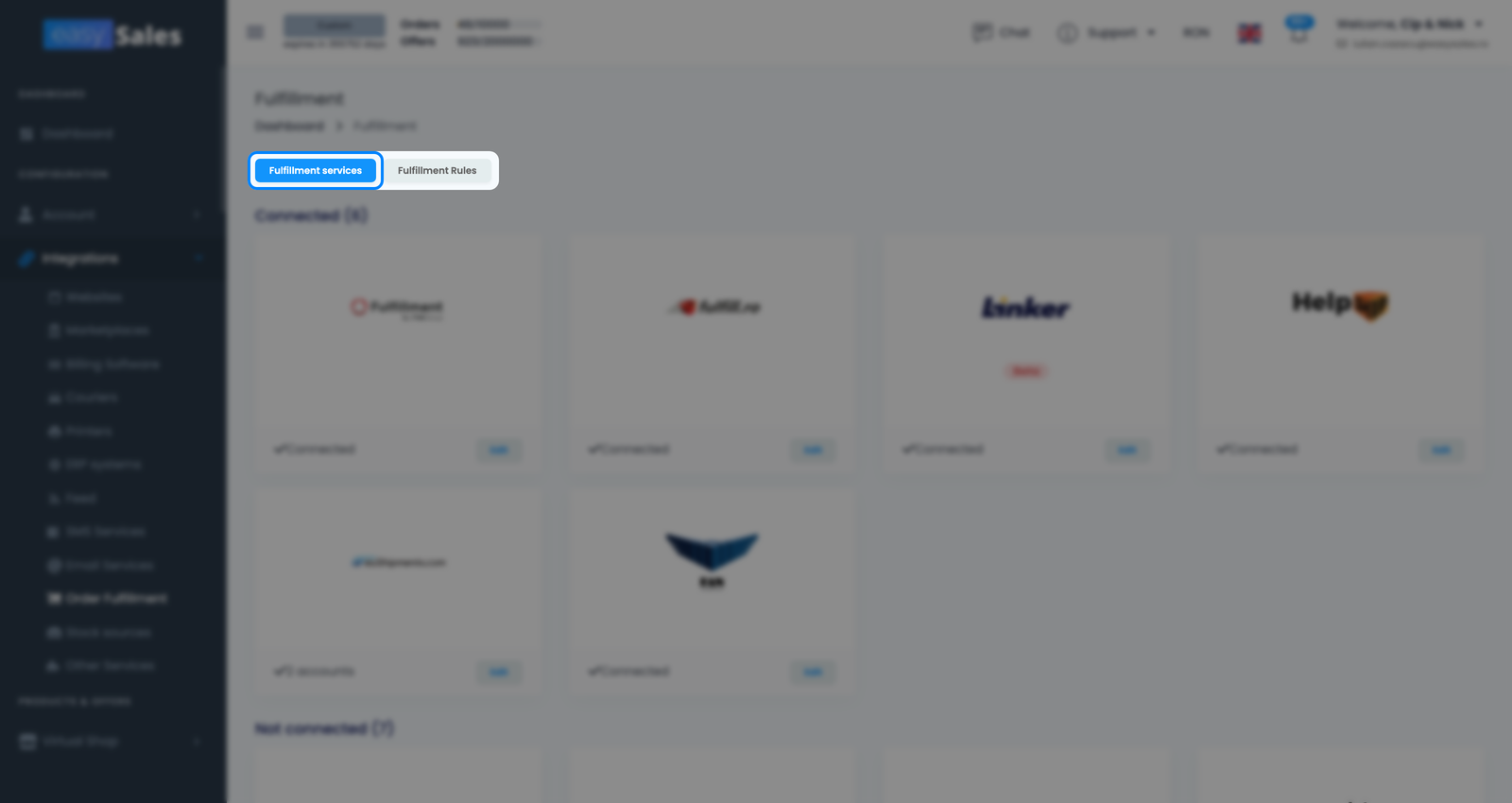
Fulfillment is configured from a dedicated settings area, opened from the sidebar under Integrations → Order Fulfillment, with two tabs. The Fulfillment services tab is where you connect and configure your provider accounts. The Fulfillment Rules tab is where you set up automatic routing — sending orders from chosen sales channels to a service without touching them by hand. Start with Fulfillment services.
Credentials and the connection test
To connect a provider, enter the credentials it gave you — the details that identify your account. easySales tests those credentials live against the provider before saving, so if something is wrong (a wrong key, an expired login) you find out immediately rather than when an order fails to send. A connection saves only once the provider accepts it.
Lean on that live check: a saved fulfillment service is a working one at the moment you saved it. If credentials change on the provider's side later — an account is rotated or expires — reconnecting runs them through the same test, so you always know the connection is good before routing orders through it.
Single-account vs multi-account providers
This is where the two groups matter. The single-account providers — every connectable partner except EuShipments and FanCourier (Huboxx, KLG, Linker, Fulfillment by FHB Group, Fulfill.ro, HelpShip and Metrica.bg) — follow the original fulfillment flow: you connect one account, then send orders to it manually, in bulk, or automatically through Fulfillment Rules.
The multi-account providers — EuShipments and FanCourier — have the deeper integration. You can connect more than one account per provider, orders run through a separate submission process, and both sync the fulfillment status back to easySales (EuShipments also uploads the order's invoice to the partner's warehouse). Because they work through that process rather than the original flow, they are deliberately not offered in the order dropdown, in Fulfillment Rules, or in the bulk action. This is the most common source of confusion: if you connected EuShipments or FanCourier and can't find it in the send-to-fulfillment dropdown, that's expected — those providers are driven through the submission process, not the order selector.
| Single-account (all other providers) | Deeper integration / multi-account (EuShipments / FanCourier) | |
|---|---|---|
| Multiple accounts per provider | No — one account | Yes — several accounts |
| Status synced back to easySales | No | Yes |
| Invoice uploaded to the warehouse | No | EuShipments only, when the order has an invoice |
| Available in the order dropdown, bulk and Fulfillment Rules | Yes | No — driven through the submission process |
Sending orders to fulfillment
Once a service is connected, there are three ways to get an order to it.
Manually from an order
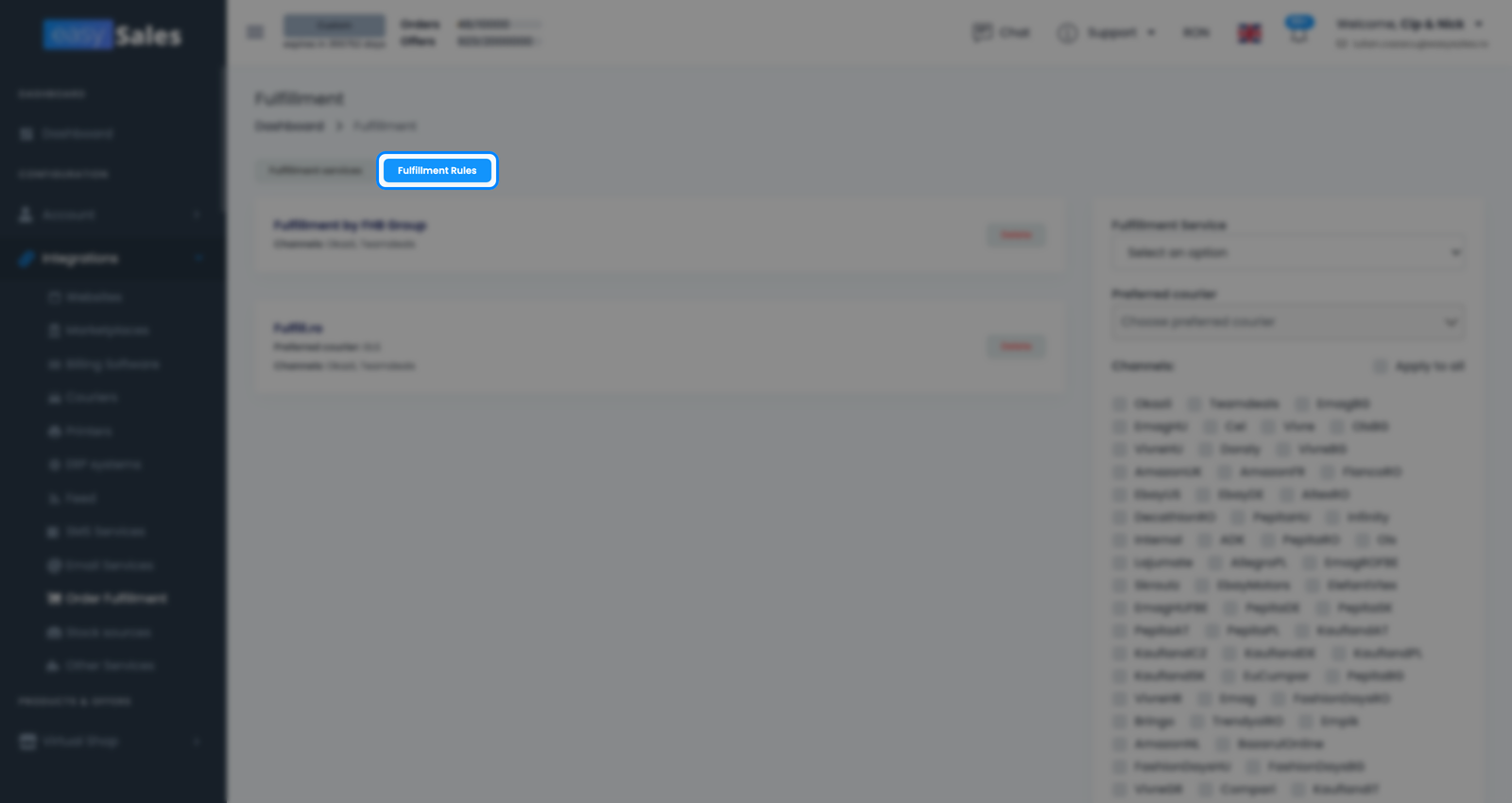
Open an individual order and send it to a connected fulfillment service from there. This is the simplest path — useful when only some orders go to a partner, or when you want to decide order by order. The single-account providers appear in the service selector on the order.
In bulk
Select several orders at once and send them to a fulfillment service in one action with Bulk fulfillment, instead of opening each order. This is the fastest way to clear a batch that all goes to the same single-account service.
Automatically with Fulfillment Rules
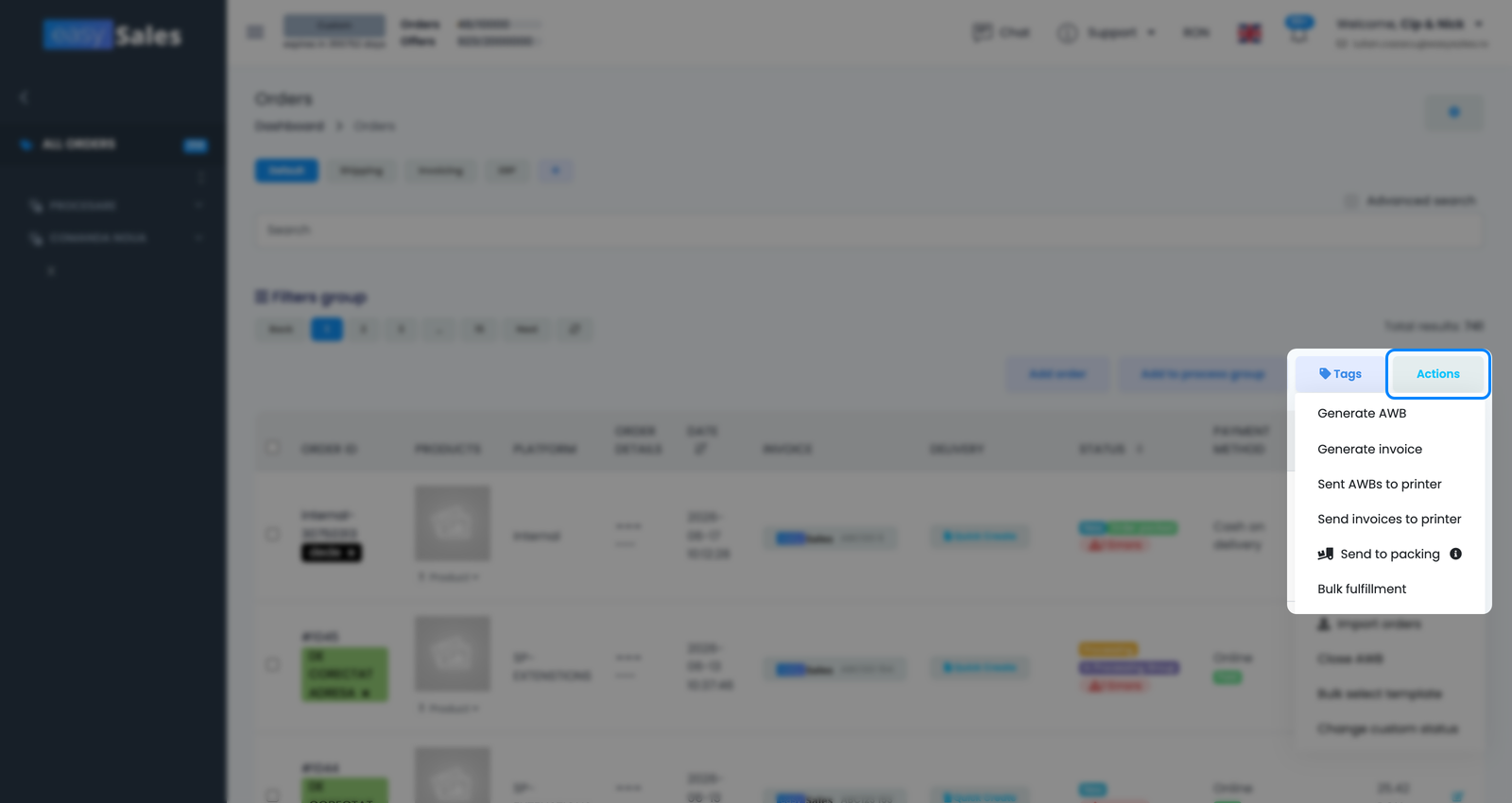
Fulfillment Rules remove the manual step entirely. On the Fulfillment Rules tab you map a sales channel to a fulfillment service — for example, "every order from this channel goes to this service." From then on, qualifying orders are routed automatically as they come in, with no action from you. Rules work with the single-account providers; multi-account providers are handled through the submission process instead.
Reach for this once a fulfillment arrangement is settled: if a sales channel always ships through the same partner, a rule means you never think about those orders again. Keep using the manual and bulk options alongside rules for orders that don't fit a fixed pattern — automatic routing and hands-on sending coexist.
What happens after an order is sent
Sending an order to fulfillment changes how easySales tracks it.
Status change. When an order is sent to a fulfillment service its status moves to Processing and the fulfillment service is assigned to it, so you can tell which orders are now with a partner. Orders that are already finalized (Canceled, Completed or Return) keep their status rather than have it overwritten, so you don't lose where they sat in your own flow.
Invoice upload. For EuShipments, if the order already has an invoice, easySales uploads it to the partner's warehouse system along with the order, so the partner ships with the right paperwork. The other providers don't receive an uploaded invoice this way.
Status sync-back. EuShipments and FanCourier are the general-purpose 3PL providers that sync the fulfillment status back into easySales, so the order's progress in their warehouse appears automatically on your side. The single-account providers — Huboxx, KLG and Linker — do not sync status back; with those, easySales records that the order was sent but receives no ongoing warehouse updates.
Cancellation. Whether cancelling an order in easySales also tells the partner's warehouse to stop is provider-specific. Some providers receive the cancellation; others don't, so an order you cancelled could still ship if it was already in the partner's pipeline. If a cancelled order matters, confirm directly with the provider that it has been stopped.
Together, these behaviours explain why the choice of provider matters beyond who ships the parcel. A multi-account provider gives a richer two-way picture — the warehouse status flows back (and with EuShipments the invoice travels with the order) — whereas a single-account handover is one-directional: easySales tells the partner to ship, and after that you rely on the partner's own systems. Neither is wrong; they suit different setups, and knowing which you use saves you from expecting updates that never arrive.
Tracking fulfilled orders
A sent order doesn't get its own dedicated status, so you don't track fulfilled orders by status — you track them by fulfillment service. In the Orders list, filter on the Fulfillment service field to see every order currently routed to a partner (and narrow it to one specific provider). For EuShipments and FanCourier, the synced-back status keeps each order's progress current as the warehouse works through it. For the single-account providers, the filter tells you the order was handed off; confirm progress with the provider directly, since they don't report back into easySales.
In daily use, that Fulfillment service filter turns your orders list into a fulfillment dashboard: it separates what is still in your hands from what is already with a partner, and for EuShipments and FanCourier the order's status keeps moving as the warehouse acts. If you need certainty on a single order with a single-account provider — say a customer is chasing a delivery — the order confirms it was sent, and the provider's own tracking fills in the rest.