How to connect Base Courier with easySales: a complete setup guide
Ship with InPost, DPD, DHL and more through Base Courier and easySales: login e-mail and API key, one carrier per connection, Skarbonka payment, pickup hours and labels.
What connecting Base Courier gives you
Base Courier, formerly BL Paczka, is a Polish shipping platform: one Base Courier account gives you many carriers — InPost lockers and courier, DPD, DHL, GLS, Poczta Polska, Orlen Paczka, UPS, FedEx and others. With Base Courier connected, easySales creates the shipments for your orders through your Base Courier account and puts the AWB on the order; Base Courier hands each parcel to the carrier.
Three things to know before you begin:
- Every label is paid from your Base Courier account. By default from your prepaid balance, the Skarbonka. Keep it topped up, or switch the connection to deferred payment if Base Courier has agreed it with you.
- One connection is one carrier. The carrier belongs to the connection and goes on every label it creates. To ship with a second carrier, add a second connection.
- Save appears only after Get Details. easySales first checks your login with Base Courier, then shows the rest of the form.
Before you start
A Base Courier account
With the carriers you want to ship with.
Your Base Courier API key
Generated in the Base Courier panel under Konto → Edytuj dane → Konfiguracja API.
A way to pay for labels
Funds in your Skarbonka, or deferred payment agreed with Base Courier.
Your address in Poland
Where parcels are collected or dropped off from.
Step 1 — Your login e-mail and API key
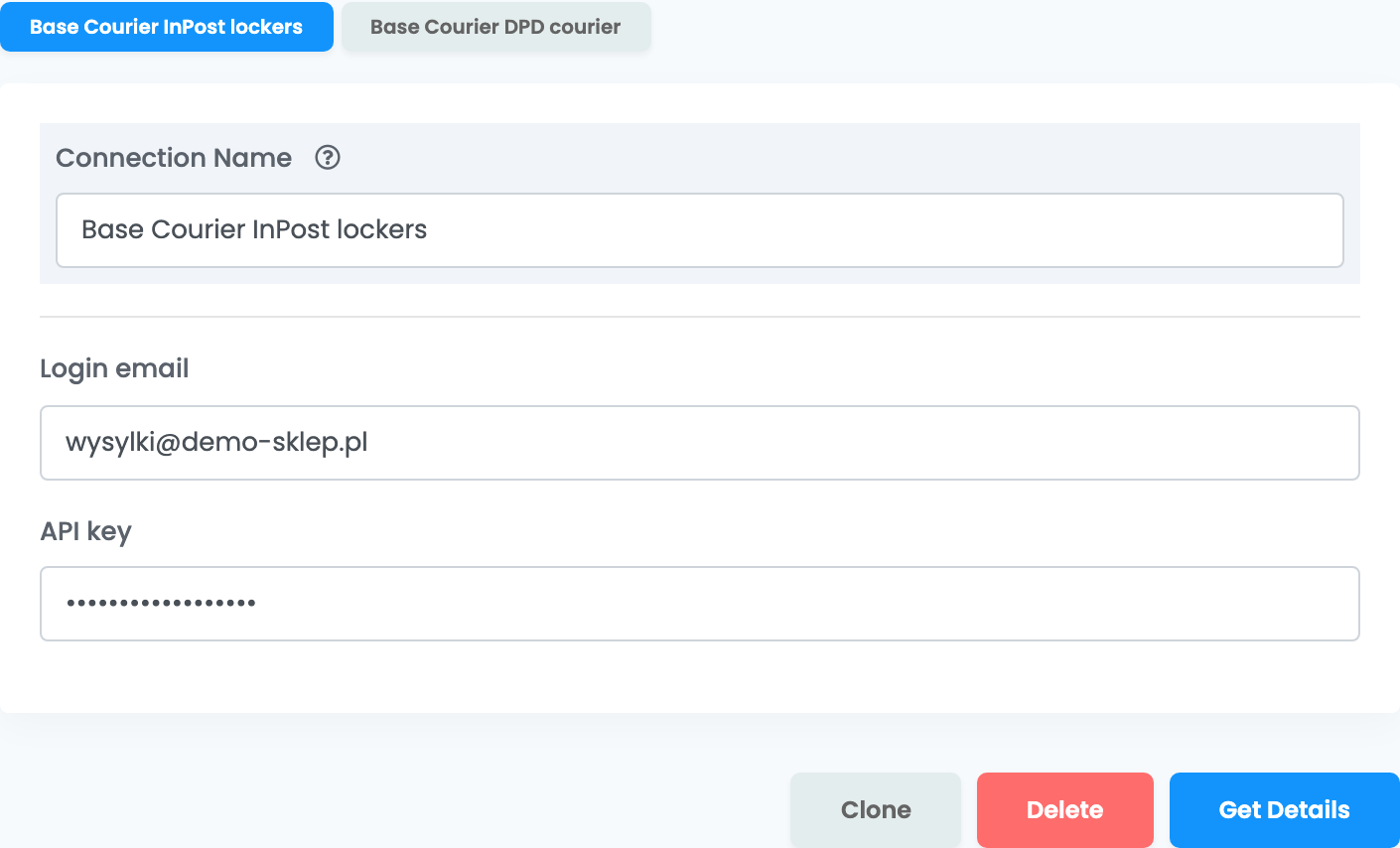
Go to Integrations → Couriers, search for basecourier and press Connect on the Base Courier card. Enter a Connection Name you will recognise, the Login email you use for your Base Courier account and the API key, then press Get Details.
To generate the API key, log in to the Base Courier panel and open Konto → Edytuj dane. In the Konfiguracja API section, press Generuj klucz: the key is created and copied to your clipboard, ready to paste.
When you open a saved connection later, press Get Details again — Save only appears after it.
Step 2 — Carrier, label format and payment
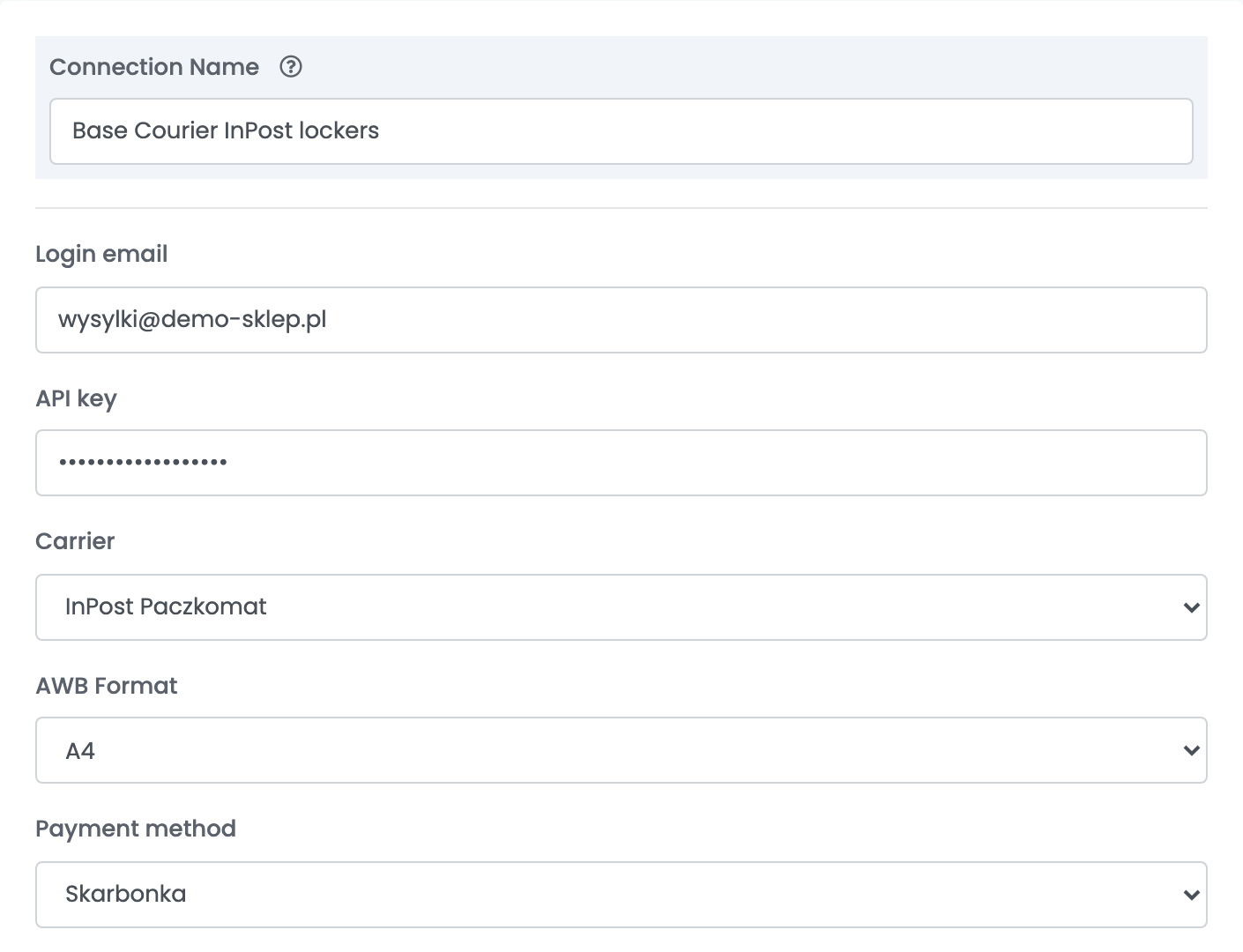
| Field | What goes in it |
|---|---|
| Carrier | The carrier this connection ships with — for example InPost Paczkomat for lockers or DPD for courier deliveries. The list holds Base Courier's whole catalogue: choose a carrier your Base Courier account can use. GLS needs a separate account, which Base Courier support sets up for you. |
| AWB Format | A4 for an office printer as PDF, LBL for a label printer, ZPL or EPL for thermal printers that use those languages. |
| Payment method | Skarbonka — labels are paid from your prepaid balance. Płatność odroczona — deferred payment, only when Base Courier has agreed it on your account. Base Courier names both options in Polish. |
Step 3 — Your address and pickup hours
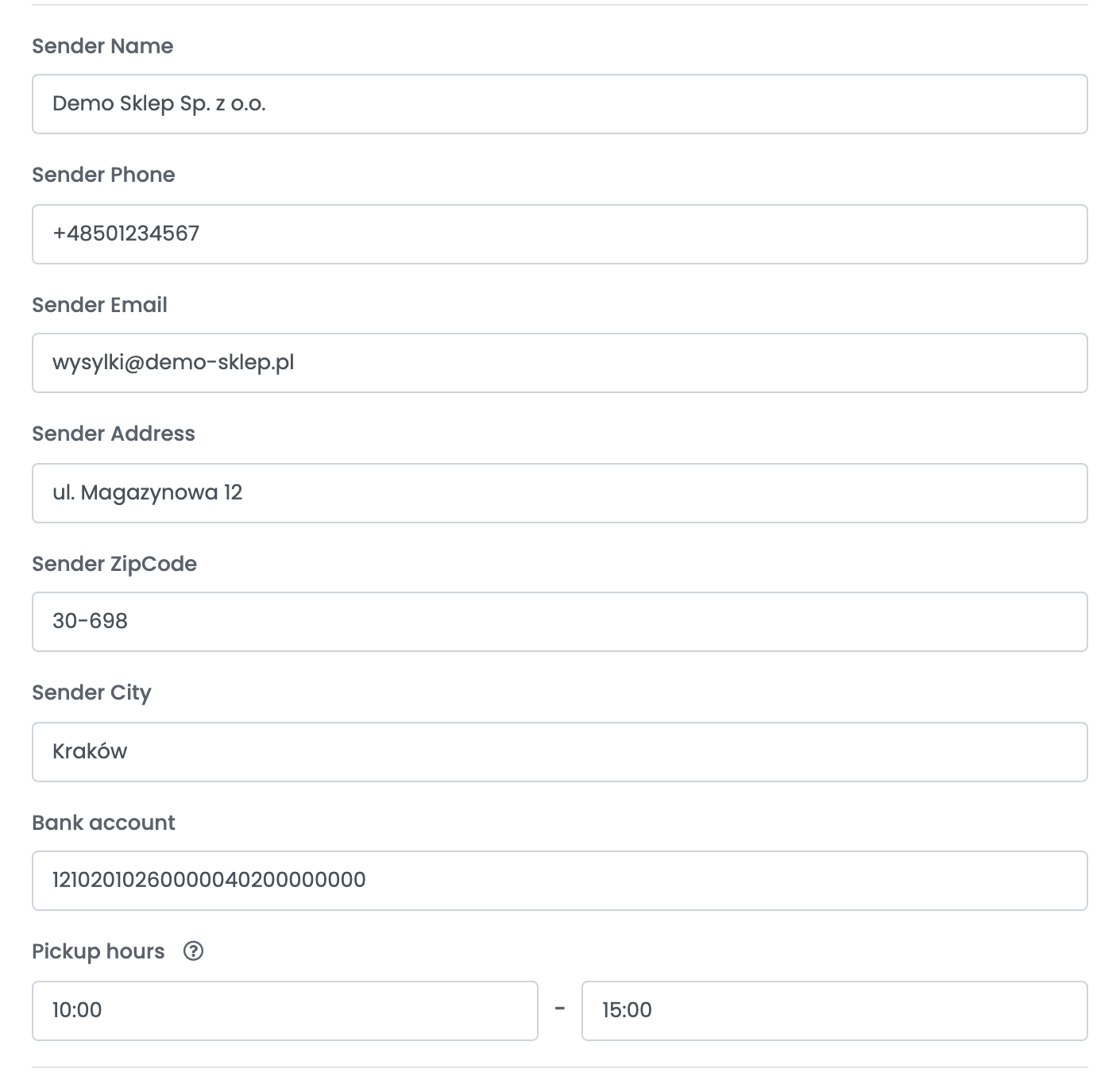
| Field | What goes in it |
|---|---|
| Sender Name, Sender Phone, Sender Email | Your company and the contact for your shipments. |
| Sender Address |
Street and house number in one field — for example ul. Magazynowa 12.
|
| Sender ZipCode, Sender City | Your address in Poland, where parcels are collected or dropped off from. |
| Bank account | The account Base Courier pays your cash-on-delivery amounts to. |
| Pickup hours | When the courier can collect from your address, as HH:MM — for example 10:00 to 15:00. Left empty, the collection window is 09:00 to 16:00. |
Below the address, the Notes template is the description of the parcel's content that goes with the shipment, and Send shipment to marketplace/website set to Yes sends the AWB to the marketplace or shop the order came from.
Press Save. To ship with another carrier, open the connection, press Clone and choose the other carrier in the copy.
Creating labels
- Quick create: in the orders list, choose Quick Create → Base Courier in the AWB column. The label is created with the connection's carrier and the order's weight — 1 kg when the products have none. Orders paid on delivery go out with the order total as cash on delivery, and an order whose buyer chose a pickup point goes to that point.
- From the order: in the order's Awbs section, press Create AWB and choose the Base Courier connection. You can change the weight, the number of parcels, their sizes and the cash-on-delivery amount, pick a pickup point, and add Base Courier services such as Send on Saturday or No pickup (drop-off only).
The parcel's value is declared as the value of the products in the order, VAT included — never less than the cash-on-delivery amount.
Deleting the AWB on the order cancels the shipment at Base Courier. A parcel that has already been delivered cannot be cancelled.
Allegro Smart orders
For Allegro Smart orders, use a connection whose carrier is one of the Allegro Smart services — InPost Paczkomat Allegro Smart, DPD Allegro Smart, Allegro Smart Poczta or Allegro Smart eCommerce. These shipments go out without cash on delivery and without a declared value. When the AWB is sent to Allegro, the buyer sees the actual carrier.
When something does not work
| Message | What to do |
|---|---|
| Invalid API credentials | Check the Login email and the API key. If in doubt, generate a new key in the Base Courier panel and paste it in. |
| Insufficient funds in your BLPaczka prepaid balance (Skarbonka). Top up the balance or change the payment method in the Base.Courier integration settings. | Top up your Skarbonka in the Base Courier panel, or switch the connection to Płatność odroczona if Base Courier has agreed deferred payment with you. |
| Zablokowane usługi z powodu niezapłaconych faktur | Base Courier has blocked your account over unpaid invoices. Pay them in the Base Courier panel, then create the label again. |
| For InPost Paczkomaty a pickup point ID is required | The order has no locker. Create the label from the order and pick a locker, or ship it with a courier connection. |
| This parcel is not part of the Allegro Smart offer and cannot be handled by it | The parcel does not qualify for Allegro Smart. Ship it with a connection that uses a regular carrier. |
| Nie można anulować dostarczonej przesyłki | The parcel has already been delivered, so it can no longer be cancelled. |